
Reference-aware fidelity
In Buble, Image to Image accepts one to sixteen references so a product, person, material, or composition has a visual anchor.
Use ChatGPT Images 2.5 on Buble when a visual brief needs more than a loose idea. Start with Flare for quick, high-quality exploration, or choose Sunburst when a campaign asset, product visual, or reference-led edit needs tighter control. The Buble generator exposes the image inputs, quality, aspect ratio, resolution, output format, background, and moderation choices that its configured API workflow supports.
These independent Buble runs show product, fashion, architecture, food, and illustrated work from a well-scoped image brief. Every result below was generated with ChatGPT Images 2.5 Flare at 1K, not supplied as stock artwork.
Buble prompt
Sculptural cobalt-blue fragrance bottle above rippling water, chrome reflections, condensation, and early-morning window light.
What Changes
ChatGPT Images 2.5 contains two API models, and Buble keeps that choice visible. The shared goal is more dependable work when a brief contains a subject, edit, or layout that must not drift.
In Buble, Image to Image accepts one to sixteen references so a product, person, material, or composition has a visual anchor.
Name what must stay stable and what must change: wardrobe, background, material, color, or campaign context.
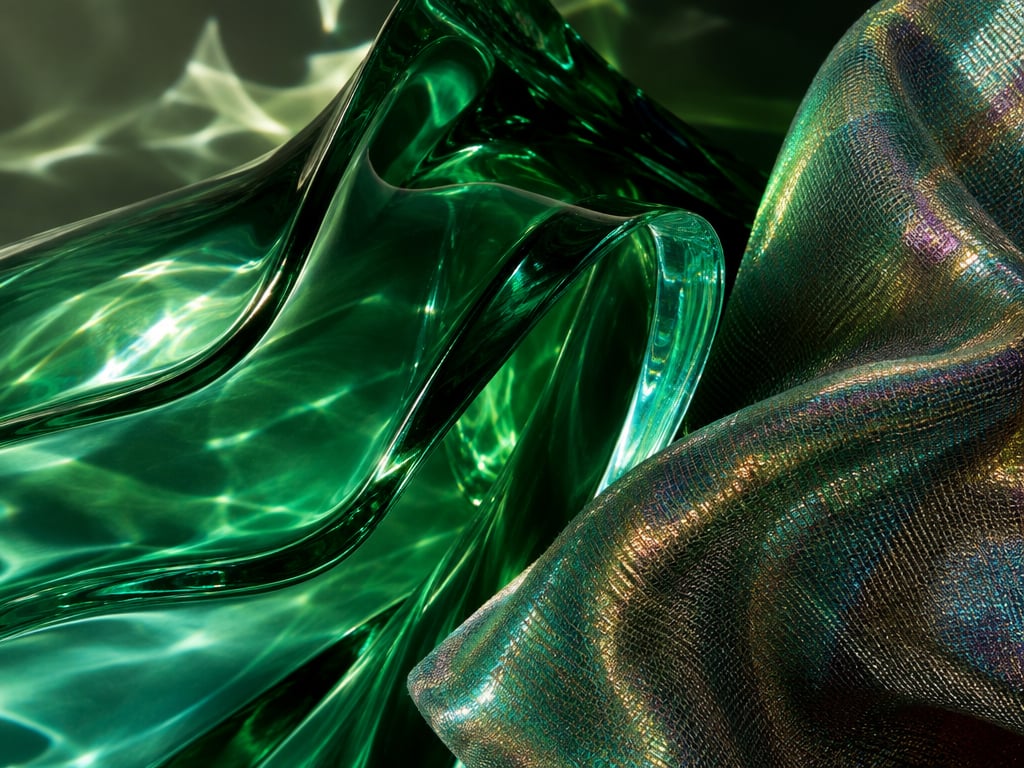
Treat sharper detail, richer texture, and natural light as review targets, not guarantees. Inspect text, logos, edges, hands, geometry, and claims.
Use clear production constraints when a prompt combines subject, composition, style, lighting, hierarchy, and exclusions.
Buble does not expose ChatGPT conversation tools; use a strong result as the next reference and restate what must survive.
Buble supports automatic, opaque, and transparent backgrounds with PNG, JPEG, and WebP; transparent JPEG is blocked before submission.
Choose A Variant
Choose by job. Both variants generate and edit from text and references; Flare is the rapid default, while Sunburst prioritizes careful edits over speed.
| Decision point | Flare | Sunburst |
|---|---|---|
| Primary role | Fast, high-quality everyday creation | Precision-led image generation and editing |
| Use it when | Quick social, product, search, or prototype iterations | Polished campaign creative or careful reference edits |
| Creative tradeoff | Prioritizes speed | Trades time for tighter edit control |
| Reference workflow | Anchored variations and high-volume directions | Small reference details need close review |
| Buble setting | Default ChatGPT Images 2.5 selection | Selectable in the same Buble model panel |
Production Workflow
Make review criteria visible before generation: define the asset, select the variant, add references when useful, and inspect against the original brief.
Step 01
Name the asset and channel so composition, crop, text-safe space, and review priorities are clear.
Step 02
Use Flare to test directions; move to Sunburst when a subject, layout, or constrained edit needs closer control.
Step 03
State the product, person, pose, layout, or brand anchor to preserve, then name the bounded change.
Step 04
Choose ratio, 1K/2K/4K, quality, count, format, background, and moderation. Transparent output requires PNG or WebP.
Step 05
Check identity, text, logos, geometry, seams, claims, and rights before treating a result as production-ready.
Where It Fits
Use ChatGPT Images 2.5 when visual quality and preservation rules both matter. Choose another route when a generic draft, unsupported custom dimensions, or a factual guarantee is required.
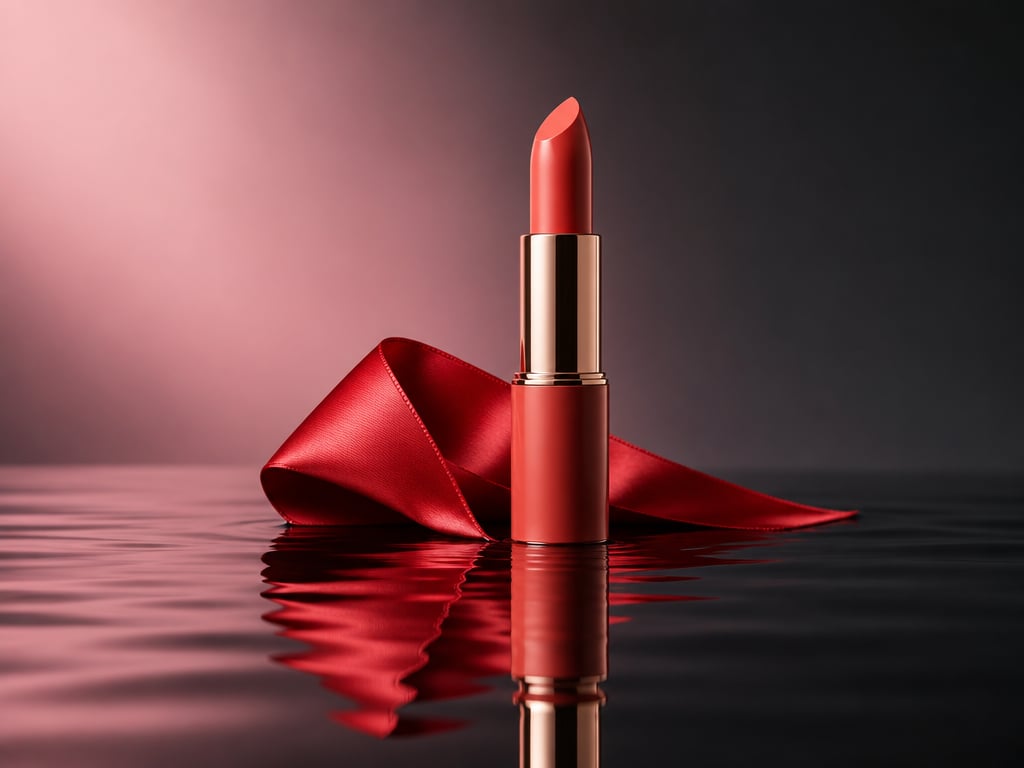
Keep silhouette and package hierarchy while changing setting, props, light, or campaign context.
Test campaign directions, then use the strongest result as a reference for a controlled follow-up.
Use Flare for creator portraits, social covers, thumbnails, and visual-search candidates.
Explain whether each reference controls subject, material, visual language, or composition.
Create presentation visuals that respect hierarchy, mood, and crop, then manually review text, data, and claims.
Use Sunburst for product detail, background replacement, wardrobe revision, or layout-sensitive scenes.
Buble Boundary
The ChatGPT product and API family overlap but are not the same interface. Buble exposes its configured API controls without claiming every ChatGPT feature.
FAQ
These answers separate OpenAI's ChatGPT product, the GPT Image 2.5 API variants, and the controls configured in Buble.
Create
Choose Flare for fast exploration or Sunburst for a careful edit, then write a clear preservation-and-change brief. Review every ChatGPT Images 2.5 result as a production asset.
Compare the broader AI Image Generator, reference-first Image to Image, and GPT Image 2.