





01
Product hero images
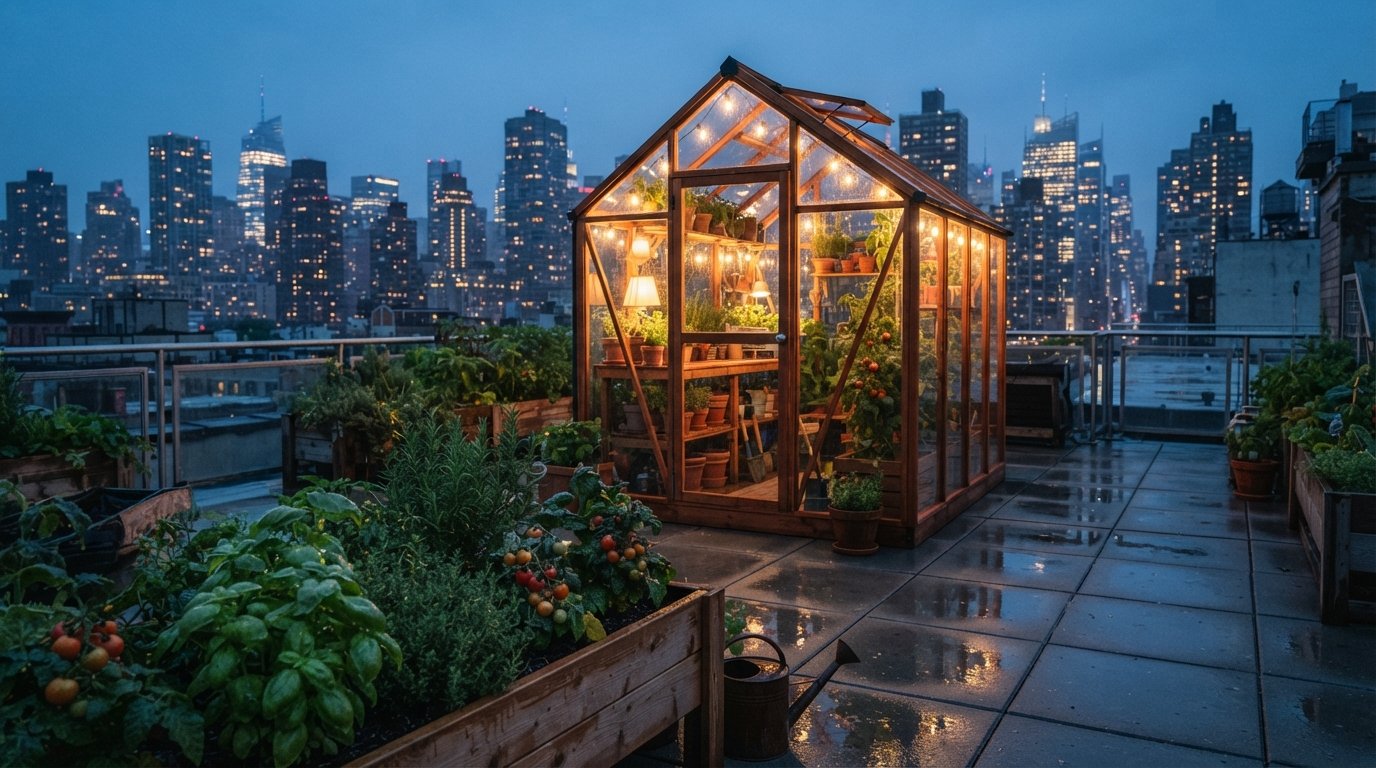
Create premium product visuals, studio-style renders, and landing page hero images without waiting for a full photo production cycle.
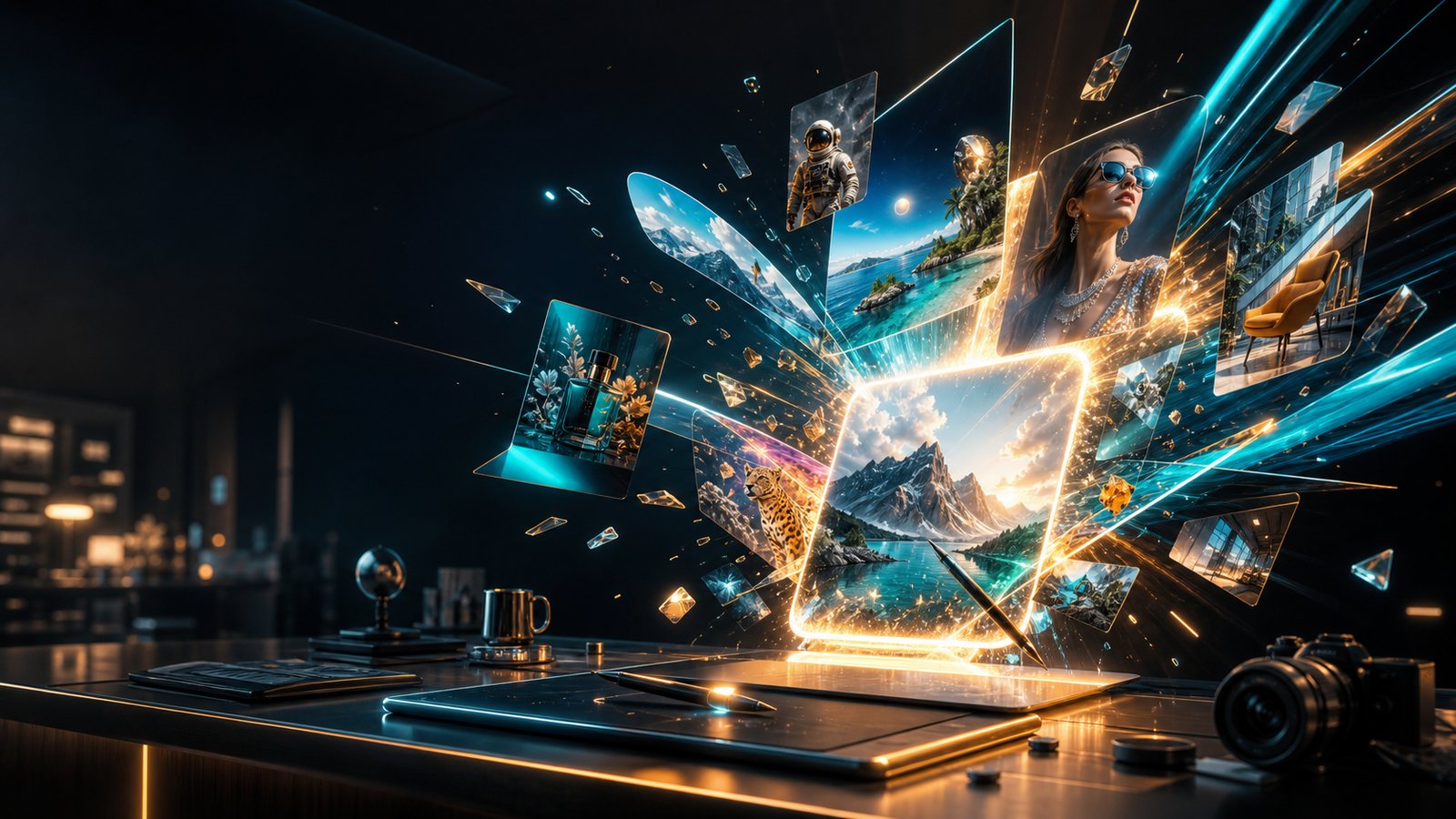
Use Buble to generate images from text, edit with references, compare leading image models, and turn creative briefs into product visuals, ad creatives, thumbnails, posters, and brand-ready assets in one workspace.
Model Lineup
Choose the right model for realism, reference control, text rendering, visual design, or fast iteration without rebuilding your workflow across separate tools.

Platform
Buble is built for image production workflows. Start with a prompt, add references when consistency matters, compare models without rewriting the brief, and refine the best result into a usable asset instead of stopping at a first draft.
Turn a creative brief into images by defining subject, composition, style, lighting, and output intent in plain language.
Upload product photos, character references, sketches, or brand assets to preserve what matters while changing the rest.
Test Nano Banana, GPT Image 2, Seedream 4.5, FLUX.2, and future models without rebuilding prompts or moving between tools.
Move from first draft to campaign visual, product image, poster, thumbnail, or concept board with fewer workflow breaks.
Workflow
The strongest image workflows do more than generate one picture. Buble combines prompts, references, model choice, comparison, and refinement in one repeatable flow.
Step 01
Define the subject, use case, composition, style, camera direction, lighting, brand context, and any required text before you generate.
Step 02
Pick the model based on the task — realism, editing control, typography, reference preservation, or fast concept iteration.
Step 03
Upload images when consistency matters and specify what should stay fixed versus what can change.
Step 04
Review outputs side by side, improve the prompt, switch models if needed, and edit the strongest result into a usable final asset.
Use Cases
Buble is useful when the output needs to become a real asset, not just an experiment. Teams use it for product visuals, ad creatives, thumbnails, posters, brand concepts, and reference-based edits.
Create premium product visuals, studio-style renders, and landing page hero images without waiting for a full photo production cycle.

Generate campaign concepts, social ads, seasonal variants, and A/B test visuals quickly across multiple styles and formats.

Upload a real product or source image, then change the background, materials, lighting, setting, or composition while keeping the product recognizable.

Produce YouTube thumbnails, blog covers, course illustrations, and social media entry visuals optimized for attention and clarity.

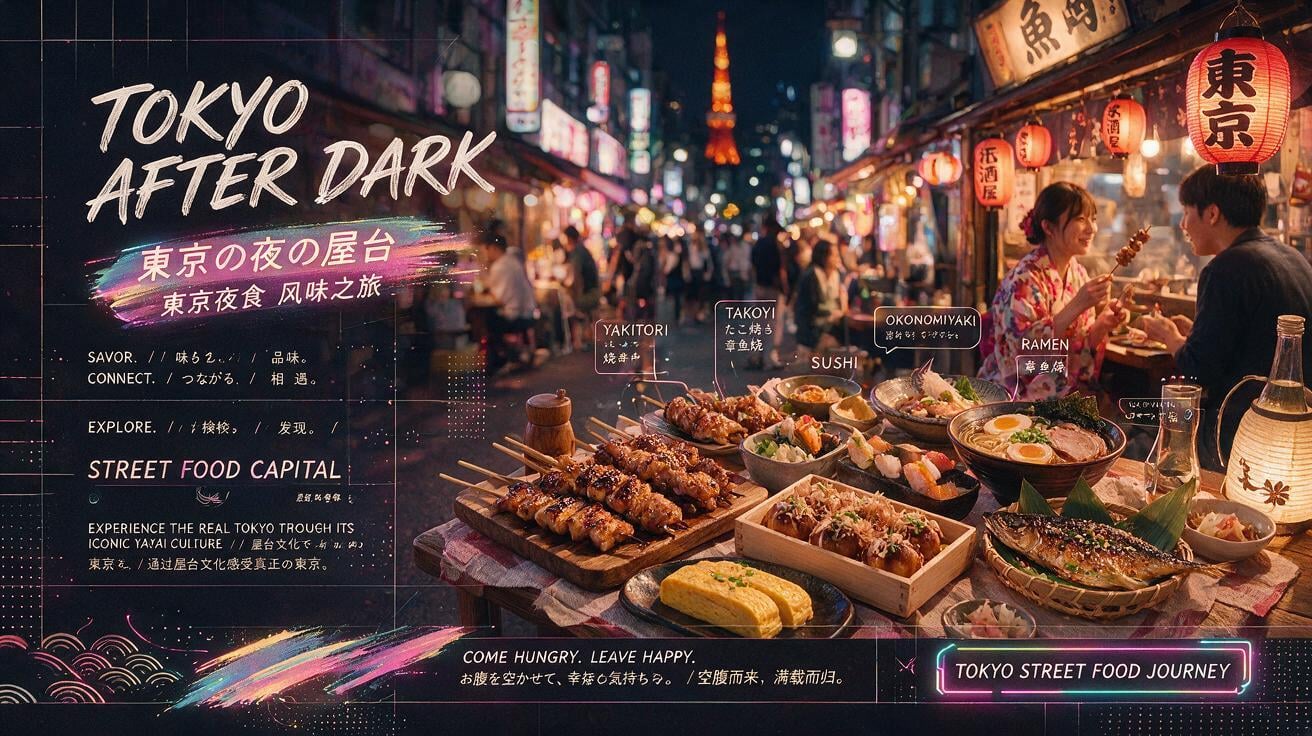
Explore poster directions, headline-led visuals, event graphics, packaging mockups, and design-first concepts that depend on layout discipline.

Generate character sheets, scene concepts, moodboards, and story visuals while preserving style direction across iterations.
Model Fit
The best AI image generator workflow is often a multi-model workflow. Use this table to decide which model fits ideation, reference editing, typography, photoreal detail, or open-weight production needs.
| Creative need | Nano Banana | GPT Image 2 | Seedream 4.5 | FLUX.2 |
|---|---|---|---|---|
| Fast concept exploration | Excellent | Strong | Strong | Strong |
| Reference-based image editing | Excellent | Excellent | Strong | Strong |
| Product marketing visuals | Strong | Excellent | Strong | Good |
| Poster and typography concepts | Good | Strong | Excellent | Good |
| Character consistency | Excellent | Strong | Strong | Strong |
| Open-weight production workflows | API-first | API-first | API-first | Best fit |

Creative Control
Better prompts are not just longer prompts. Buble works best when the brief is specific about output intent, composition, style, references, and what the model should preserve or change.
Specify whether the image should become a product hero, ad creative, thumbnail, poster, concept frame, or reference edit before you describe the scene.
Mention viewpoint, crop, focal feel, negative space, text area, and which elements must remain prominent or readable.
Use visual language such as editorial product photography, premium 3D render, flat design, cinematic lighting, or clean poster layout instead of vague adjectives.
After the first result, change one variable at a time — background, materials, lighting, crop, text, or pose — so iteration stays predictable.
Prompt Patterns
Use these prompt structures as repeatable starting points for product visuals, ad creatives, reference edits, thumbnails, posters, and character work.
Prompt: Create a premium landing page hero image for a new noise-canceling headphone, floating above a soft graphite background, studio lighting, subtle reflection, clean negative space on the left for headline text, 16:9.
Prompt: Design a bold social media cover about productivity systems for founders, high-contrast typography, simple geometric shapes, modern editorial style, clear title area, square format.
Prompt: Keep the subject, face, pose, and clothing from the uploaded photo. Replace the background with a warm coffee shop interior, add soft morning light, preserve realistic skin texture.
Prompt: Place this skincare bottle on a marble bathroom counter with dewy plants, natural window light, premium wellness mood, sharp product label, clean commercial photography.
Prompt: Create a character design sheet for a friendly robot barista, front view, side view, back view, expression set, consistent materials, white background, clear labels.
Prompt: Create a minimalist poster for an AI design conference, black and electric blue palette, readable headline, layered abstract neural shapes, clean grid, premium tech event style.
Why Buble
Buble is designed for teams and creators who need more than a single generation button. It combines prompt-based creation, reference editing, multi-model comparison, and repeatable image workflows in one consistent platform.
Generate from text, edit with references, compare outputs, and refine results without switching tools.
Choose models based on the actual task instead of forcing every request through one engine.
Preserve products, characters, layouts, or brand signals when consistency matters.
Compare outputs, revise prompts, and test new directions without rebuilding the workflow.
Create images that fit marketing, product, design, content, and storytelling workflows — not just inspiration boards.
As image models evolve, Buble keeps the workflow stable so your team does not need to relearn the whole stack.
FAQ
Answers for creators, marketers, designers, and teams evaluating Buble as an AI image production platform.
Start Creating
Write the brief, add references, compare leading image models, and turn the strongest result into a usable visual asset in one workspace.