
Text to Image
Create a new Seedream 5.0 Pro image from a natural-language prompt. Keep the prompt focused on subject, layout, text, material, camera, ratio, and usage context.
Seedream 5.0 Pro is ByteDance's professional image creation model for layouts, product visuals, multilingual design assets, and precise reference-guided edits. On Buble, Seedream 5.0 Pro is configured as a VIP image model with text-to-image, image-to-image, 1K/2K output controls, and APIMart task polling.
These showcase images were generated through the Buble API with the doubao/seedream-5-pro model. They cover information layouts, product hero images, multilingual campaign creative, material realism, reference-style editing concepts, and workflow visuals without reusing the same image.
Generation prompt
Generated with Seedream 5.0 Pro for an AI model launch layout: layered charts, readable headings, product thumbnails, timeline cards, and a polished SaaS visual system.
Capabilities
The strongest Seedream 5.0 Pro use cases are not random art prompts. They are structured creative jobs where image quality, layout, references, and review cycles all matter.
Seedream 5.0 Pro is designed for images that carry information: infographics, explainer visuals, data-heavy layouts, diagrams, and concept boards.
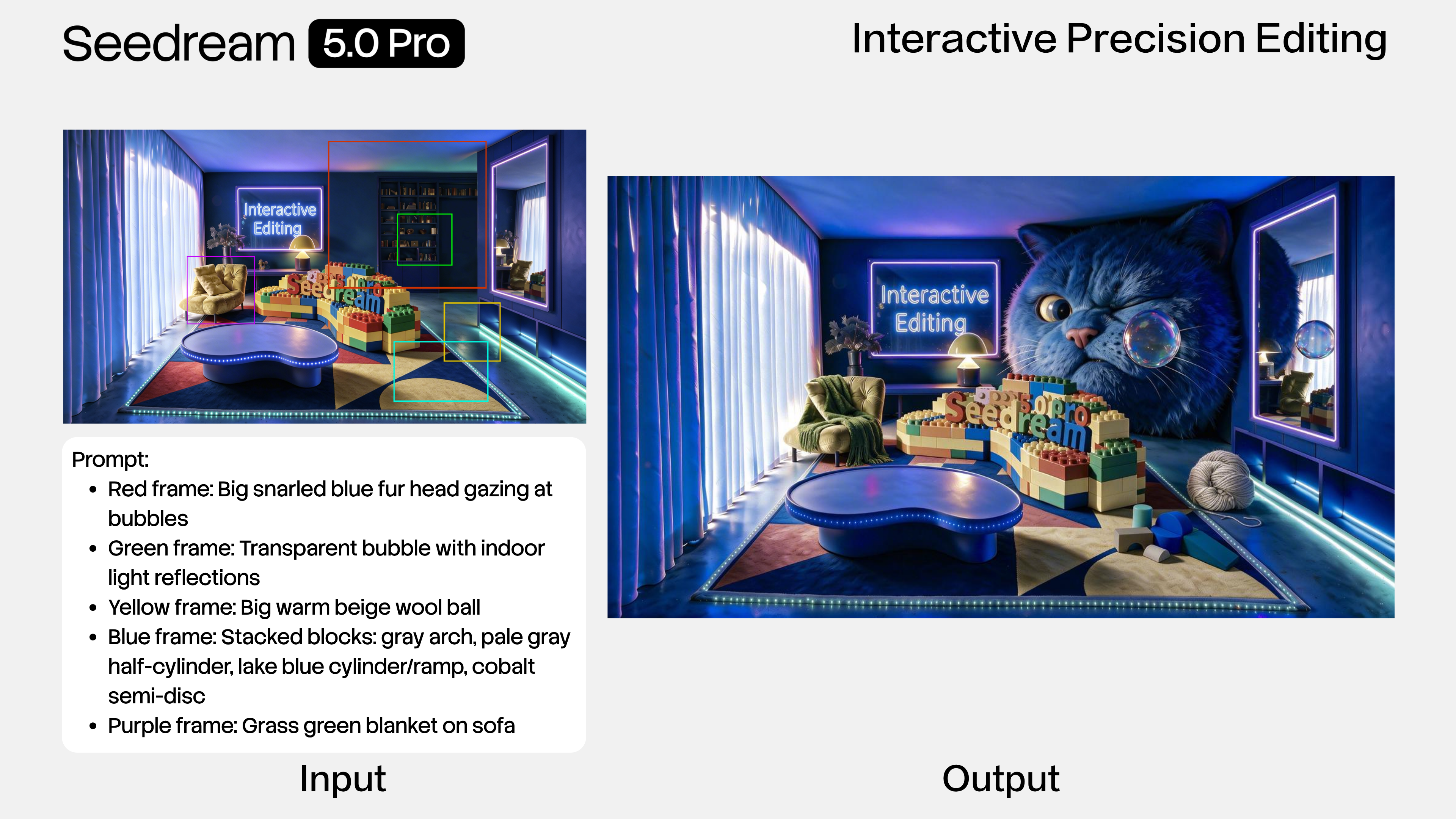
Use concise edit prompts with reference images when a product, person, layout, or material should stay recognizable while the scene changes.
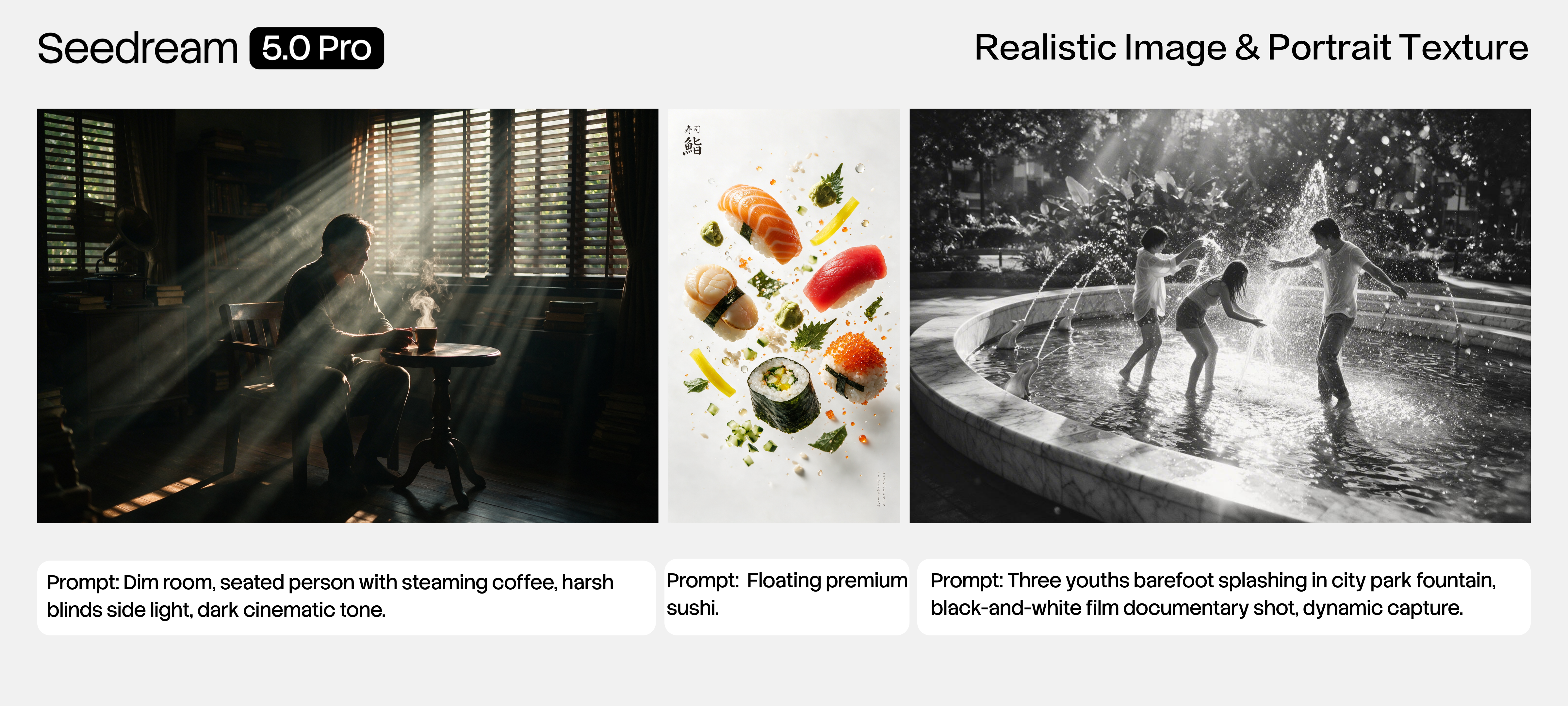
Seedream 5.0 Pro is a good fit for product surfaces, fabric, lighting, skin texture, and commercial realism where a rough draft is not enough.
ByteDance highlights multilingual input and generation, making Seedream 5.0 Pro especially relevant for localized brand and campaign work.
The APIMart Seedream 5.0 Pro endpoint generates one image per request, which fits quality-first image production better than batch sampling.
The current Buble configuration follows the APIMart reference for 1K and 2K resolution tiers, plus supported aspect ratios such as 1:1, 16:9, 9:16, 4:3, 3:4, 3:2, 2:3, 21:9, and auto.
Controls
Seedream 5.0 Pro is exposed through the same config-to-UI model system as the rest of Buble. The frontend renders supported options from the model JSON, while the backend uses the same config to validate inputs, build the APIMart request, poll status, enforce VIP access, and calculate credits.
Create a new Seedream 5.0 Pro image from a natural-language prompt. Keep the prompt focused on subject, layout, text, material, camera, ratio, and usage context.
Upload one to ten reference images and describe the change. Buble passes those references as APIMart image_urls for Seedream 5.0 Pro.
Choose 1K or 2K. The configured default is 2K because Seedream 5.0 Pro is aimed at professional visual production.
Choose the target canvas before generation: 1:1, 4:3, 3:4, 16:9, 9:16, 3:2, 2:3, 21:9, or auto.
The APIMart reference supports JPEG and PNG output formats. Buble keeps the option explicit so downstream workflows can choose the right delivery format.
Seedream 5.0 Pro is configured as a VIP-only model. The selector can display the model, but backend access checks enforce subscription requirements before generation.
Use Cases
Seedream 5.0 Pro is strongest when the output is meant to be reviewed, reused, localized, or passed into another creative workflow. It gives teams a stronger still-image layer before video, app, and campaign production.
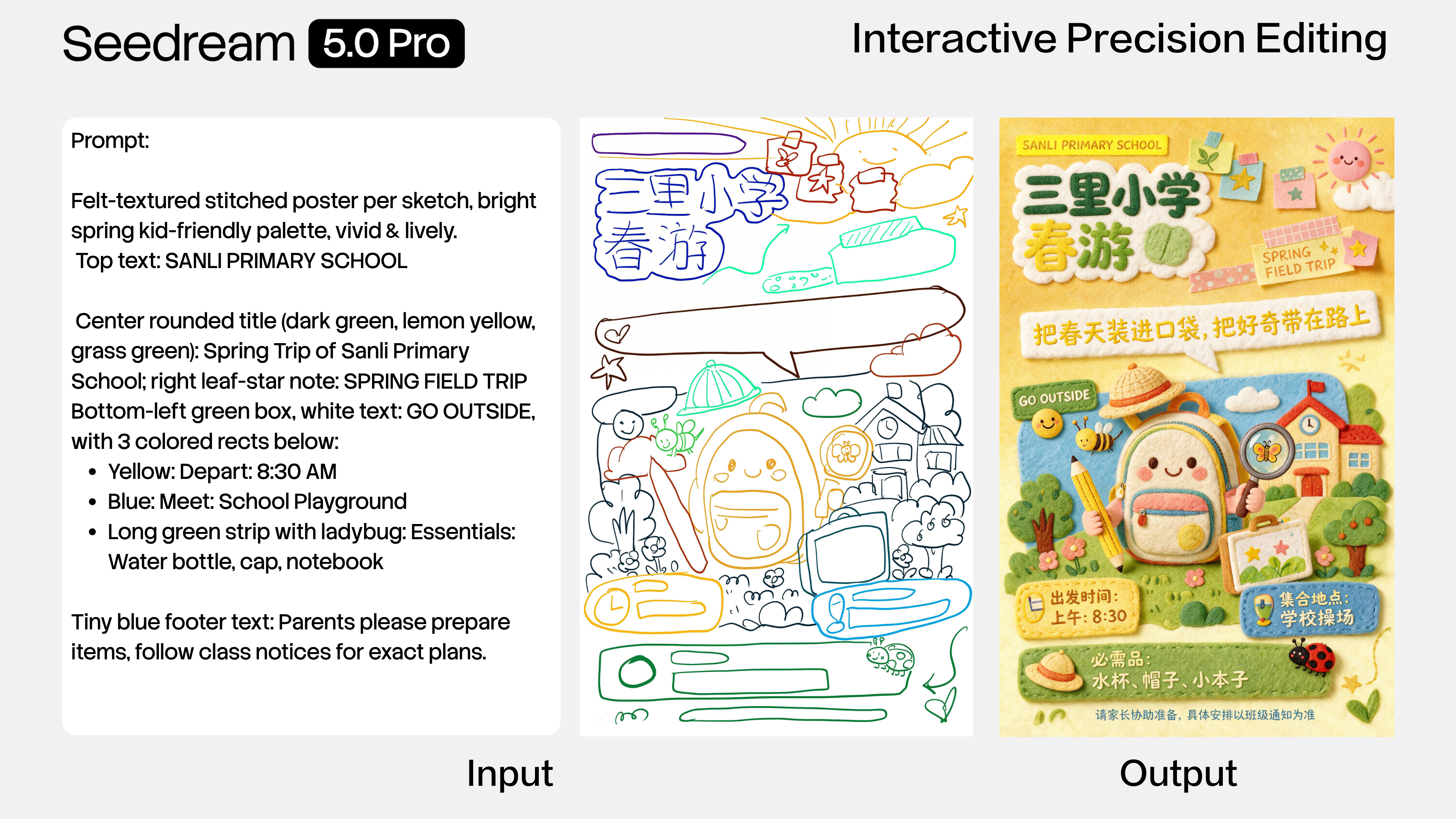
Create posters, campaign key art, launch graphics, and hero visuals where composition and text placement matter.
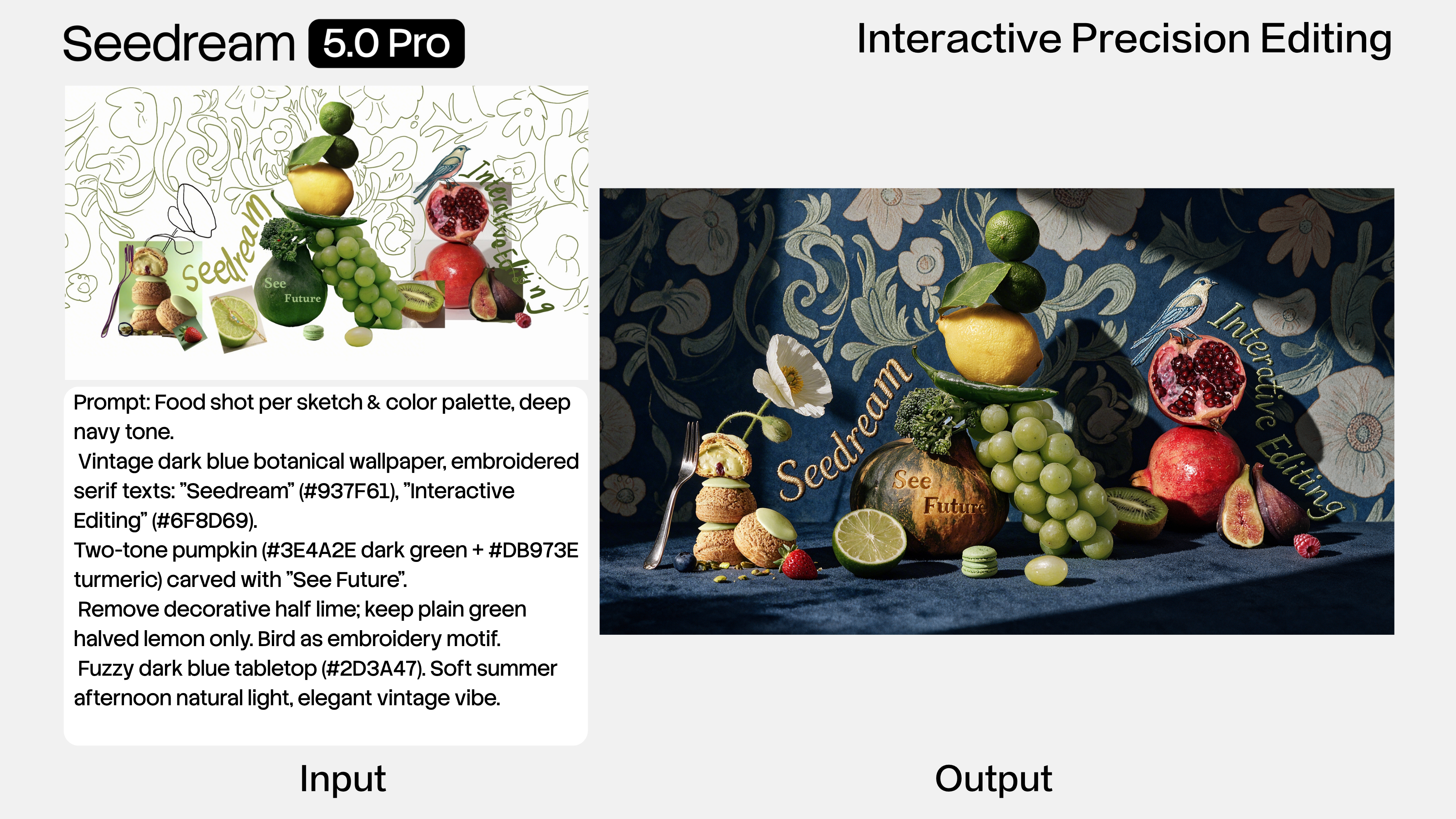
Use Seedream 5.0 Pro to test product scenes, material changes, packaging directions, ecommerce compositions, and hero image variants.
Use Seedream 5.0 Pro when a single visual must combine text, charts, icons, and scene context into one clear explanation.
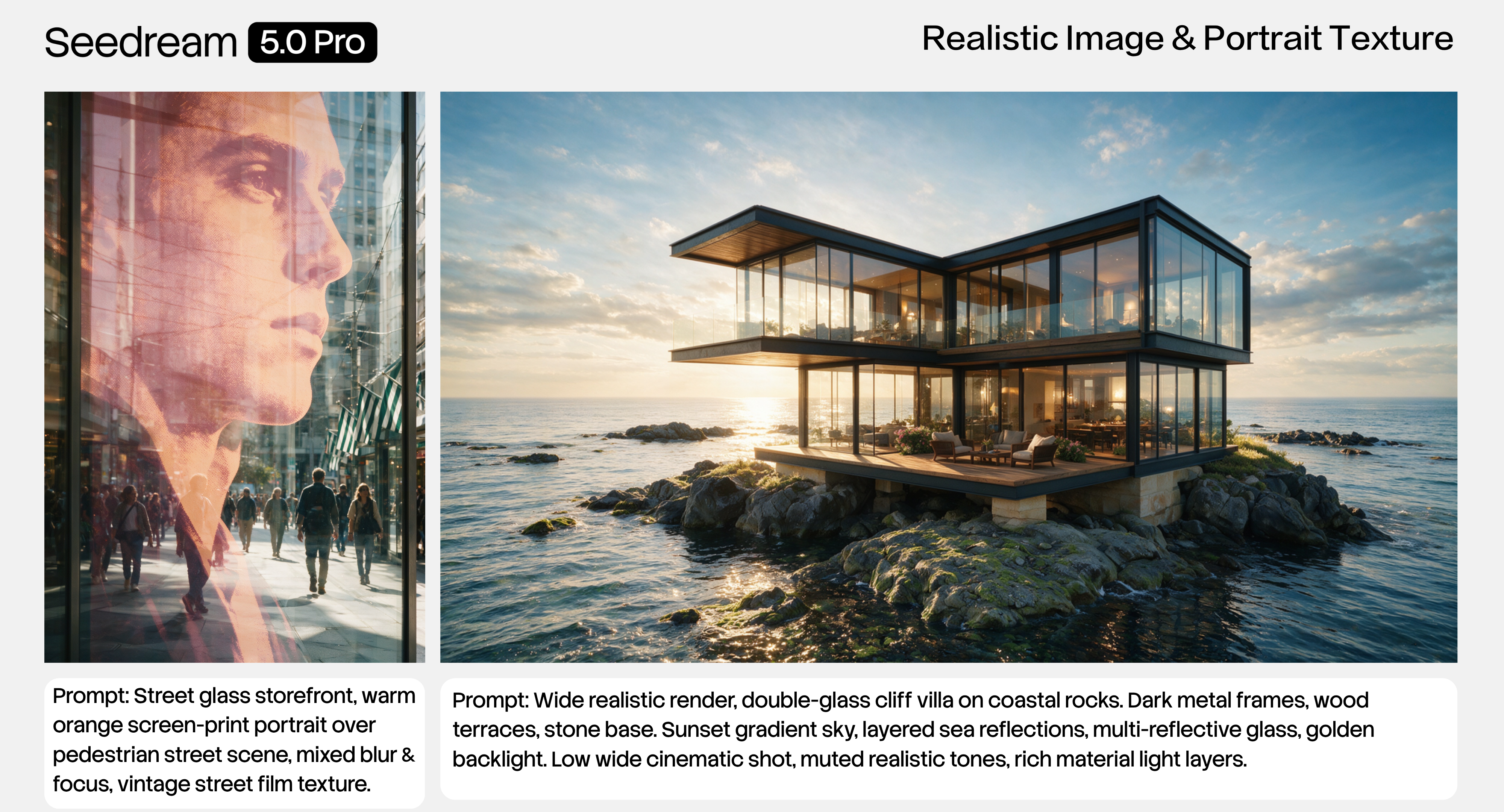
Generate country-specific or language-specific visuals while keeping the same campaign idea, product framing, and design intent.
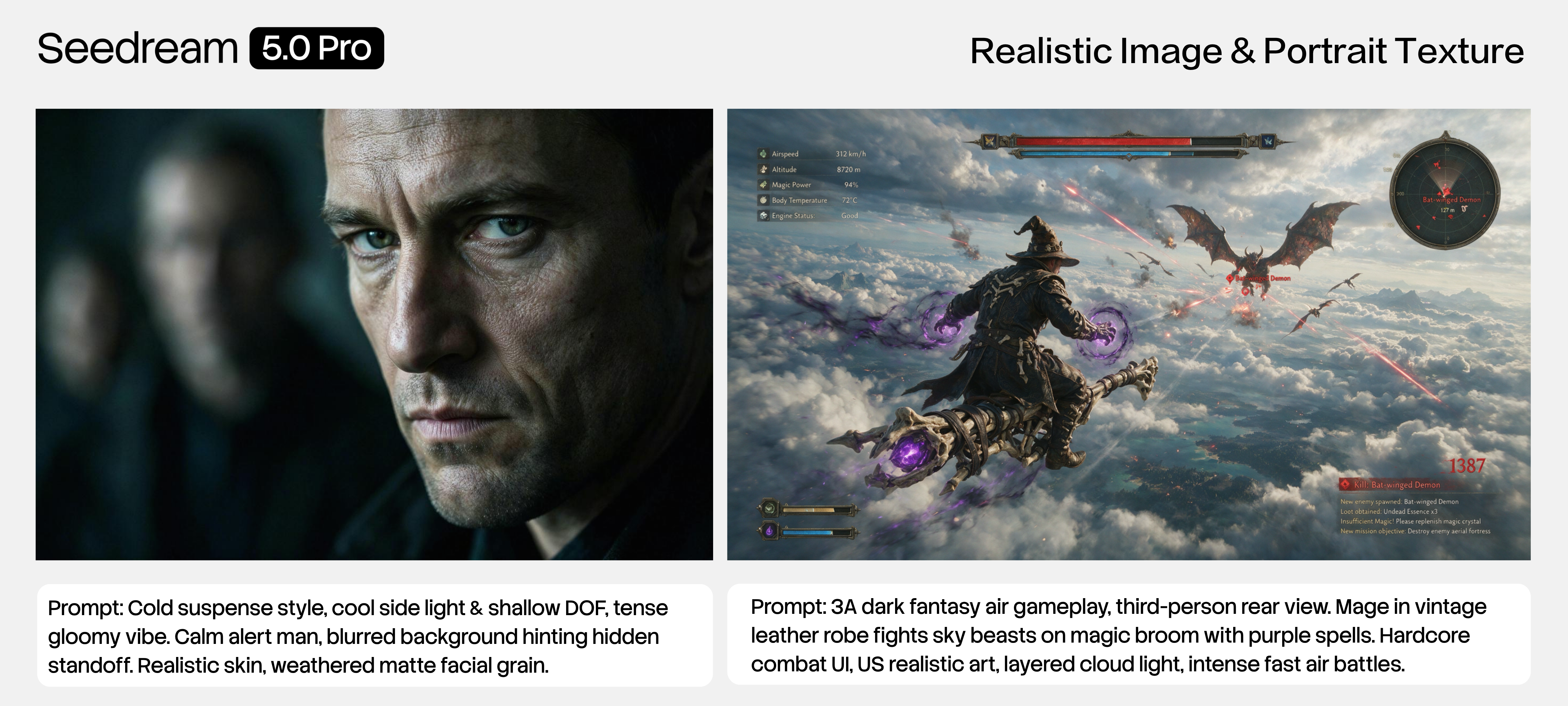
Use reference images for style transfer, product cleanup, background changes, multi-image fusion, and visual consistency.
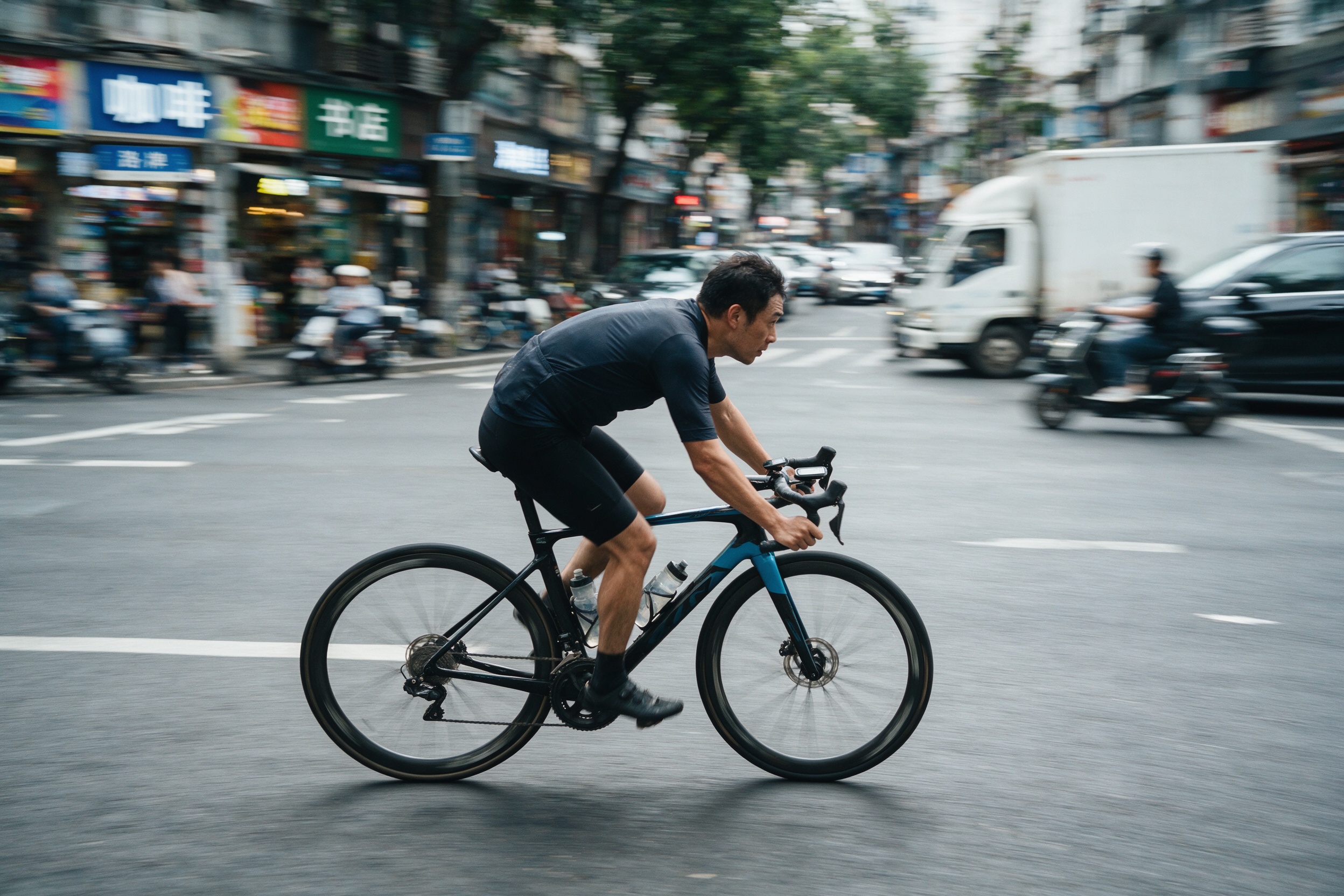
Lock a Seedream 5.0 Pro still image first, then use the approved asset as a first frame, reference, or storyboard input for video workflows.
Model Fit
Use Seedream 5.0 Pro when layout, text, product realism, and references are central to the image. Use other Buble image models when the workflow needs a different cost, style, provider, or output profile.
Seedream 5.0 Pro | GPT Image 2 | Nano Banana 2 | Nano Banana 2 Lite | |
|---|---|---|---|---|
| Best fit | Design-aware layouts, multilingual assets, product visuals, and reference edits | High-quality image generation and polished OpenAI-style edits | Balanced Gemini image generation and broader image controls | Fast 1K drafts and lightweight prompt exploration |
| Buble configuration | 1K/2K, one output per task, up to 10 reference images | 1K/2K/4K controls as configured | Resolution and format controls as configured | 1K-focused, speed-first configuration |
| Access | VIP-only | Free allowance capable in the current platform policy | VIP-only | VIP-only |
| Choose it when | Text, layout, references, and production review matter | You want an alternate high-fidelity model aesthetic | You need a flexible Gemini image baseline | You need many drafts quickly |
Workflow
Treat Seedream 5.0 Pro as the still-image production layer in a larger Buble workflow. It can create the asset, refine it from references, and hand it to downstream image or video generation.
Step 01
Define the asset type, audience, layout, language, subject, composition, style, and review criteria before generating.
Step 02
Use text-to-image for new visual directions. Use image-to-image when products, faces, materials, or layouts should stay anchored.
Step 03
Seedream 5.0 Pro generates a single image per APIMart request, so each run should be treated as a quality pass instead of batch sampling.
Step 04
Check typography, factual claims, product accuracy, cultural fit, and layout before using the image in a campaign or app workflow.
Step 05
Use the accepted still as a brand visual, product image, presentation graphic, app scene, first frame, or video reference.
API Configuration
Buble's Seedream 5.0 Pro model config follows the APIMart reference endpoint. The request submits a task, the response returns a task_id, and Buble polls the task endpoint until the output image URL is available. Generated APIMart links are time-limited, so Buble persists completed outputs through its storage flow.
POST https://api.apimart.ai/v1/images/generations with model doubao-seedream-5-0-pro.
GET https://api.apimart.ai/v1/tasks/{task_id}?language=en and map pending, processing, completed, failed, and cancelled statuses into Buble task states.
The Authorization header uses Buble backend configs.apimart_api_key, so the APIMart key belongs in server/admin configuration rather than frontend code.
Image-to-image mode sends uploaded R2 URLs as APIMart image_urls, capped at 10 references to match the configured model boundary.
FAQ
Practical answers for teams evaluating Seedream 5.0 Pro on Buble.
Create
Use Buble Seedream 5.0 Pro when the image needs layout intelligence, production quality, reference guidance, and a clear path into downstream AI workflows. Configure your APIMart key, choose the Seedream 5.0 Pro model, and generate from the same Buble workspace used for image, video, chat, and app workflows.
You can also compare GPT Image 2, Nano Banana 2, and the broader AI Image Generator.