
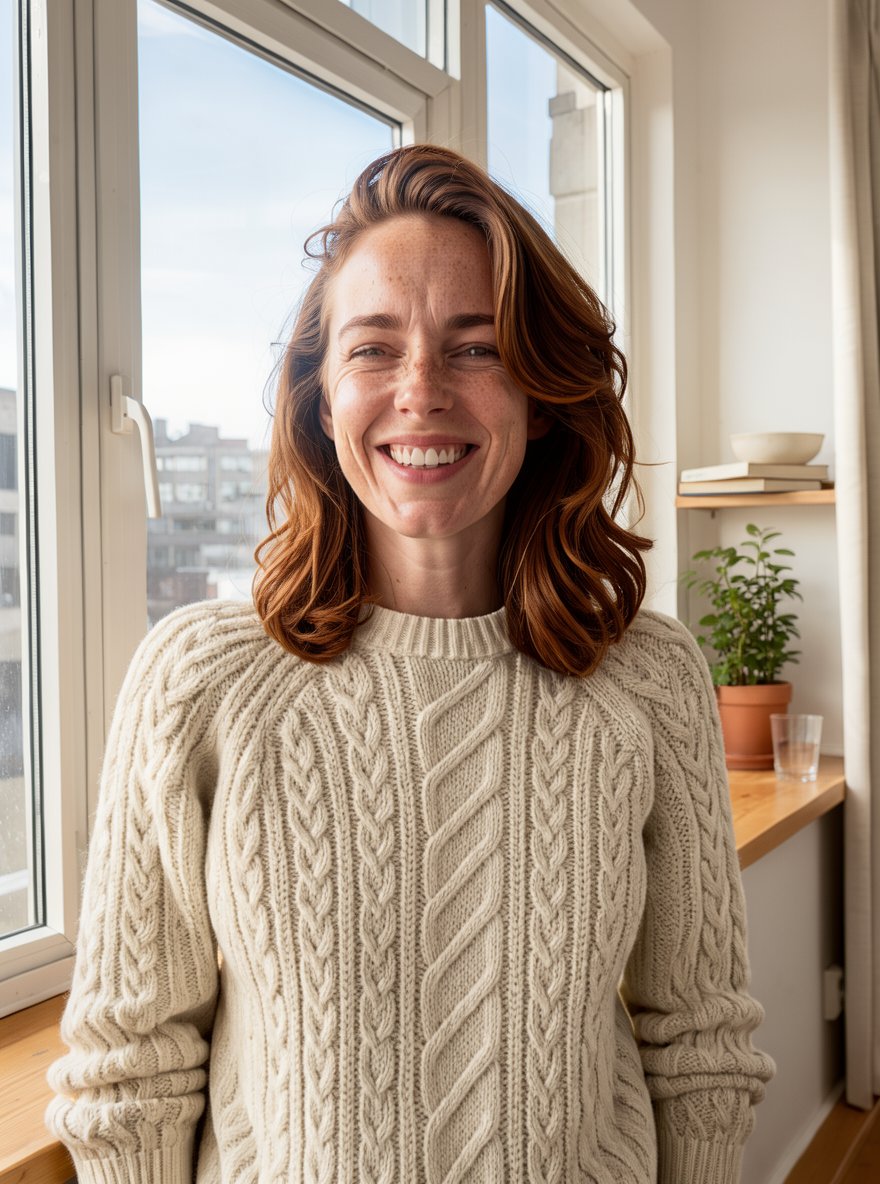
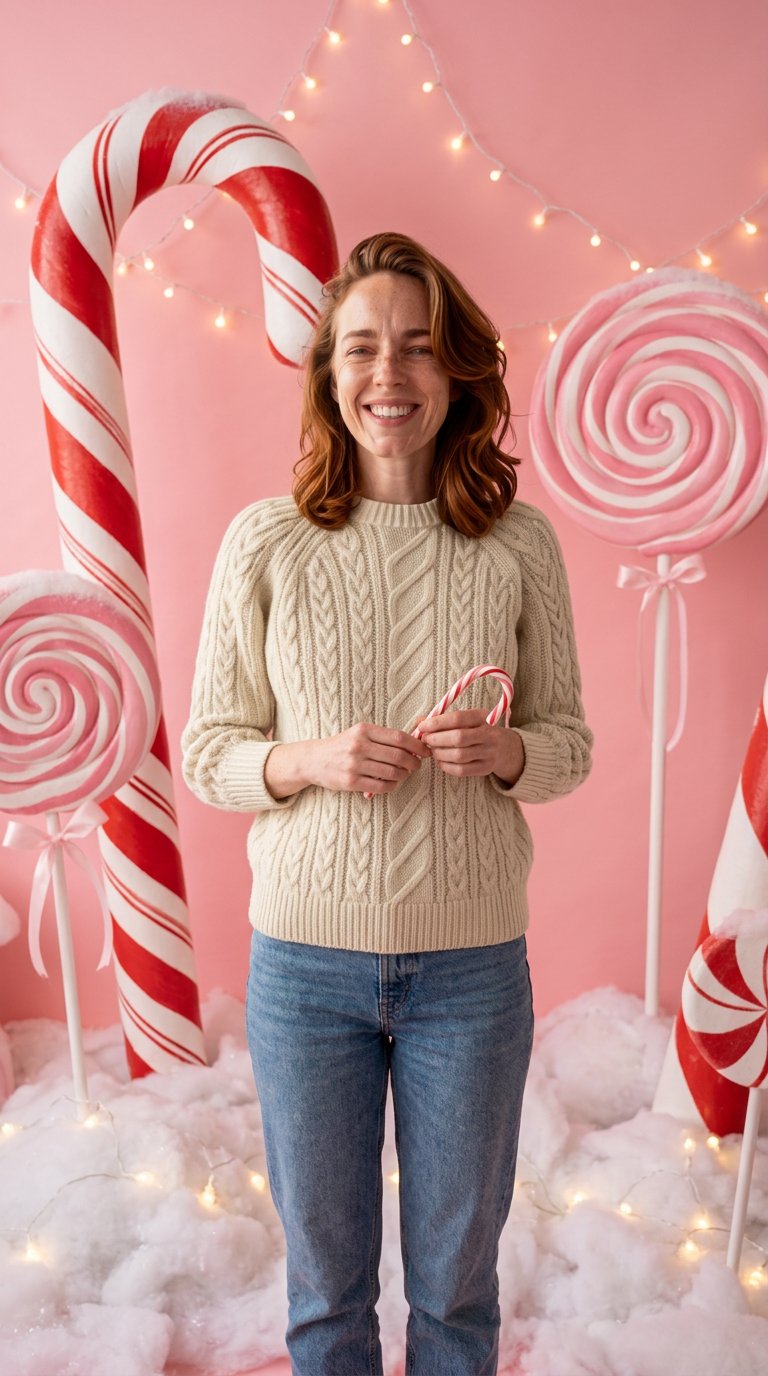
The same faces
The prompt asks the model to keep every face, age, expression, skin tone and hairstyle, and not to beautify or slim anyone.
App
Your Photo
JPEG, PNG, WEBP · ≤ 10 MB
Settings
Scene
Outfits
Card text
Size
Quality
Extra details (optional)
Add Your Photo to continue
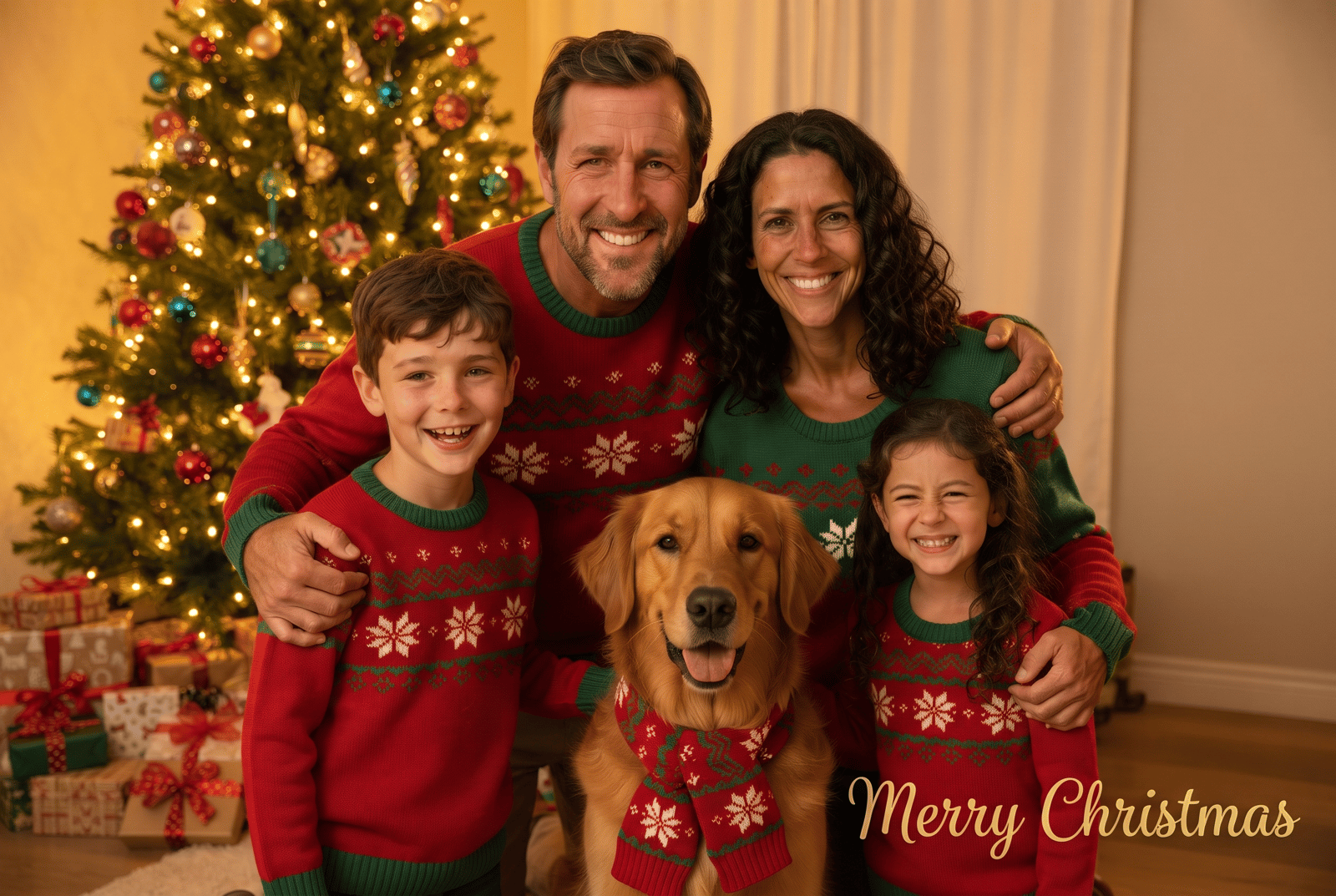
Tree living room · Sweaters · 3:2
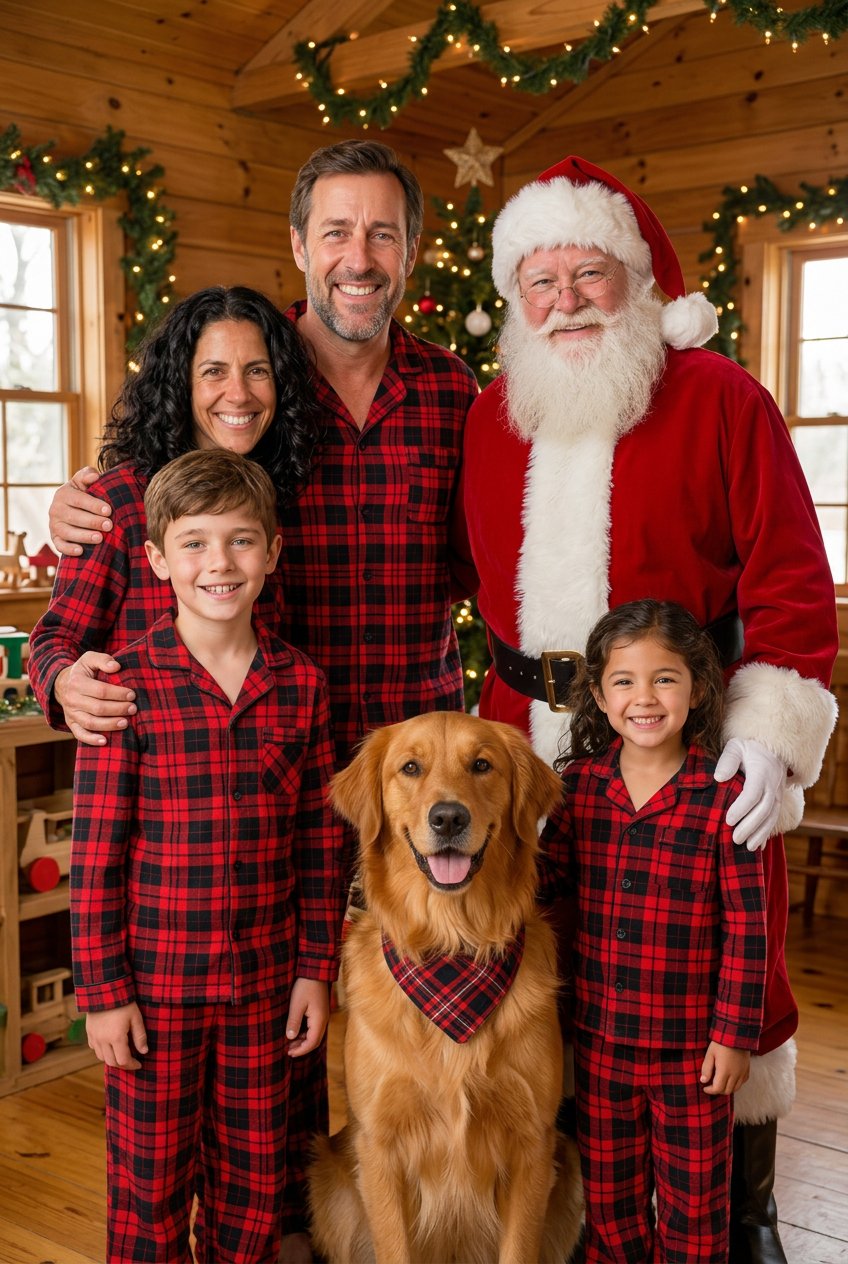
With Santa · Pajamas · 2:3
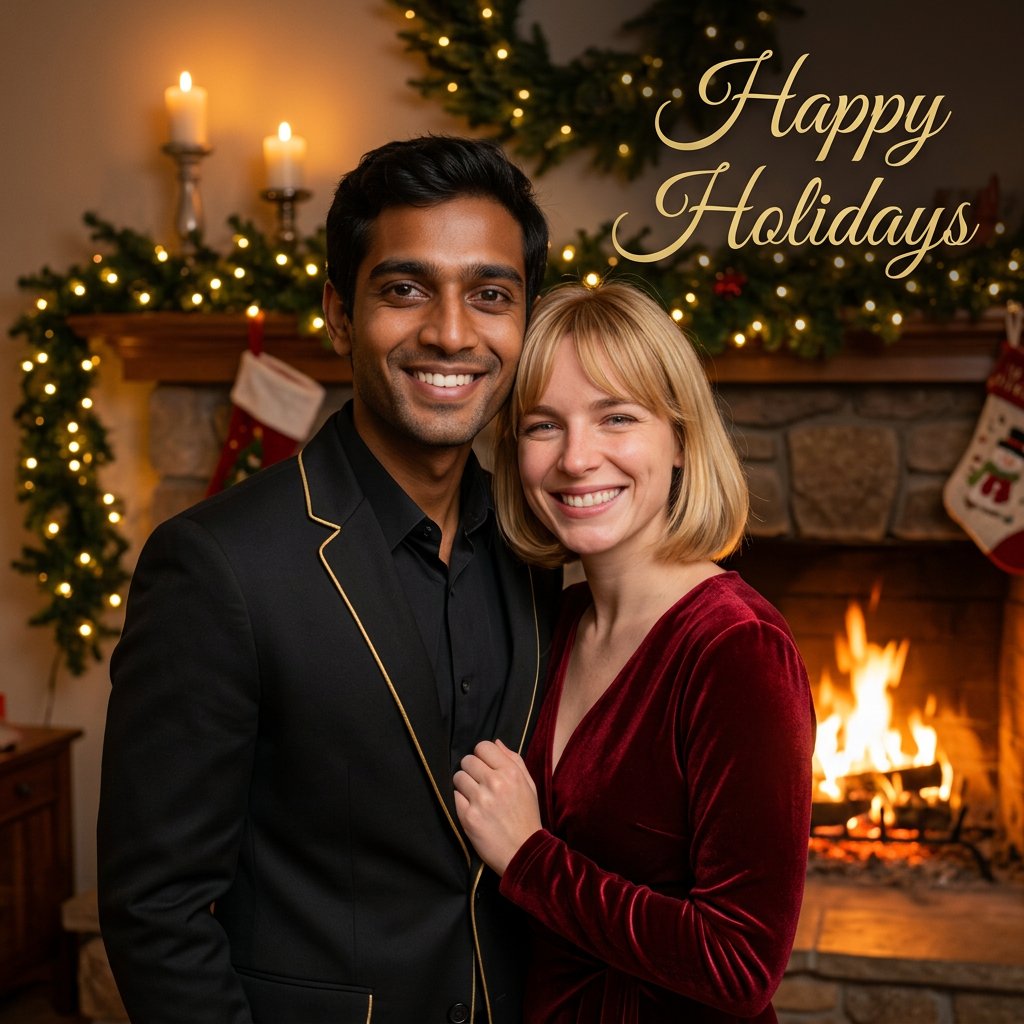
Fireplace · Formal · 1:1
1Upload one photo
A portrait, couple or family photo. Pets are welcome.
2Pick scene, outfits and text
7 scenes, 4 outfit choices and an optional card greeting.
3Choose size and create
4 credits at 1K, 5 credits for a 2K print. Saved to History.
Your generations will show up here.
Turn a portrait, couple or family photo into a festive Christmas photo of the same people: 7 scenes, matching outfits, optional card text and print sizes.
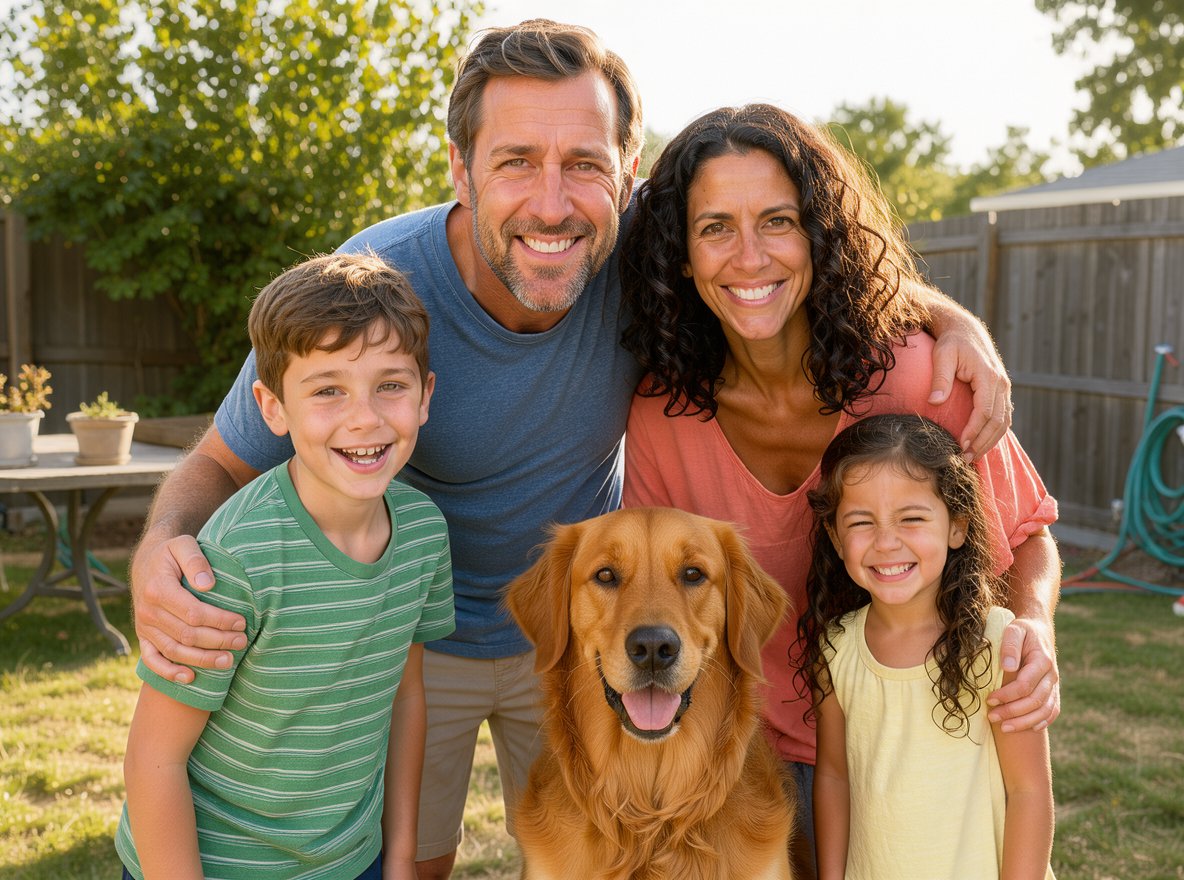
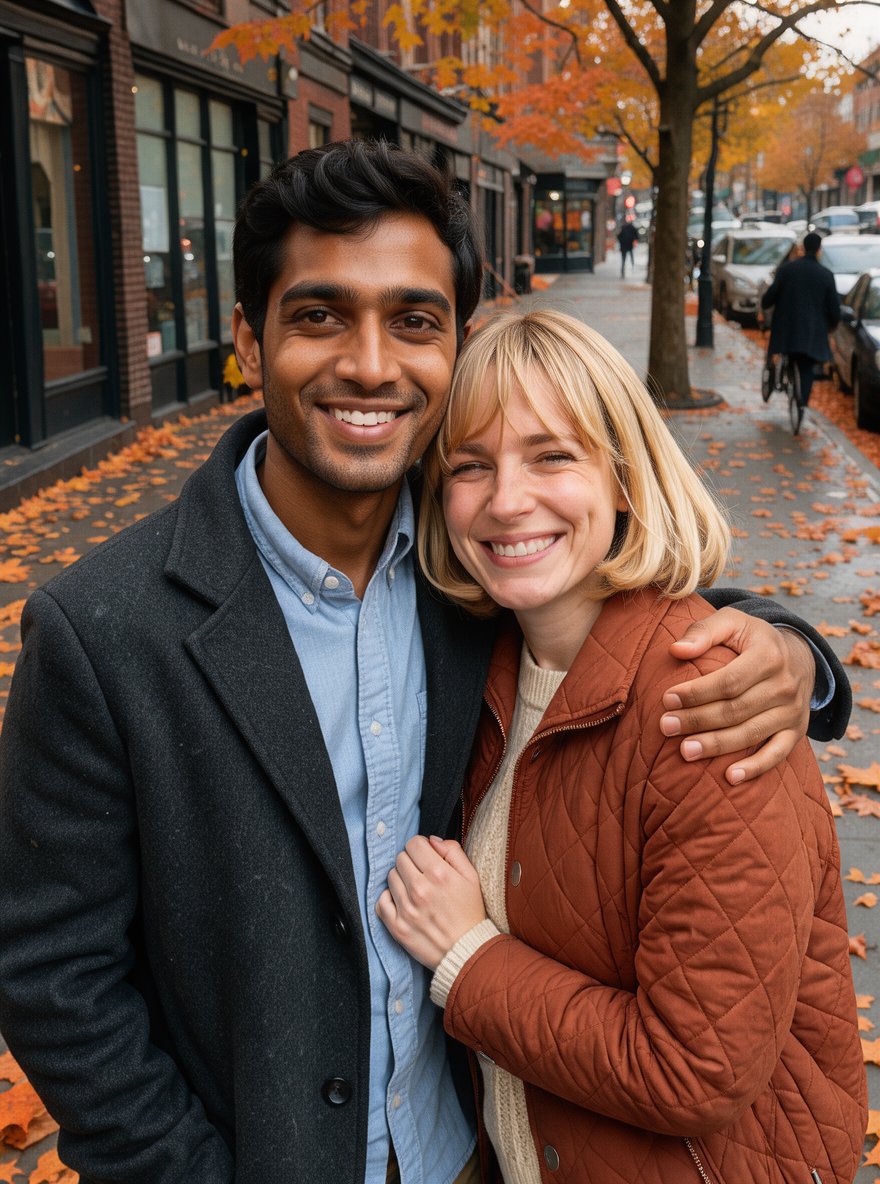
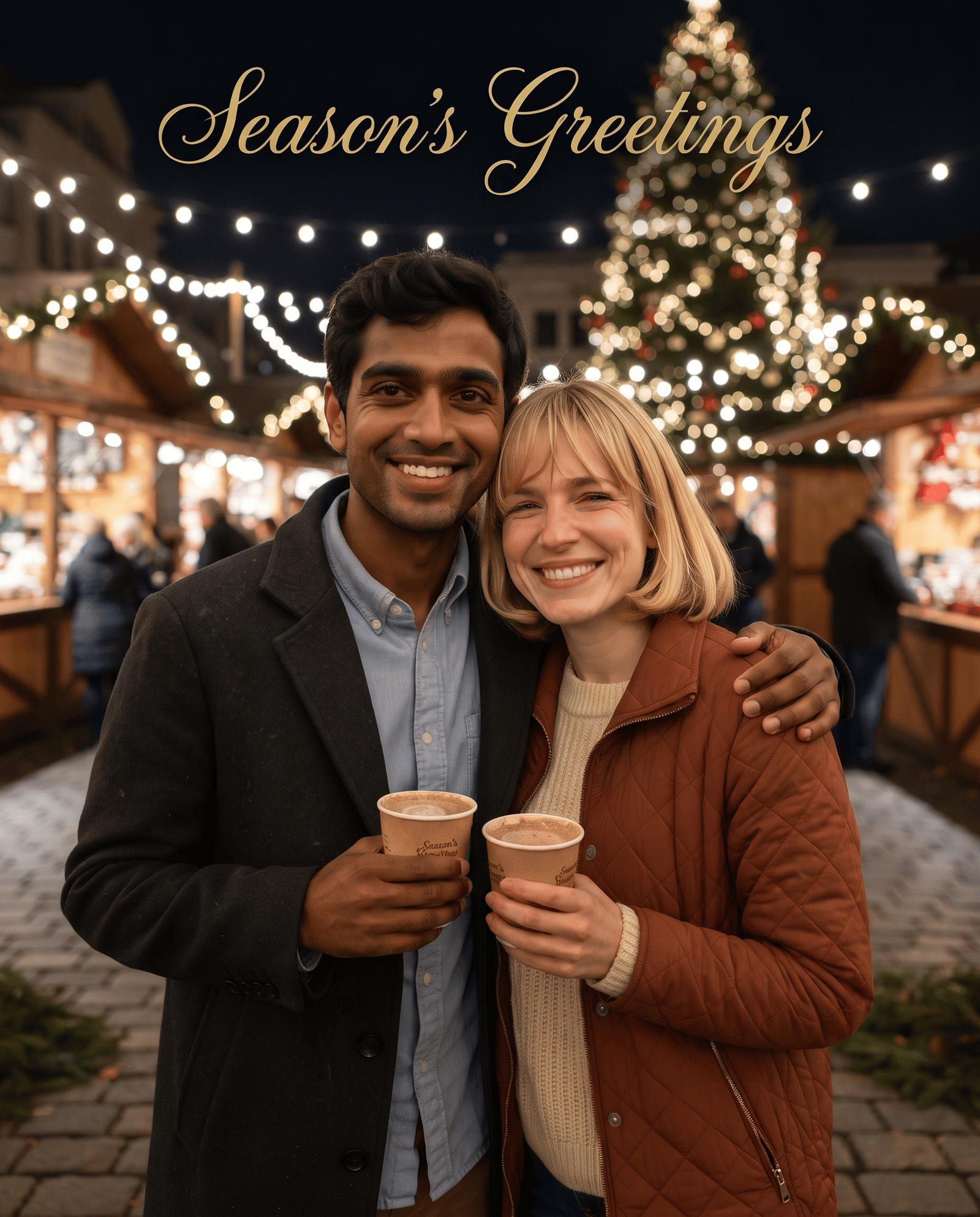
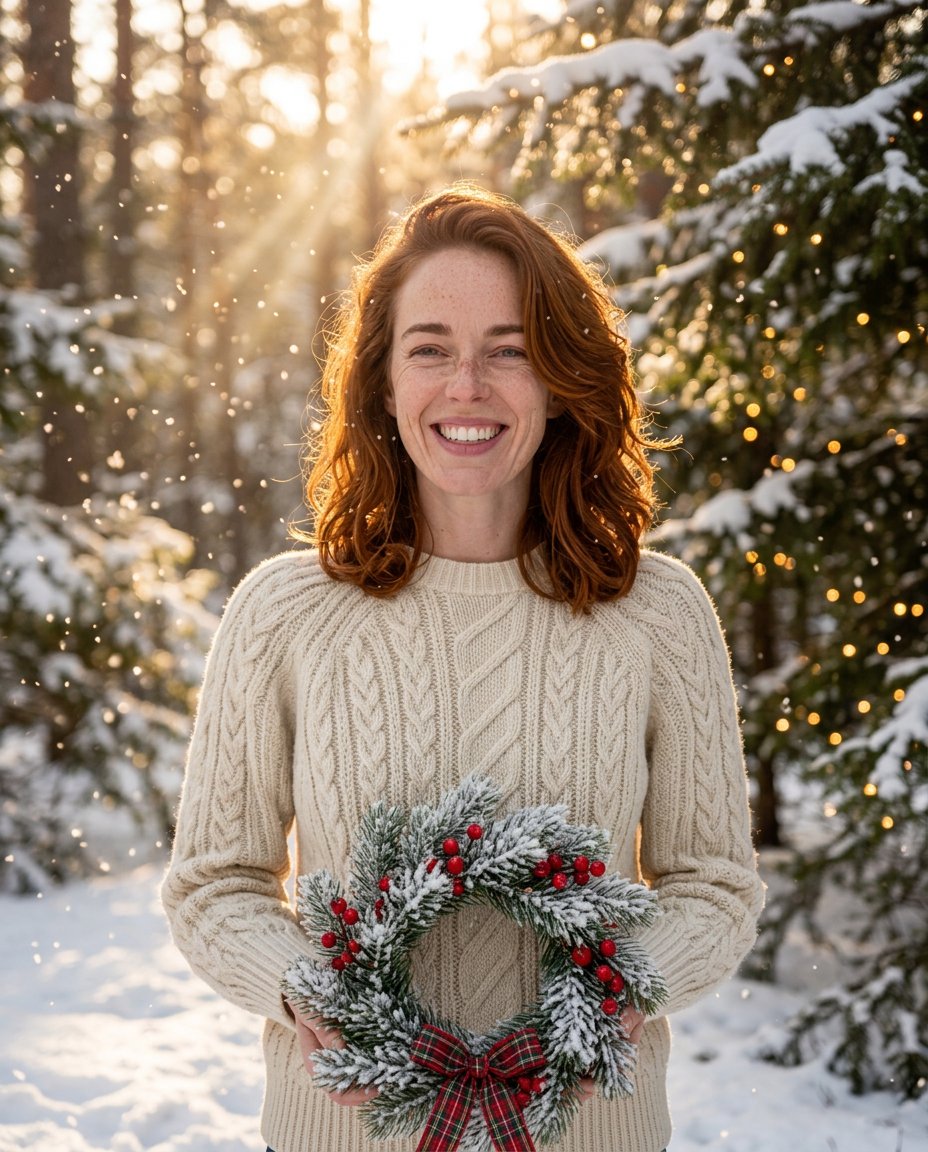
Each result below came from this AI Christmas photo generator with the settings shown, from one uploaded photo. The people and the dog are fictional, generated with AI, so no real family was used. Drag the handle to compare the faces before and after.
Settings
Scene: Christmas tree living room · Outfits: Matching sweaters · Card text: Merry Christmas · Size: 3:2 Card · Print 2K
What you get
A holiday photoshoot means matching outfits, a decorated set and everyone looking at the camera at once. This app starts from a photo you already have and builds the Christmas scene around the same people, so the hard part, a good moment with everyone in it, is already done.
The prompt asks the model to keep every face, age, expression, skin tone and hairstyle, and not to beautify or slim anyone.
Groups keep the same number of people and pets. In our family test the golden retriever stayed and got a matching scarf.
Add Merry Christmas, Happy Holidays or Season's Greetings in gold script, or keep the photo free of text.
4:5 posts, 1:1 profile pictures, 9:16 stories and 2:3 or 3:2 cards, in 1K or a 2K print version.
Scenes
Six of the seven scenes were tested for this page. Combine any scene with your own clothes, matching sweaters, matching pajamas or festive formal wear.
A decorated tree, wrapped gifts and warm fairy lights. The classic family card.
Stockings, a garland and candles by a warm fire. Good for couples.
Falling snow and golden light outdoors, without needing a winter trip.
A deep red and gold backdrop with studio lighting, like a professional holiday shoot.
Giant candy canes and lollipops in pastel pink, the playful look from holiday social posts.
Santa Claus joins the group in a wooden North Pole workshop. The only scene that adds a person.
Wooden stalls, string lights and a big tree behind you.
How to use
The AI Christmas photo generator at the top of this page is the whole tool. Five choices, then about a minute of waiting.
Step 01
Choose one clear photo where every face is visible: you alone, you and your partner, or the whole family with the dog.
Step 02
The tree living room suits family cards; fireplace and market suit couples; candy cane suits a playful story.
Step 03
Keep your clothes or switch to matching sweaters, pajamas or formal wear. Add a greeting only if the photo is for a card.
Step 04
Use 1K for posts and profile pictures. Use Print 2K with a 2:3 or 3:2 size for printed cards.
Step 05
Look at every face before you share. If something is off, run it again; each try costs the same small price.
Photo tips
An AI Christmas photo generator keeps what it can see, so the uploaded photo sets the ceiling for the result.
No sunglasses, hats over the eyes or faces turned away. Small faces in a big group lose detail.
Daylight or bright indoor light works best. Heavy filters and dark photos give softer faces.
The app takes one photo. Use a picture where the whole group already stands together.
Use photos of people who agreed to it. Uploads are checked before any credits are spent.
Limits
All six test photos on this page worked. These are the small changes we saw, so you know where to look.
With Santa in the frame, the family was rearranged to make room for him. The other scenes kept everyone in place.
The model sometimes adds a prop to free hands, like a wreath in the snow or a small candy cane. Use the extra details field to ask for empty hands.
The Christmas market can show a few distant shoppers behind you, as a real market would.
Greetings were spelled correctly in all three tests, but check text and every face before you order prints.
FAQ
Answers about using the AI Christmas photo generator: faces, groups, sizes, printing and credits.
Create
Upload one photo, pick a scene and get your family Christmas card photo from the AI Christmas photo generator for 4 credits.