
No prompt to copy
The character, the identity rules and the lighting rules are built in. You pick from menus instead of editing a paragraph of text.
App
Your Photo
JPEG, PNG, WEBP · ≤ 10 MB
Settings
Scene
Pose
Size
Add Your Photo to continue
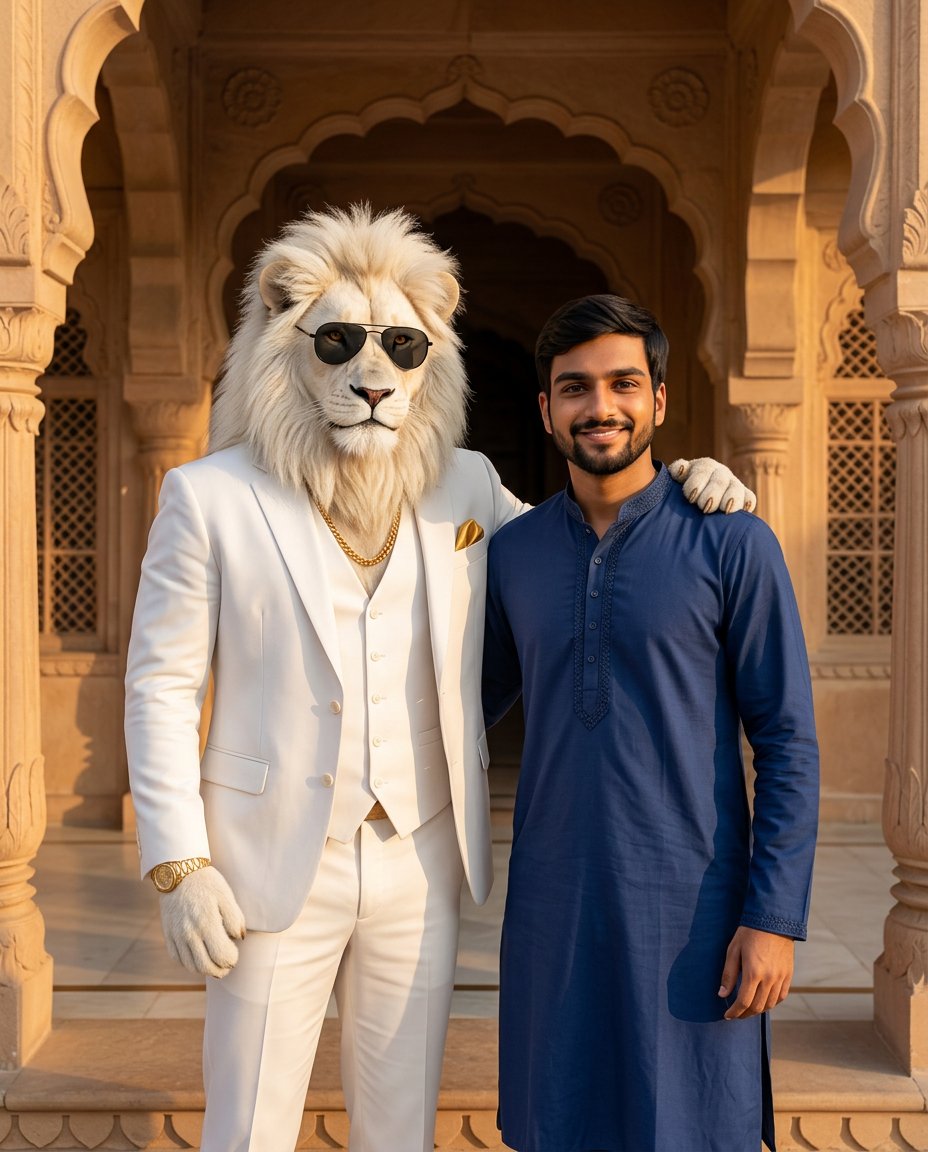
Palace gate · Paw on shoulder · 4:5
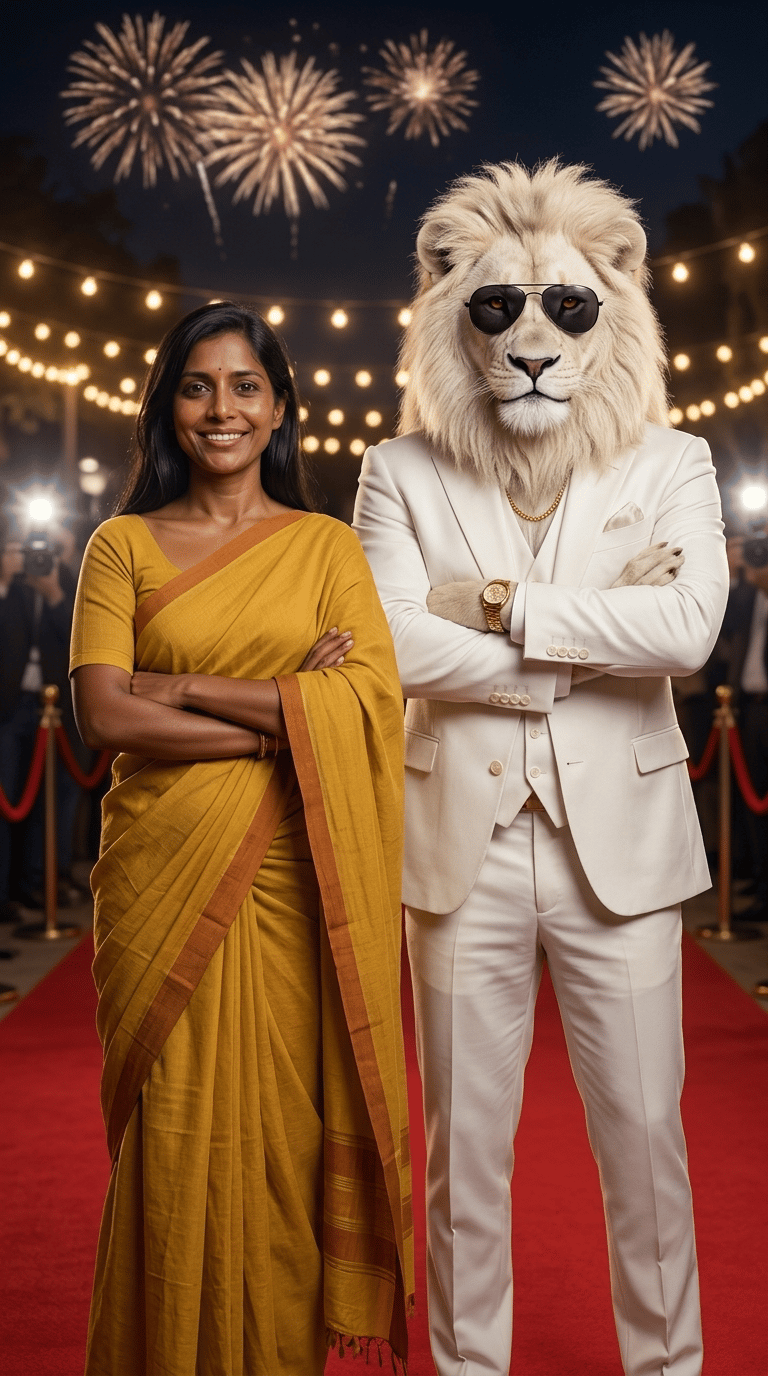
Red carpet night · Side by side · 9:16
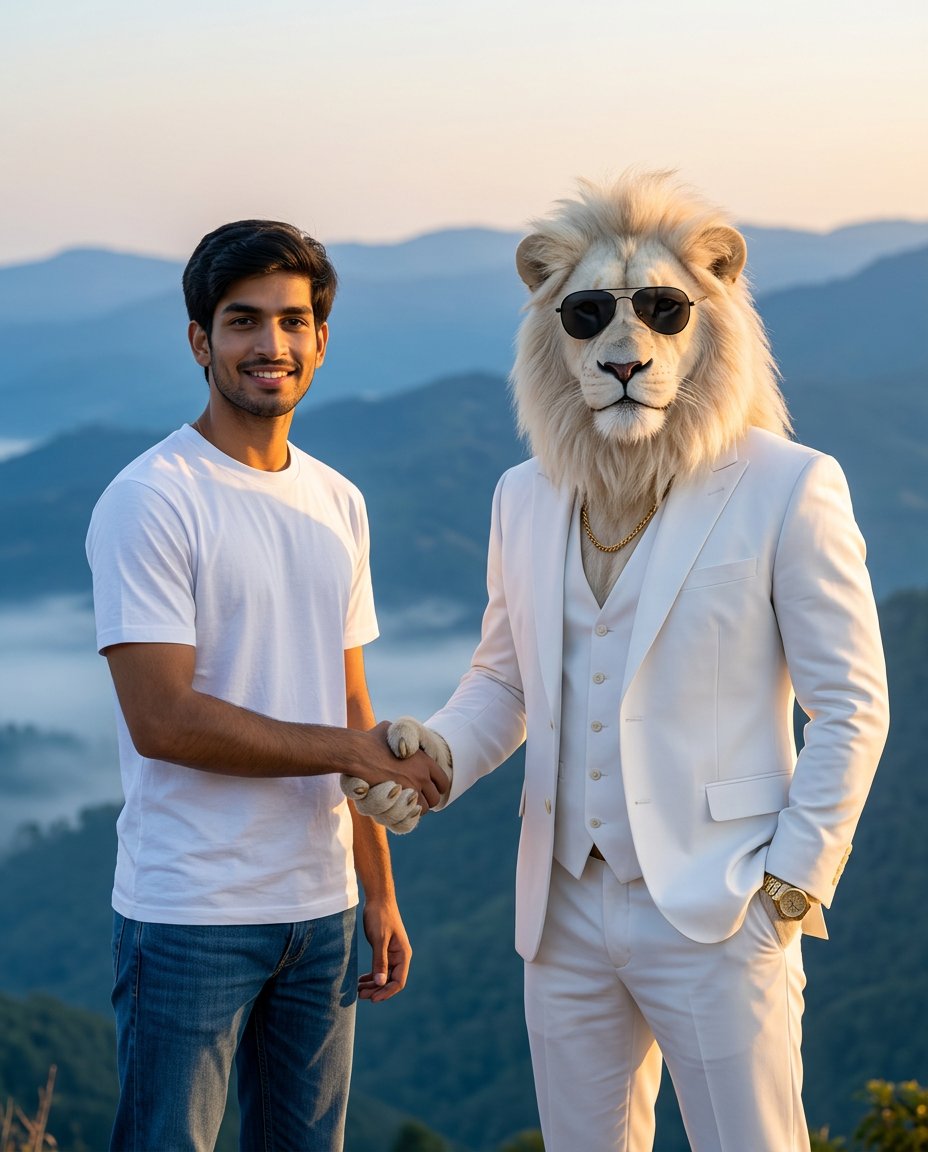
Mountain viewpoint · Handshake · 4:5
1Upload one clear photo
One person, face visible, no sunglasses. Waist-up or full length works best.
2Pick scene, pose and size
4:5 for a post, 9:16 for WhatsApp status, 1:1 for a DP.
3Create and download
Each photo costs 4 credits and lands in History, ready to save.
Your generations will show up here.
Upload your photo and get a realistic picture with Sheru Bhai, the white-suited lion boss, in the scene and pose you choose.
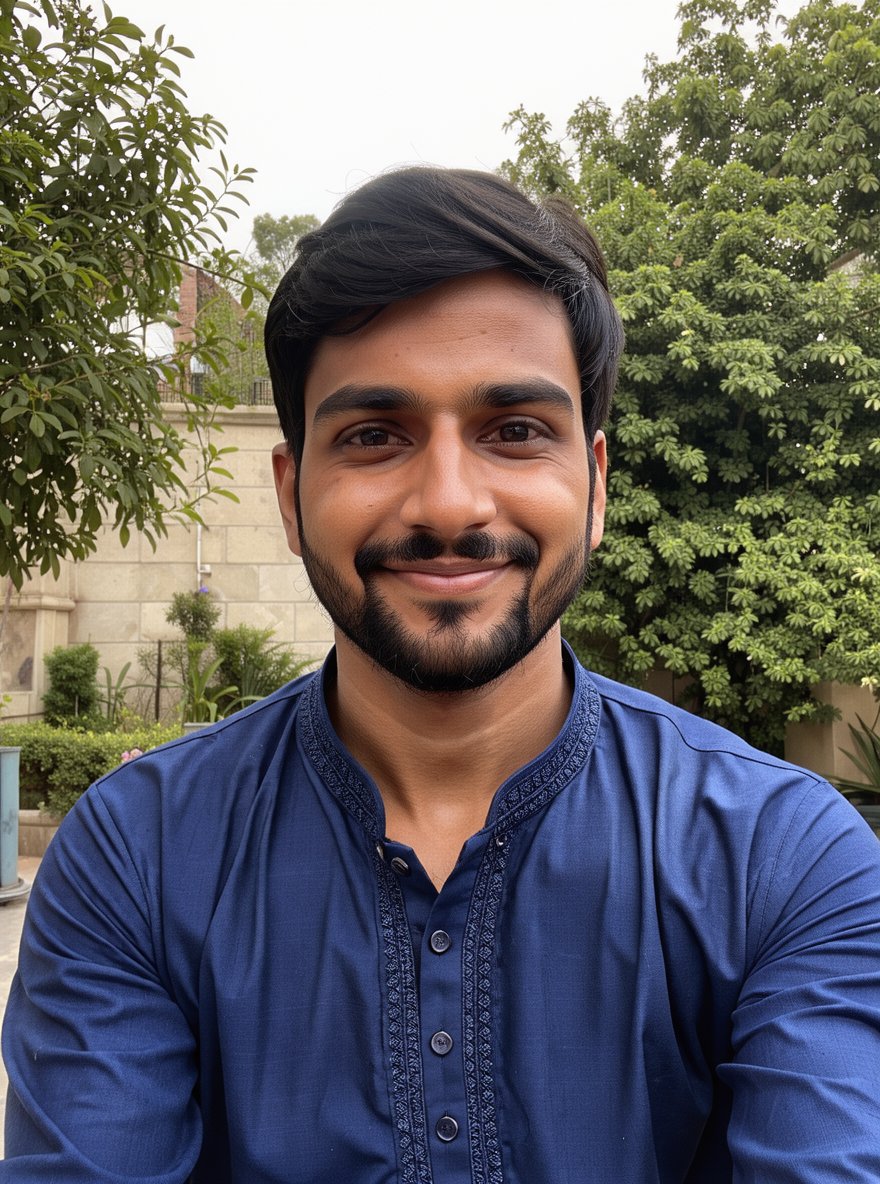
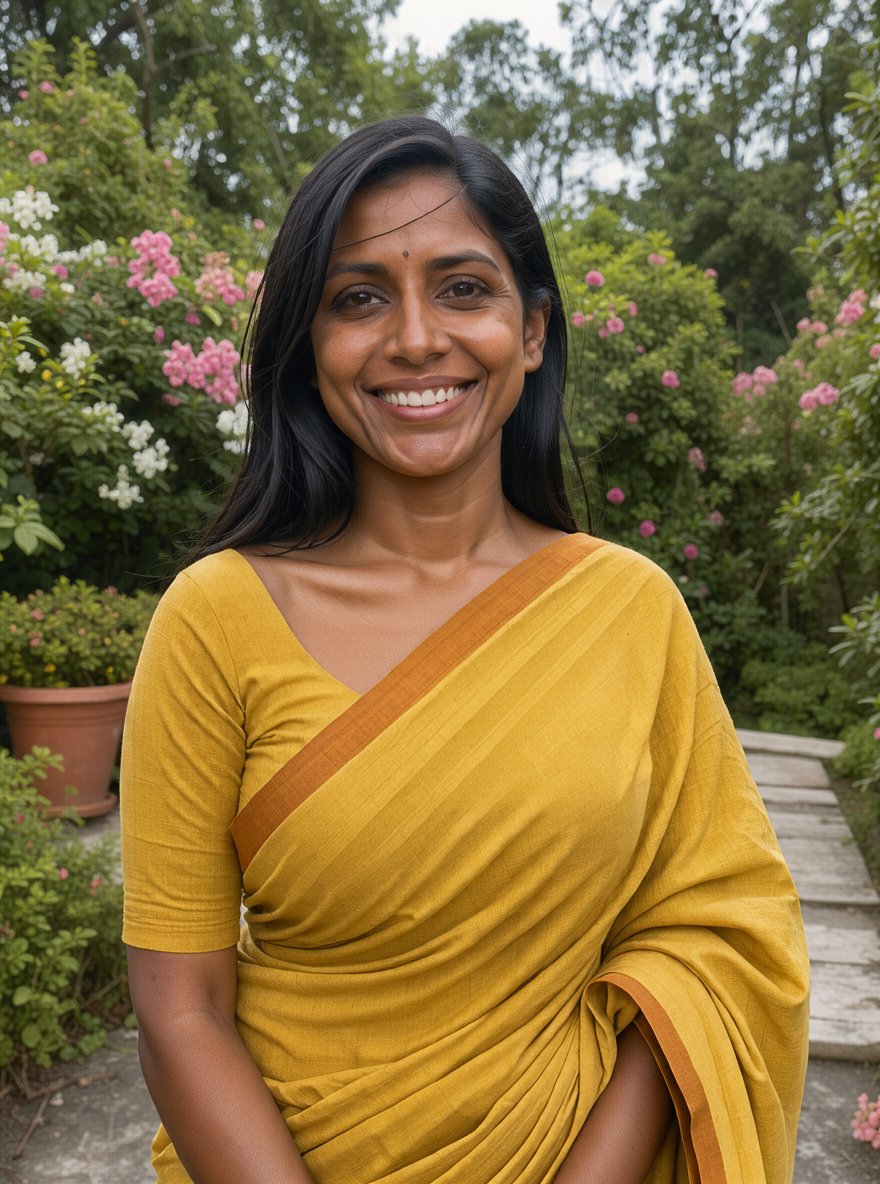
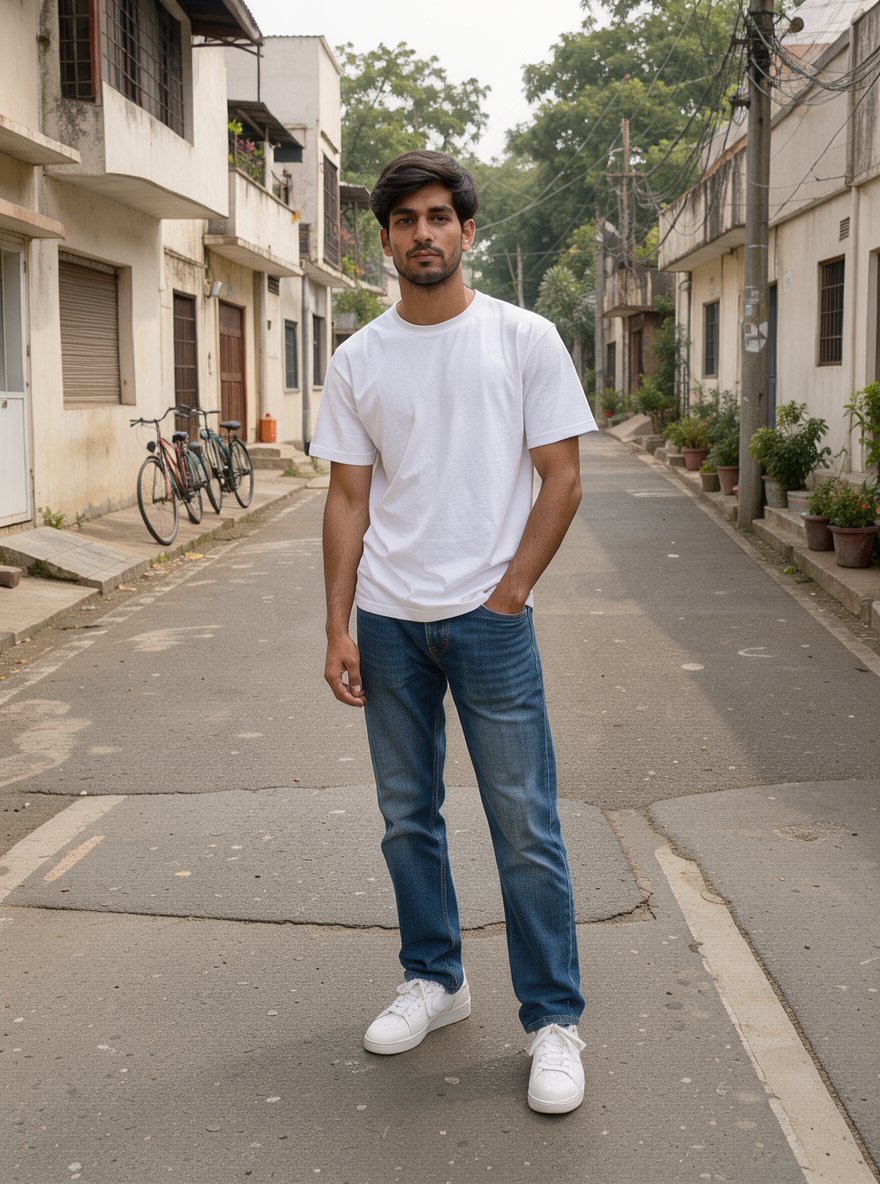
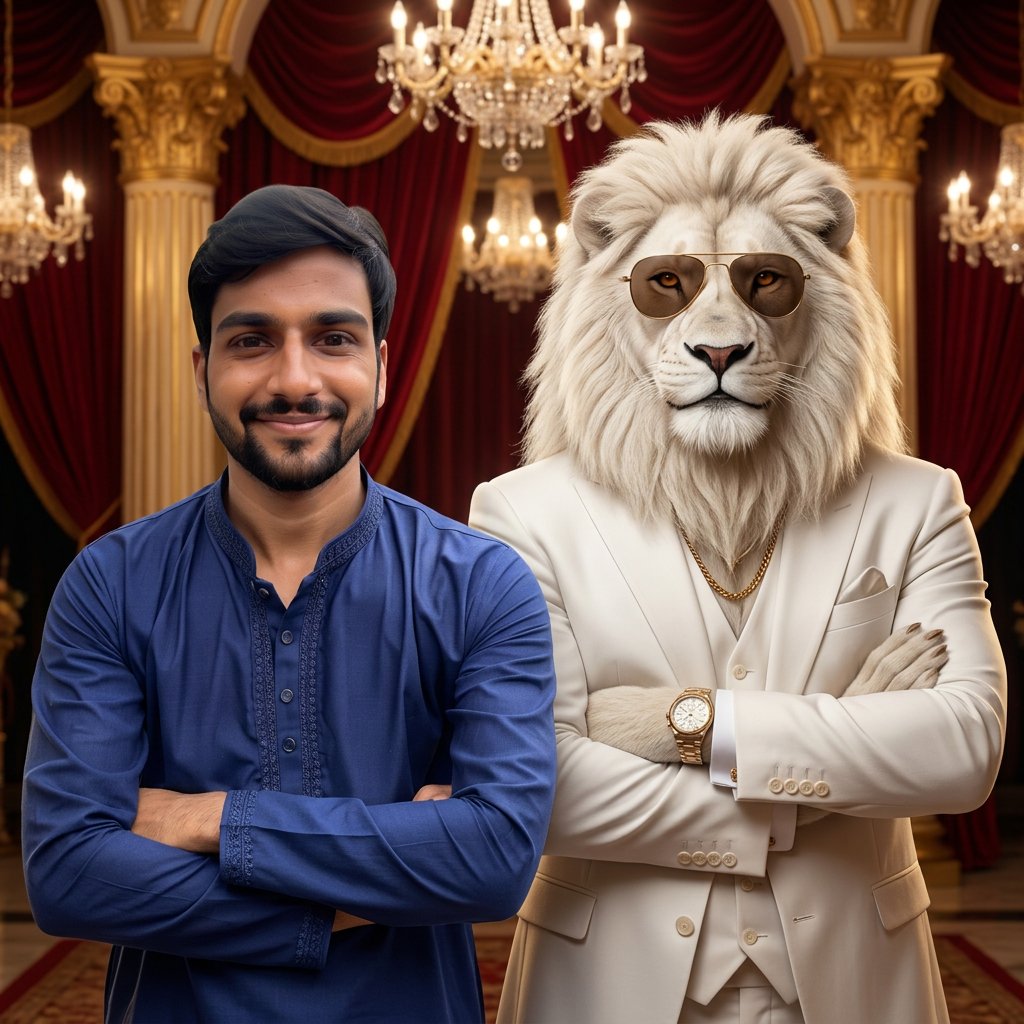
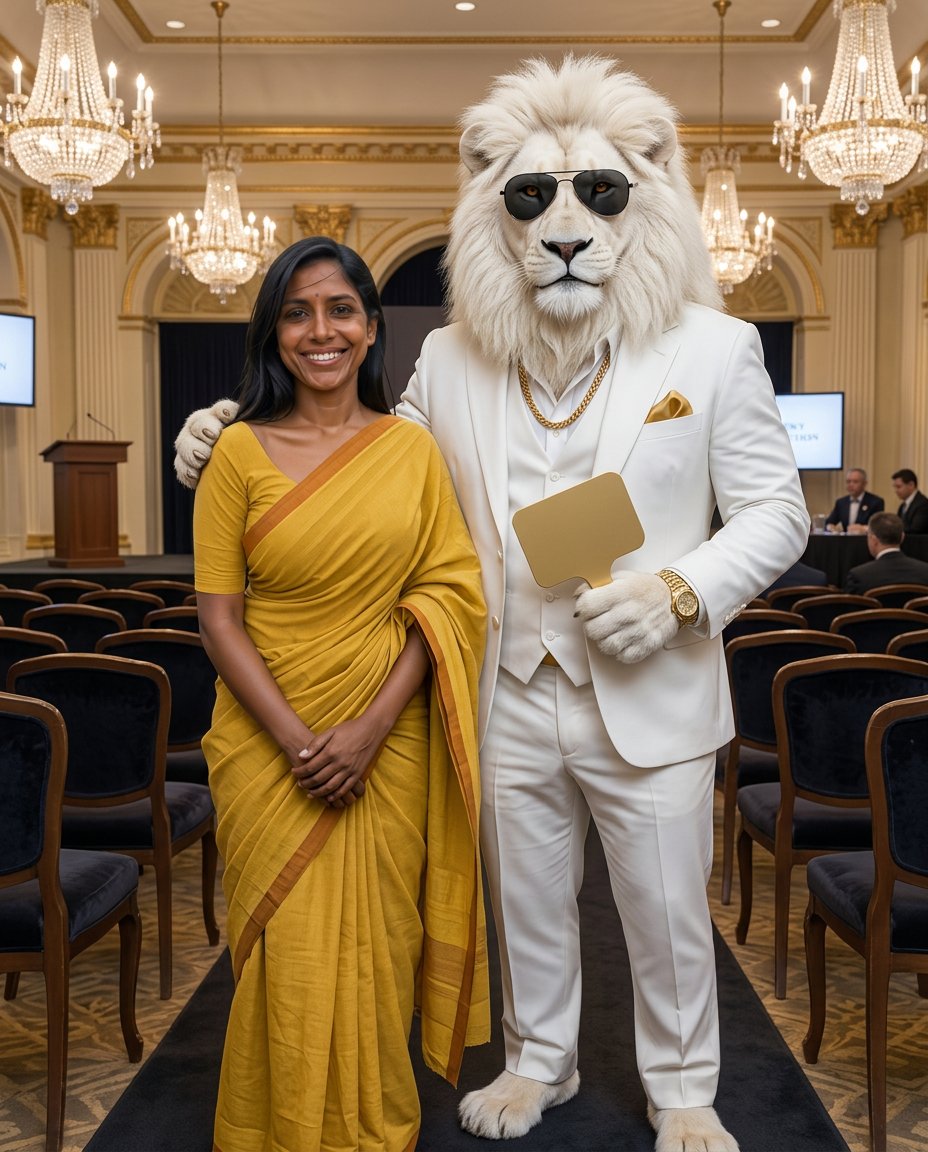
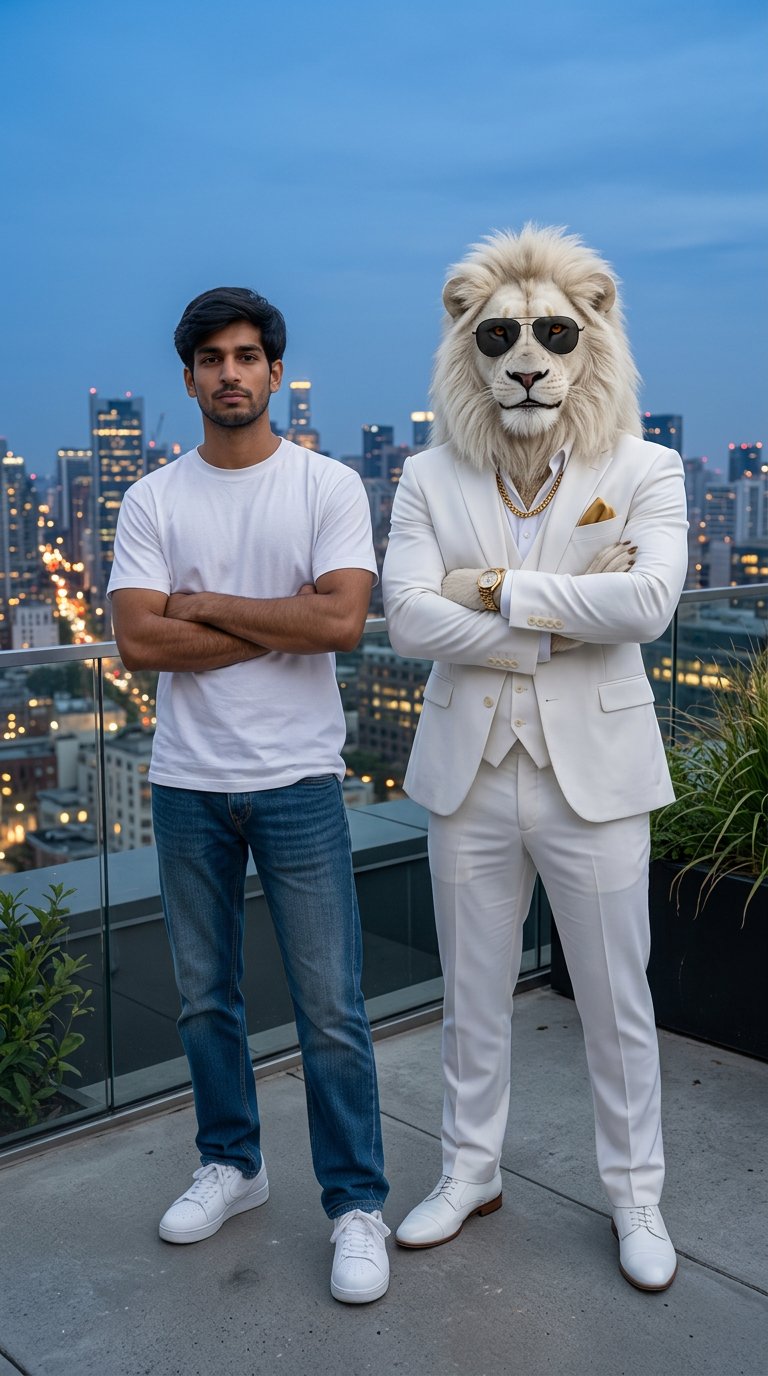
Each pair shows the uploaded photo and the unedited result from this app. The three people are fictional, generated with AI for this page, so no real person's picture was used. Every result kept the face, hairstyle and outfit of the upload, and the lion came back with the same white mane, white suit, gold chain and watch each time. Drag across a card to compare.
Settings
Scene: Palace gate · Pose: Paw on shoulder · Size: 4:5 Post
What you get
Most Sheru Bhai pages hand you a long prompt to paste into a chatbot, then leave you to fix the face, the size and the lion yourself. Here the prompt is already written and tested on real uploads, so you only choose a scene, a pose and where you want to post the result.
The character, the identity rules and the lighting rules are built in. You pick from menus instead of editing a paragraph of text.
The app tells the model to keep your face, skin tone, hairstyle and clothes exactly as uploaded, and not to slim, age or beautify you.
A fixed description keeps the lion consistent: snow-white mane, white three-piece suit, gold chain, gold watch and aviator sunglasses.
4:5 fits an Instagram post, 9:16 a WhatsApp status or Reels cover, and 1:1 a profile picture, so nothing important gets cropped.
Each Sheru Bhai photo costs 4 credits, whichever scene, pose or size you choose.
Results are saved to your History as PNG files you can download, share or post straight away.
Scenes
Every scene was tested for this page. Mix any scene with any pose.
A carved sandstone palace entrance at golden hour, warm and royal.
String lights, fireworks and camera flashes for a celebrity-style entry.
Chandeliers, gold pillars and red velvet for a court portrait.
The lion boss with a blank gold bidding paddle, as in the viral auction clips.
Sunrise over misty hills for an outdoor travel look.
A skyline at blue hour for a night-out status photo.
How to use
The app at the top of this page is the whole tool. Four steps take about a minute.
Step 01
Choose one clear picture of yourself: one person, face fully visible, good light. Front-facing waist-up or full-length photos give the most natural result.
Step 02
Palace gate and red carpet suit festive posts; mountain and rooftop look like travel or night-out shots.
Step 03
Paw on shoulder feels friendly, side by side with crossed arms looks bold, and a handshake works for a deal-closing joke. Then pick 4:5, 9:16 or 1:1.
Step 04
Look at your face and the lion's paws before you post. If something looks off, run it again or try another pose.
Photo tips
The model can only keep what it can see. These tips come from the same problems people report with every Sheru Bhai prompt.
Group photos make the model guess who to keep. Crop to yourself first.
Remove sunglasses, masks and heavy beauty filters, and avoid strong shadows across the face.
A waist-up or full-length photo lets your clothes carry into the result; a tight selfie gives the model less to work with.
Upload a picture of yourself or someone who agreed to it. Do not use photos of children or celebrities.
Limits
All six test photos on this page worked, but they were not perfect. These are the flaws we saw, so you know what to look at before you share your Sheru Bhai photo with friends.
In the shoulder, handshake and auction photos the lion's hands looked more like white gloves than real paws.
In one result the sunglasses came out brown-tinted instead of black. The suit, chain and watch stayed the same in all six.
Next to a shorter person the lion stood more than a head taller in one photo.
Busy scenes can include blurry screens or signs; the auction hall result had faint letters on a screen behind the people.
FAQ
Answers about the trend, the app and credits.
Create
Upload one photo, pick a scene and get your picture with the lion boss for 4 credits.