
Text to image
Write up to 5,000 characters in English or Chinese and receive one finished image per run. Prompts can describe camera, light, materials and exact wording for signs or headlines.
Model
Type
Prompt
Try an example
MiniMax H3 Image
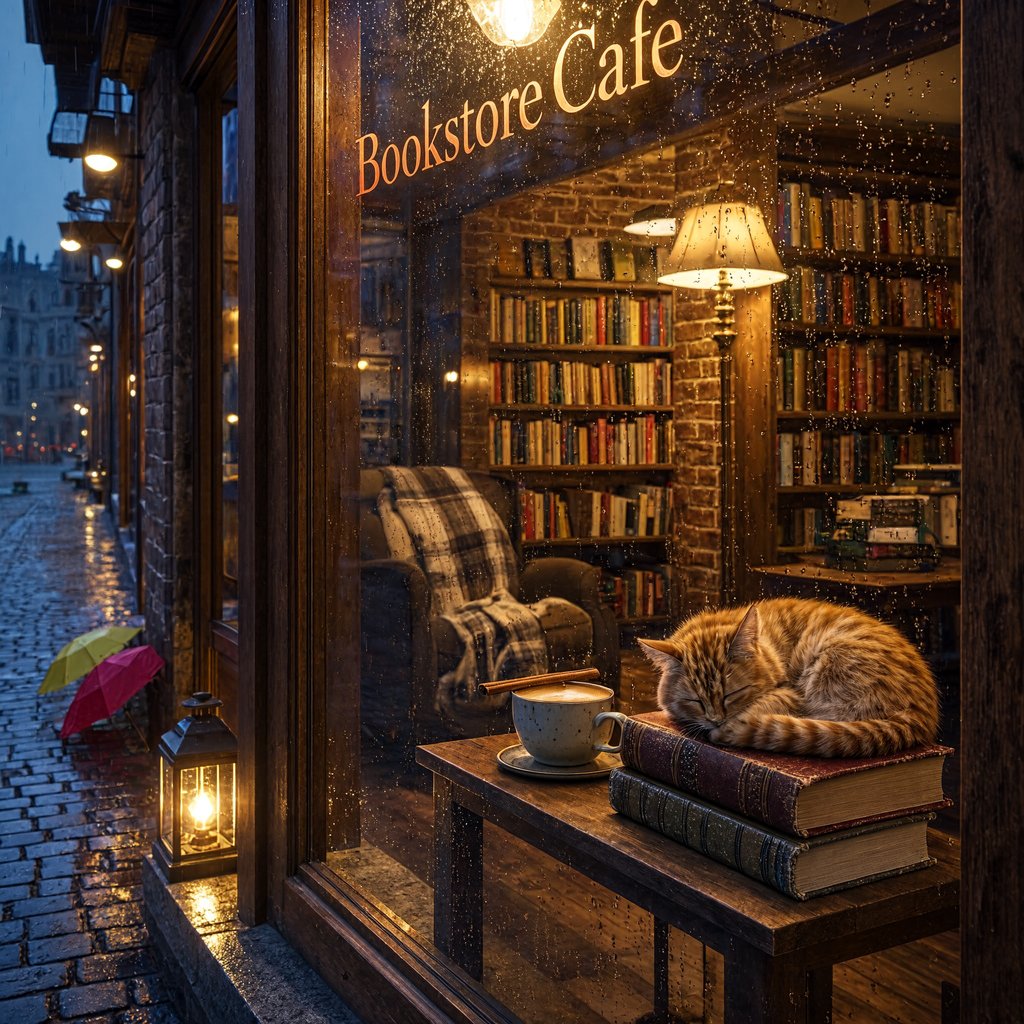
A cozy bookstore cafe on a rainy evening, warm lights glowing through the window, a ginger cat sleeping on a stack of books
MiniMax H3 Image
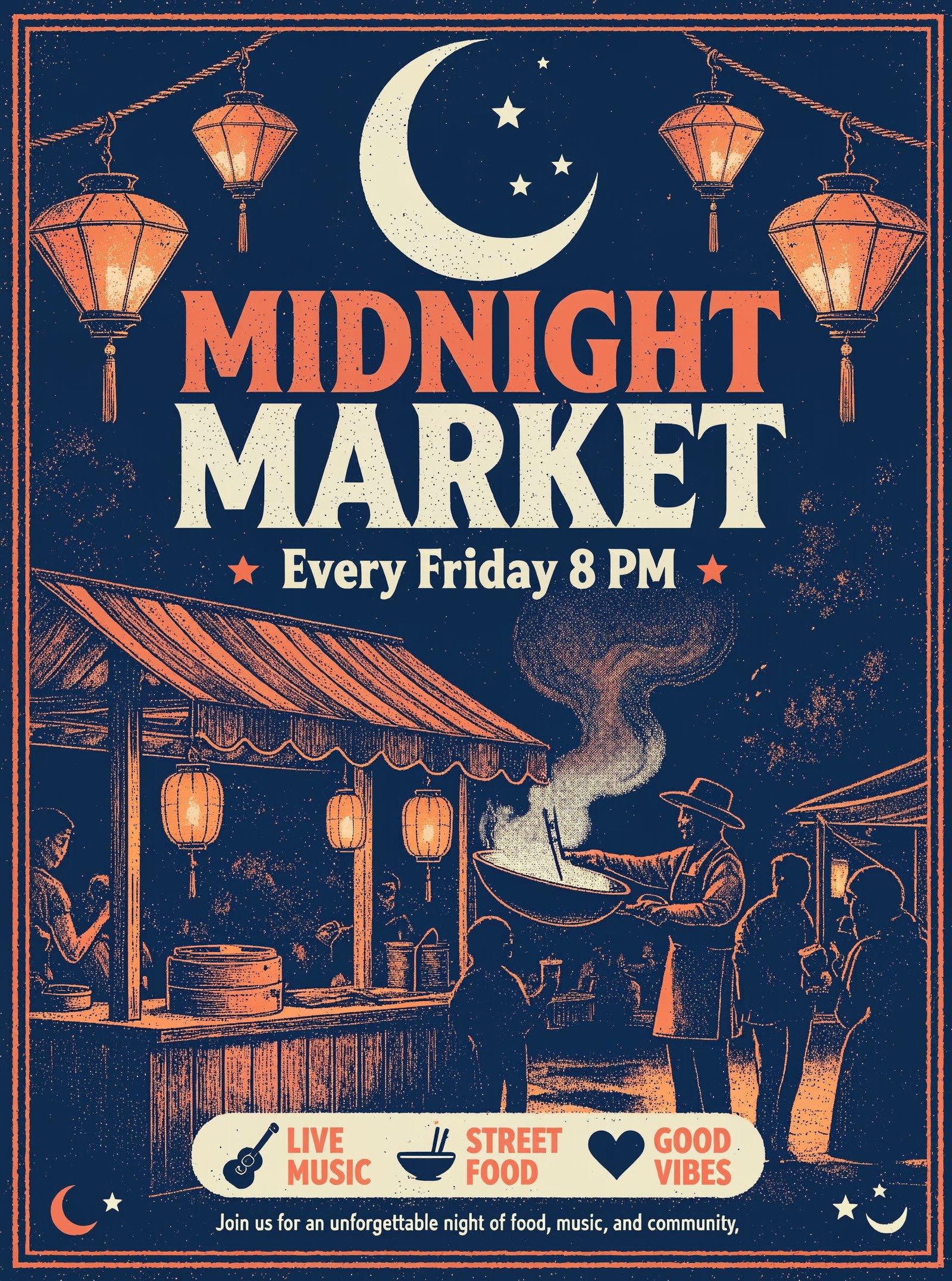
Retro screen-printed event poster for a night food market. Large bold headline text reads "MIDNIGHT MARKET", smaller line below reads "Every Friday 8 PM". Lanterns, steaming food stalls and a crescent moon, limited palette of deep navy, coral and cream, grainy print texture
MiniMax H3 Image
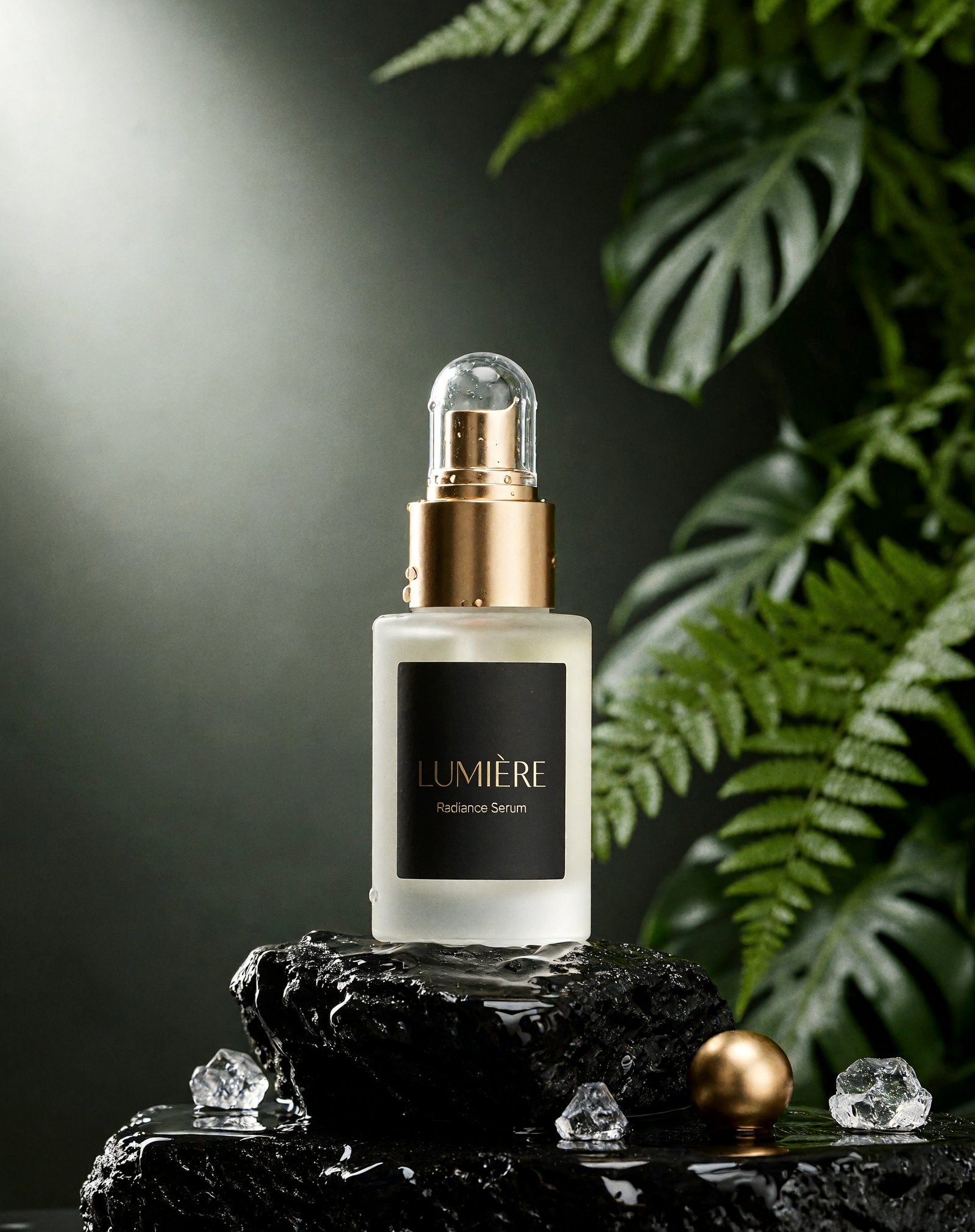
Premium skincare product photo: a frosted glass serum bottle with a gold dropper standing on wet black volcanic stone, scattered water droplets, soft diffused studio light from the left, deep green fern leaves blurred in the background, clean commercial photography
MiniMax H3 Image
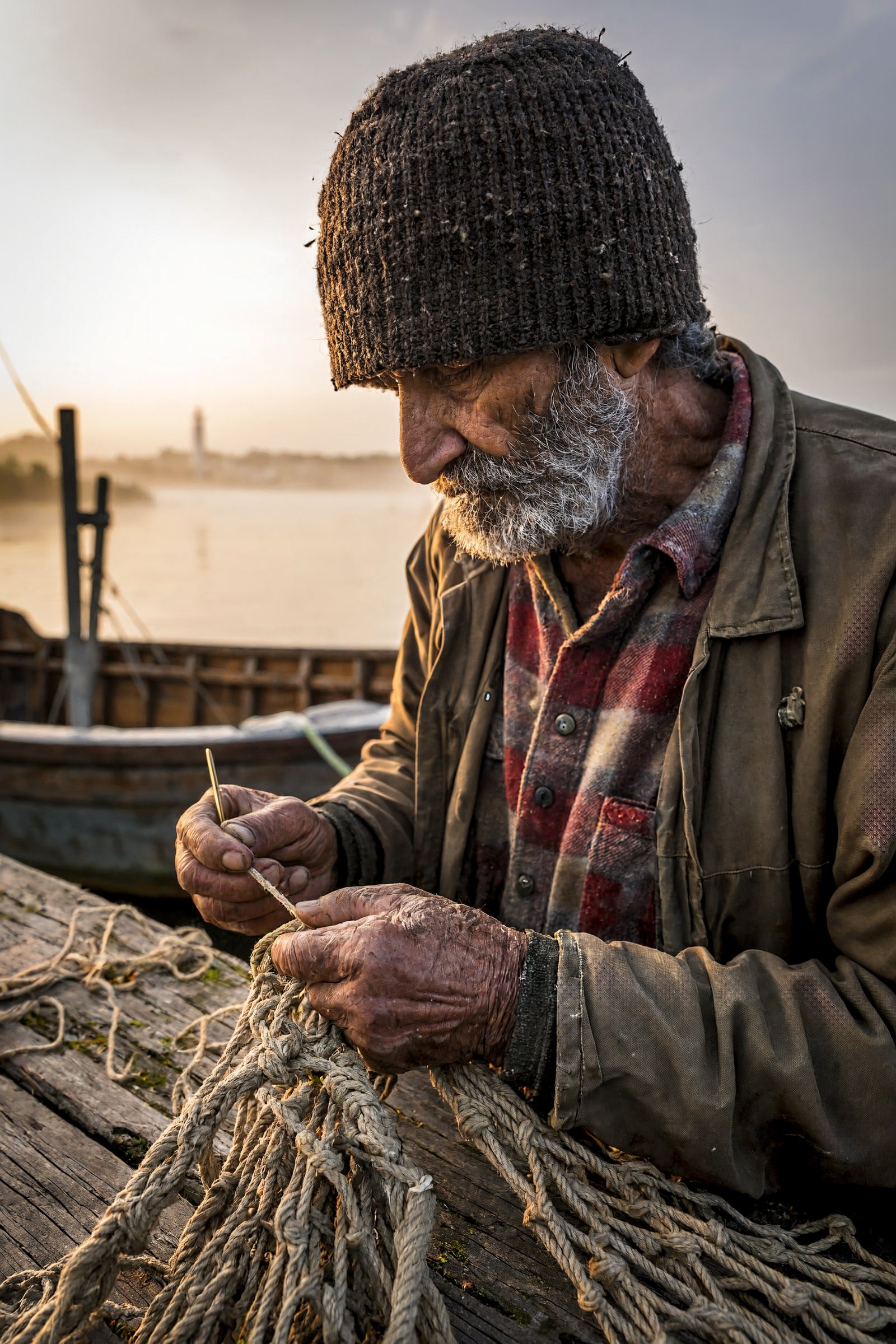
Documentary portrait of an elderly fisherman mending a net on a wooden pier at dawn, weathered hands in sharp focus, knitted wool cap, soft mist over the harbor behind him, natural color, 85mm lens look
1Pick a mode
Text to Image for a new picture, Image to Image to edit or combine up to 16 uploads.
2Write the brief
Describe subject, setting, light and any exact text. Call uploads <Picture 1>, <Picture 2>.
3Choose size and run
1K or 2K costs 2 credits, 4K costs 4. Pick a ratio or leave it on auto.
Your generations will show up here.
MiniMax H3 Image is the image model from MiniMax, the team behind the H3 video model. On Buble you can write a prompt and get a finished picture, or upload between one and sixteen reference images and describe how to combine or change them. Choose 1K, 2K or 4K output and any of eleven aspect ratios.
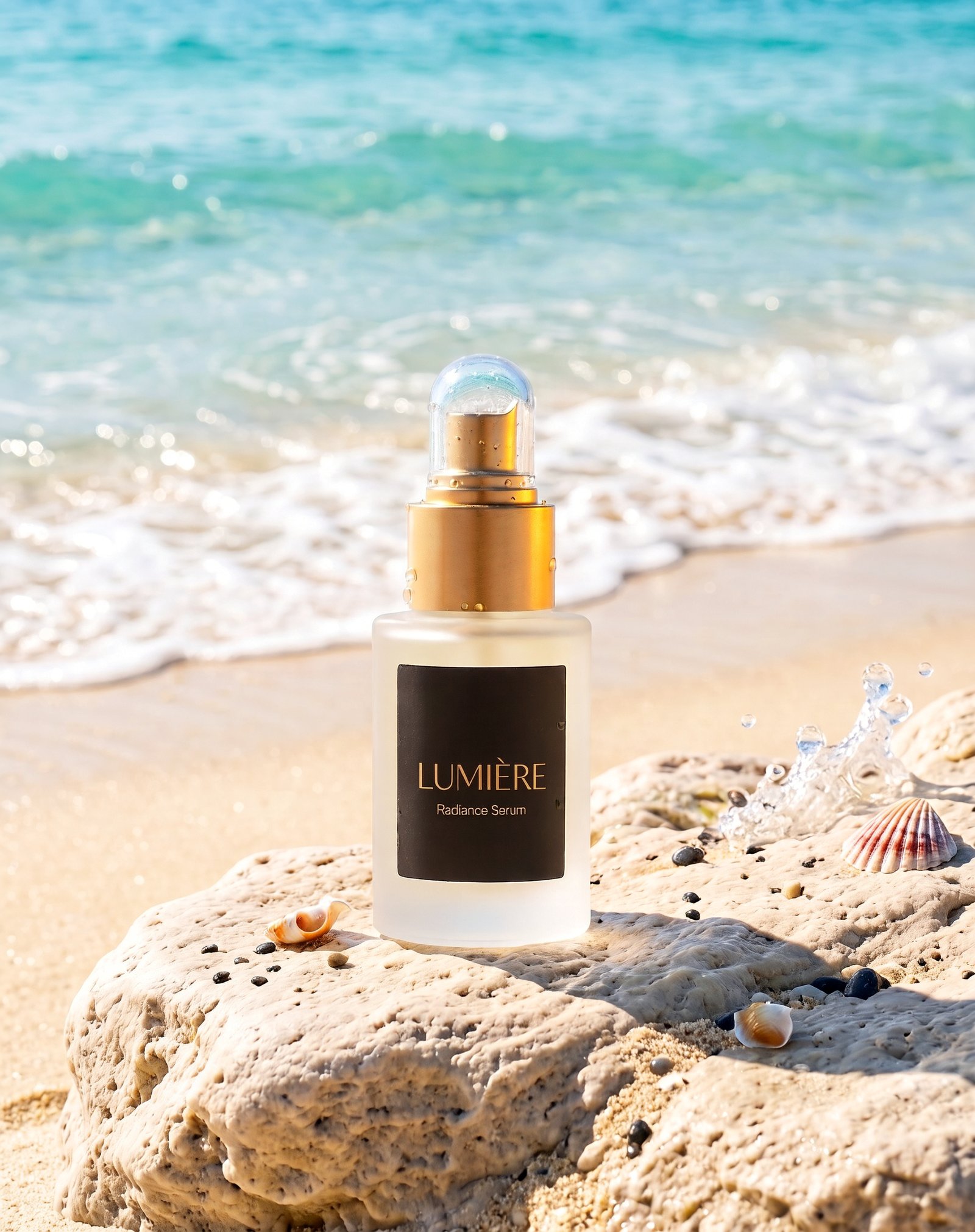
Every image below is an unedited result from Buble, shown with the exact prompt that produced it. Most were made at 2K; the espresso machine was rendered at 4K. Some details drift from the brief, for example the serum came back with a pump cap instead of a dropper, so read prompts as directions rather than guarantees.
Prompt
A cozy bookstore cafe on a rainy evening, warm lights glowing through the window, a ginger cat sleeping on a stack of books
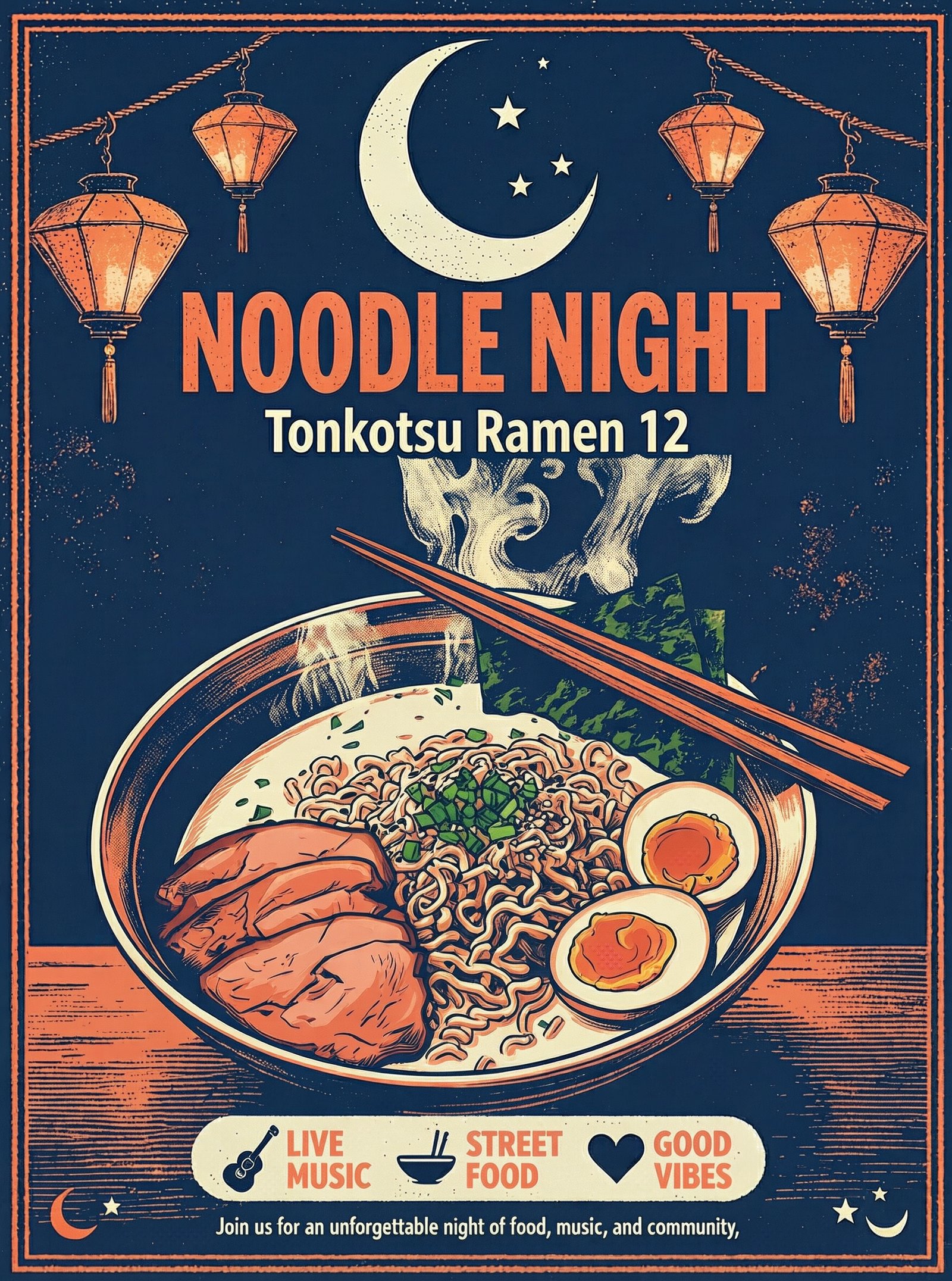
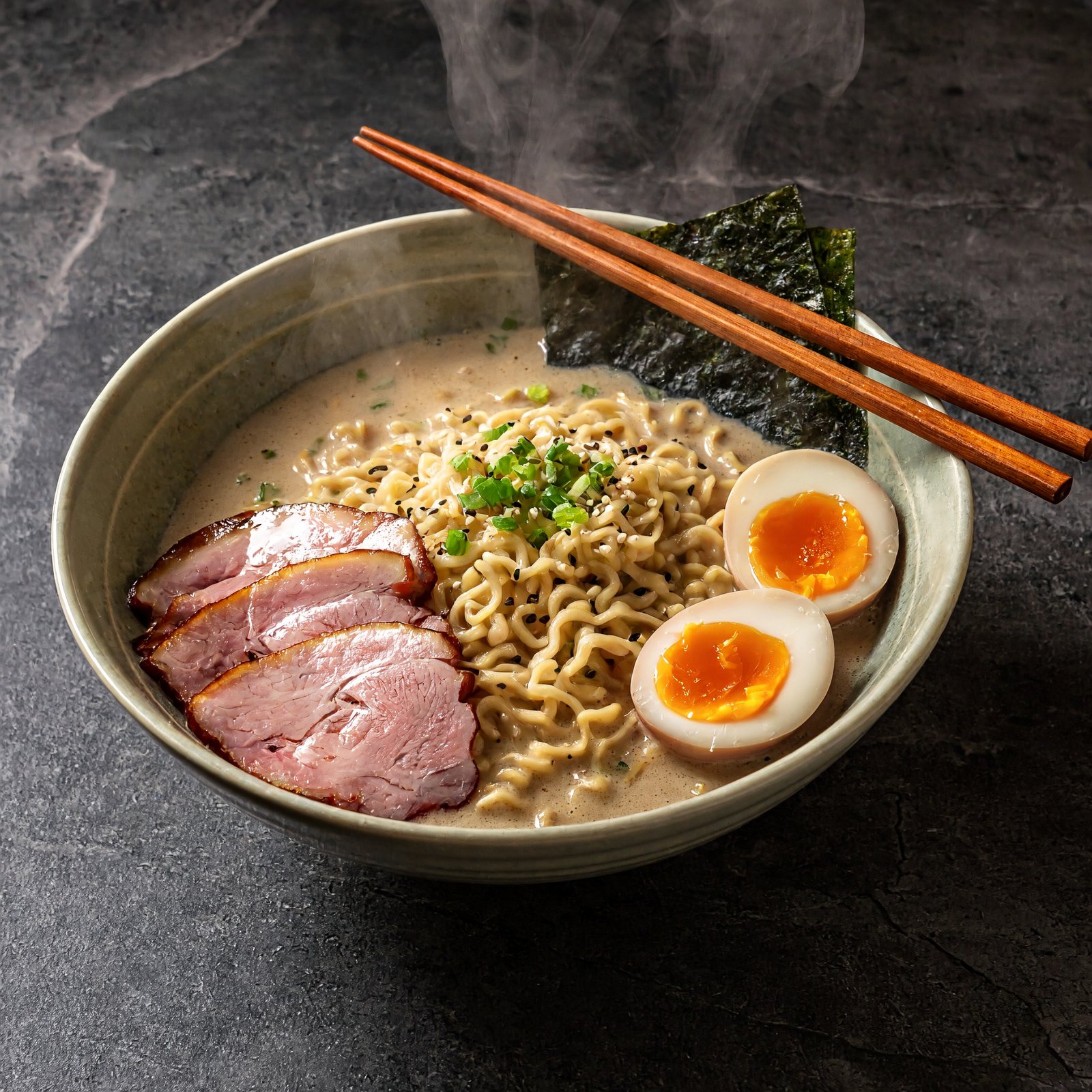
These edits reuse pictures from the showcase as references. Drag across each card to compare the source with the edited result. The last card combines two references: the ramen photo supplies the subject and the market poster supplies the print style. It also copied the badge row at the bottom of <Picture 2>, which the prompt did not ask for, so say what to leave out when a reference has extra elements.
Edit instruction
Place the serum bottle from <Picture 1> on a sunlit pale beach rock with soft turquoise waves behind it, bright summer daylight. Keep the bottle shape, gold cap and LUMIERE label unchanged.
What it does
Two modes share one set of controls, so a picture you generate can go straight back in as a reference for the next edit.
Write up to 5,000 characters in English or Chinese and receive one finished image per run. Prompts can describe camera, light, materials and exact wording for signs or headlines.
Upload one to sixteen JPG, PNG, WEBP or BMP files, up to 20 MB each, and refer to them in upload order as <Picture 1>, <Picture 2> and so on.
1K is about one megapixel, 2K about four and 4K about sixteen. MiniMax recommends 4K as its reference quality; 1K and 2K cost the same on Buble.
Square, 5:4, 4:3, 3:2, 16:9 and 21:9, their vertical versions, or auto. When editing, auto follows the shape of the first reference.
MiniMax rewrites short prompts into fuller descriptions before rendering. Buble keeps this default on because MiniMax recommends it for image quality.
Choose PNG for clean assets you will keep editing, or JPG for lighter files to share. Results are saved in your Buble library.
Prompting
Short prompts work because of prompt expansion, but specific briefs give you more control over what comes back.
Name the main subject and its setting first, then add light, lens and mood. The fisherman portrait names the person, the action and the place before any style words.
Put headlines in quotation marks and say where they go. Both posters on this page were briefed this way, and the headlines came back as typed.
In Image to Image, say which upload does what: "the product from <Picture 1>, the style of <Picture 2>". Upload order sets the numbers.
For edits, list what stays fixed, such as the label, the furniture or the layout, as well as what should change.
Pick 9:16 for stories, 4:5 for feeds, 16:9 for headers and 21:9 for banners, so you do not lose the subject to a crop later.
Iterate at 2K for 2 credits a try, then rerun the winning prompt at 4K for 4 credits when you need print or large-screen detail.
Use cases
These are the jobs the examples above were chosen to show.
Create a hero shot from a prompt, then move the same product into new scenes by using it as <Picture 1>.
Generate layouts with real headline text, then restyle another photo into the same look with a second reference.
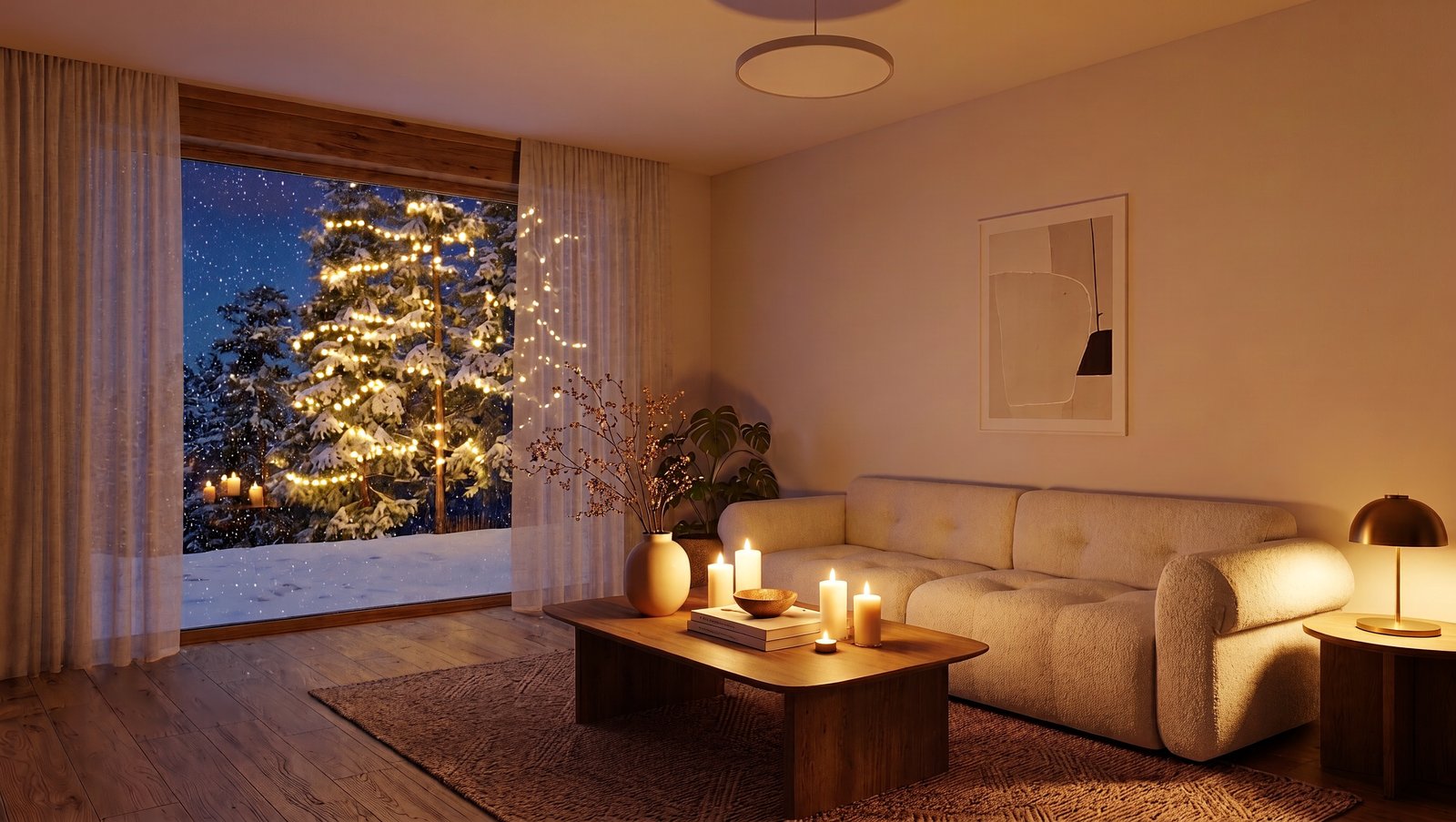
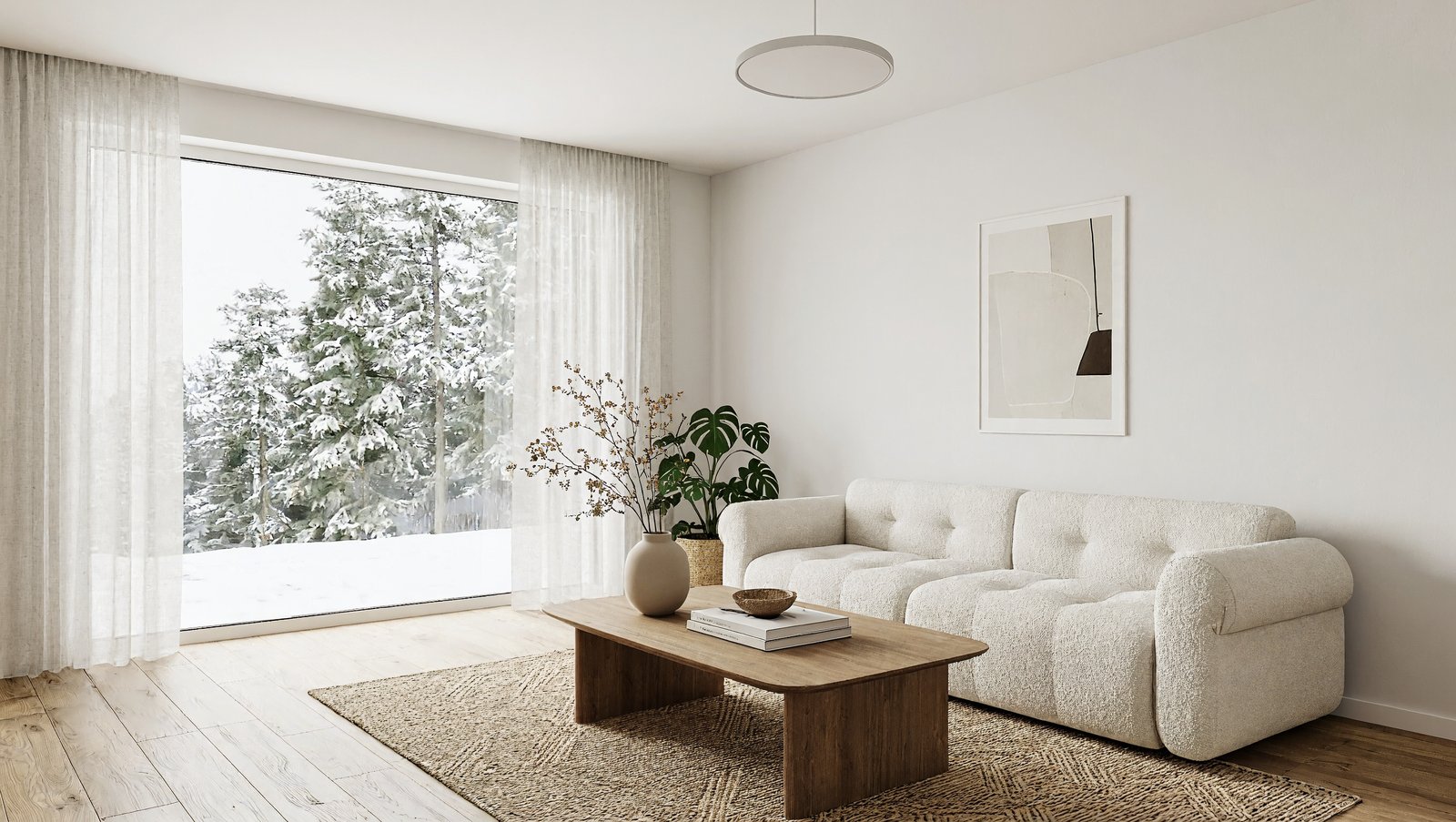
Show a room in daylight, then relight it for evening or a season without redrawing the layout.
Make menu photos and turn them into printed specials in a consistent house style.
Create character and documentary-style portraits for articles, pitches and storyboards.
Use 21:9 and 4K for wide environments, key art and website headers.
Compare
Prices are Buble credits per image as configured today. Quality is a matter of taste, so try the same prompt on two models before you commit.
| Detail | MiniMax H3 Image | Nano Banana 2 | GPT Image 2 | Seedream 5.0 Pro |
|---|---|---|---|---|
| Price at 1K / 2K / 4K | 2 / 2 / 4 credits | 4 / 5 / 8 credits | 4 / 8 / 12 credits | 7 credits |
| Most reference images | 16 | 14 | 16 | 10 |
| Extra charge for references | From the 5th image, 0.25 credit each | None | None | None |
| Good first choice when | You want many low-cost drafts or 4K finals | You already work in the Gemini image style | You prefer the GPT image look | You prefer the Seedream look |
Workflow
Generate, review, edit, then upscale the tier only for the image you keep.
Step 01
Run two or three prompt variations at 2K and keep the best composition.
Step 02
Send the keeper back as <Picture 1> and describe only the change you need.
Step 03
Add another reference and say which picture supplies the subject and which the look.
Step 04
Rerun the final prompt and references at 4K when the image is going to print or a large screen.
Step 05
Save the result from your Buble library in the format your next tool expects.
FAQ
Answers about modes, limits and credits.
Create
Start with a prompt at 2K for 2 credits, or upload references and describe the edit you need.