
Text to image
Write a prompt of up to 5,000 characters and get one finished image per run, in one of eight fixed aspect ratios from 21:9 to 9:16.
Model
Type
Prompt
Try an example
Seedream 5.5
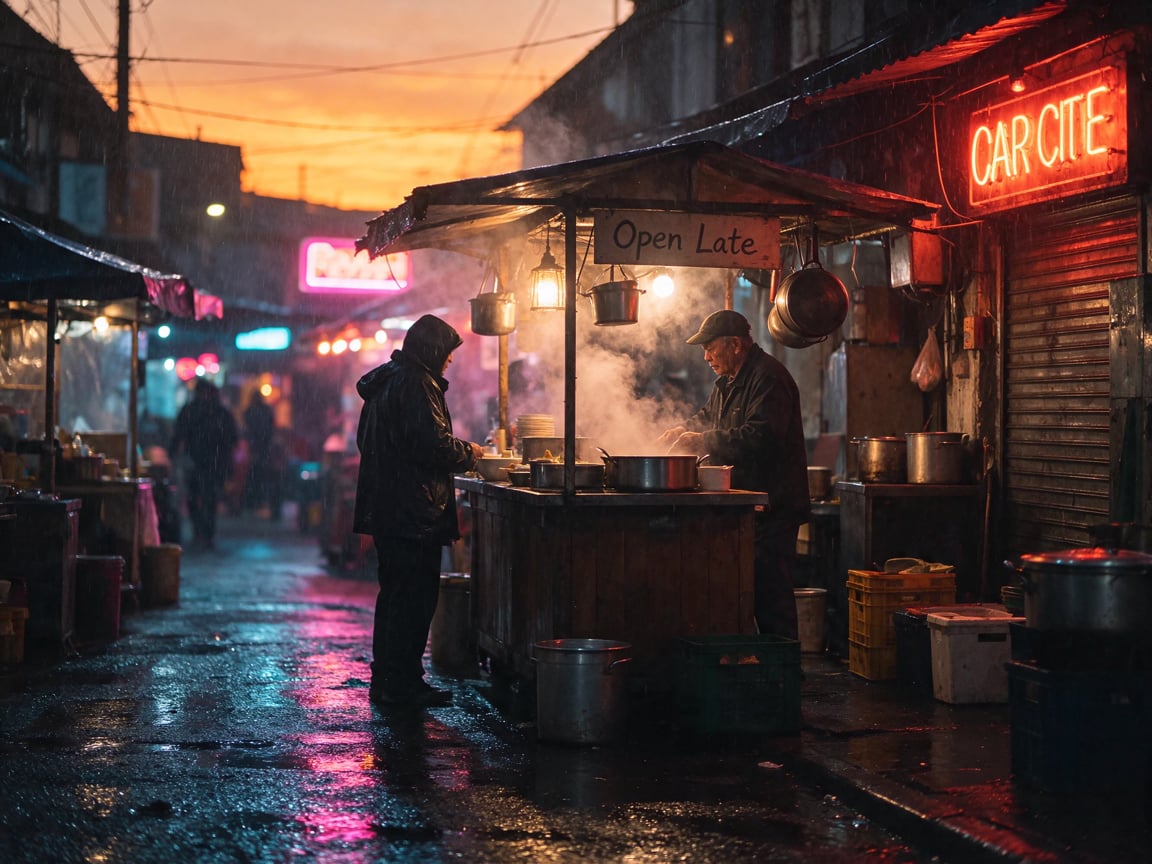
A neon-lit night market noodle stall in the rain, a handwritten sign reading "Open Late", steam rising, cinematic wide shot
Seedream 5.5
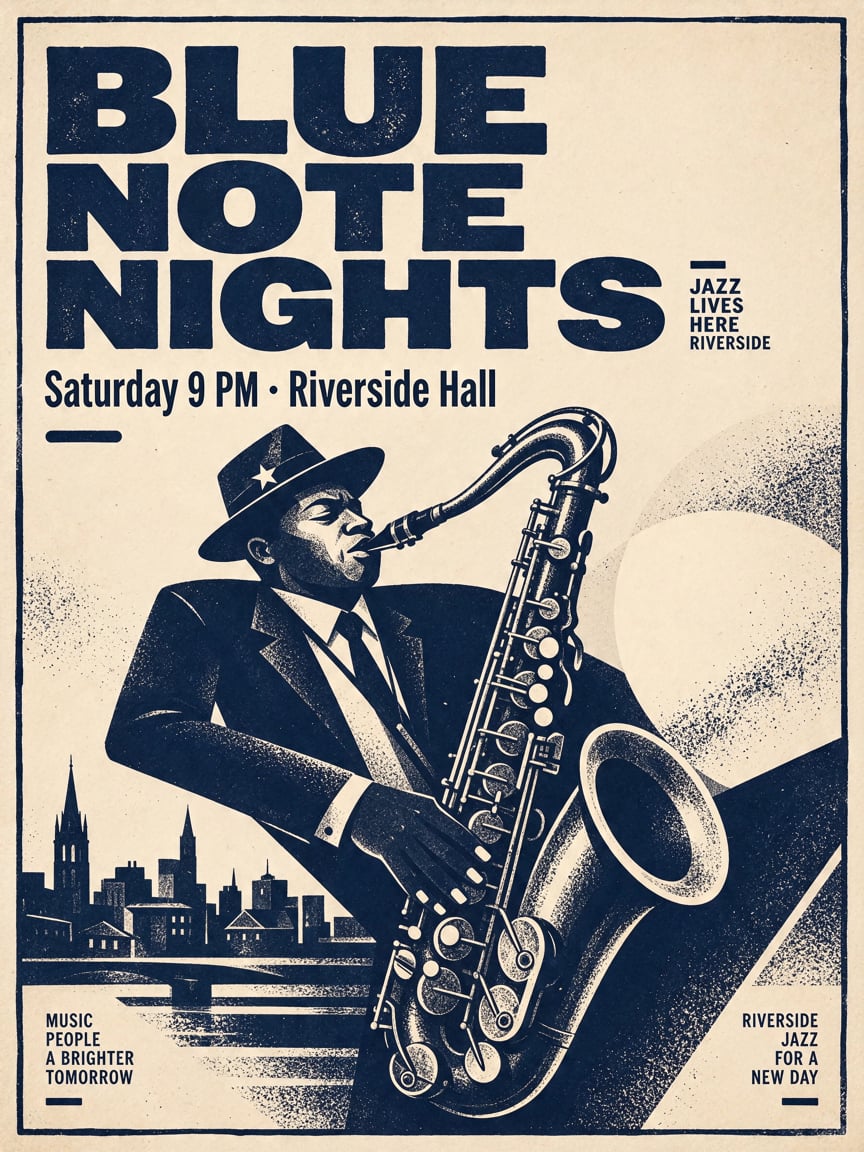
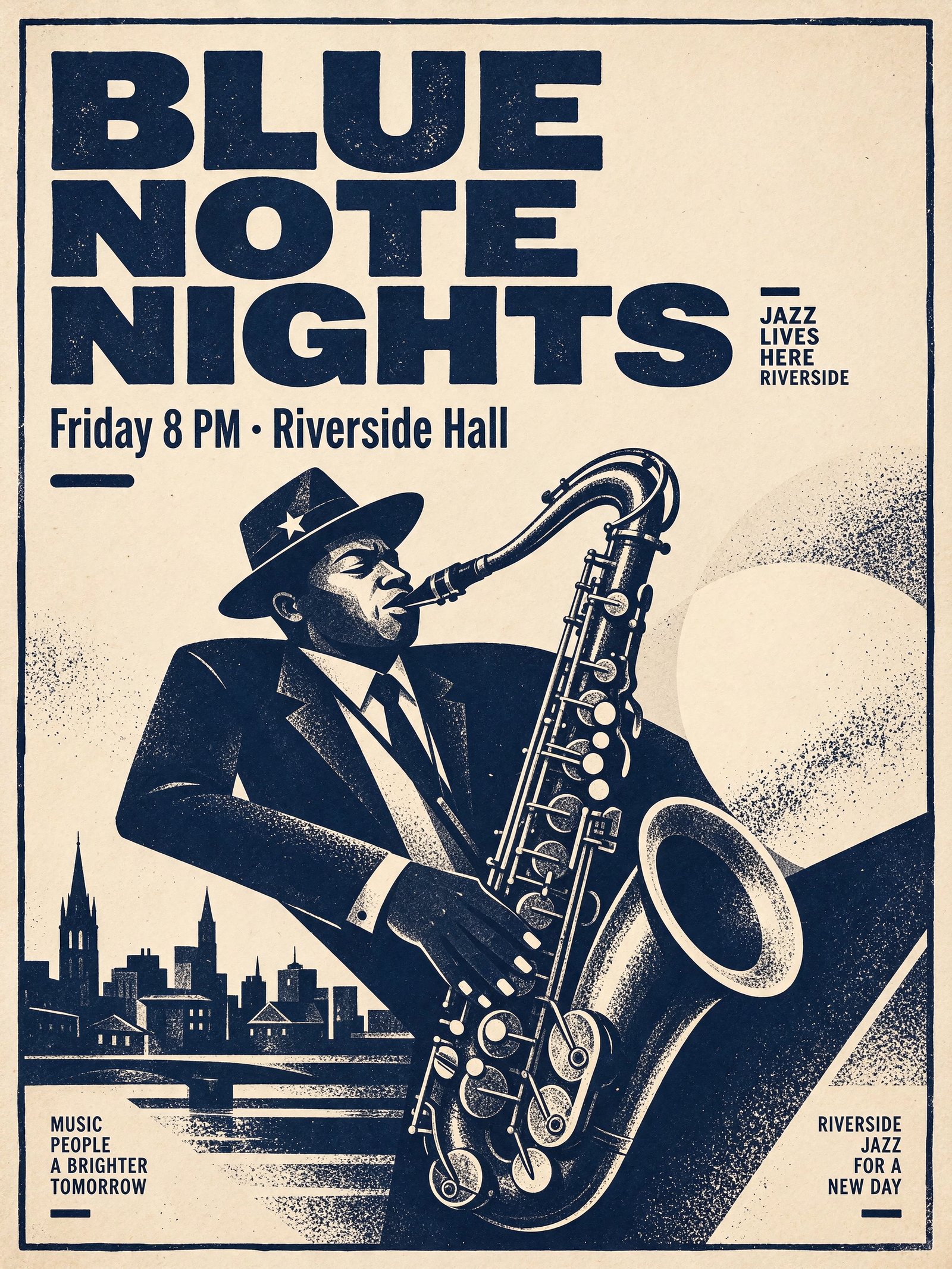
A minimalist jazz festival poster: bold headline "BLUE NOTE NIGHTS", subtitle "Friday 8 PM · Riverside Hall", a saxophone silhouette, deep navy and cream screen-print style
Seedream 5.5
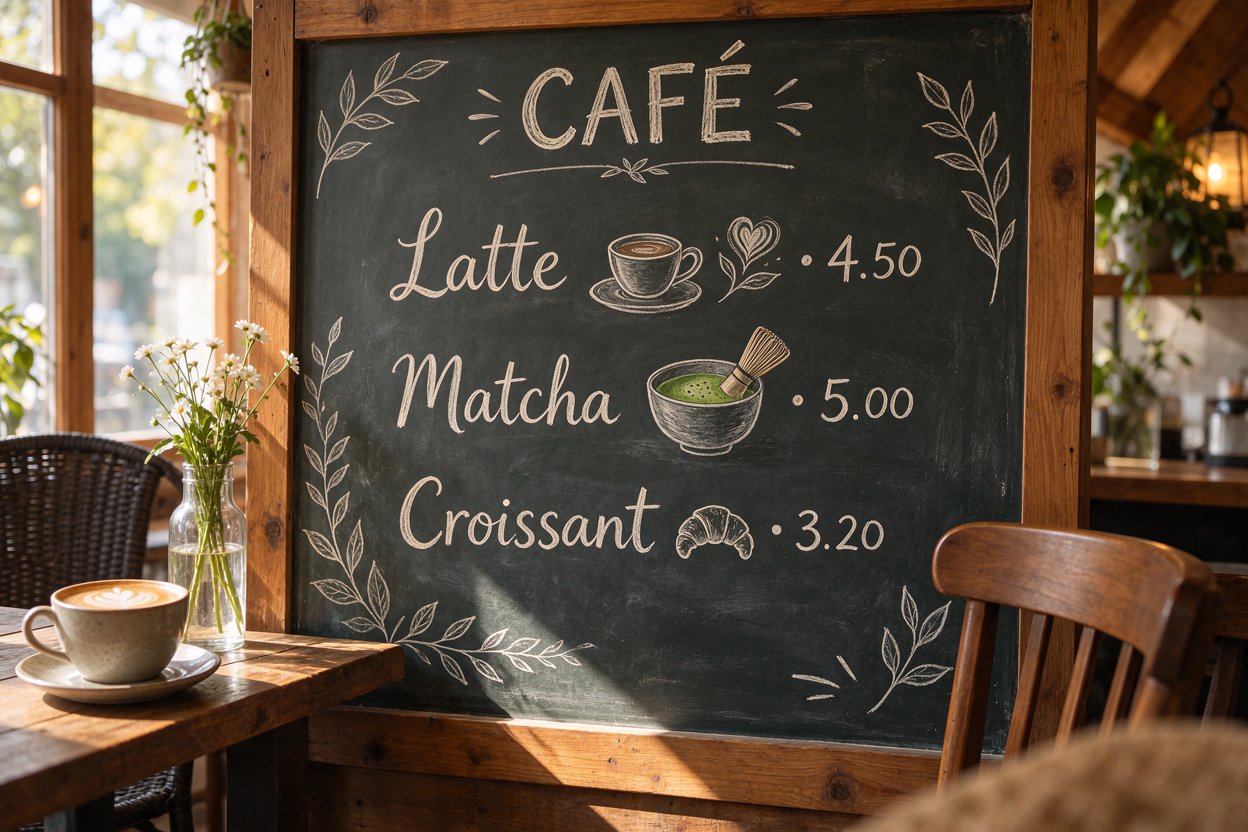
A hand-drawn chalkboard menu in a cozy cafe, neatly lettered lines "Latte 4.50", "Matcha 5.00", "Croissant 3.20", small chalk doodles of cups and leaves, warm window light
Seedream 5.5
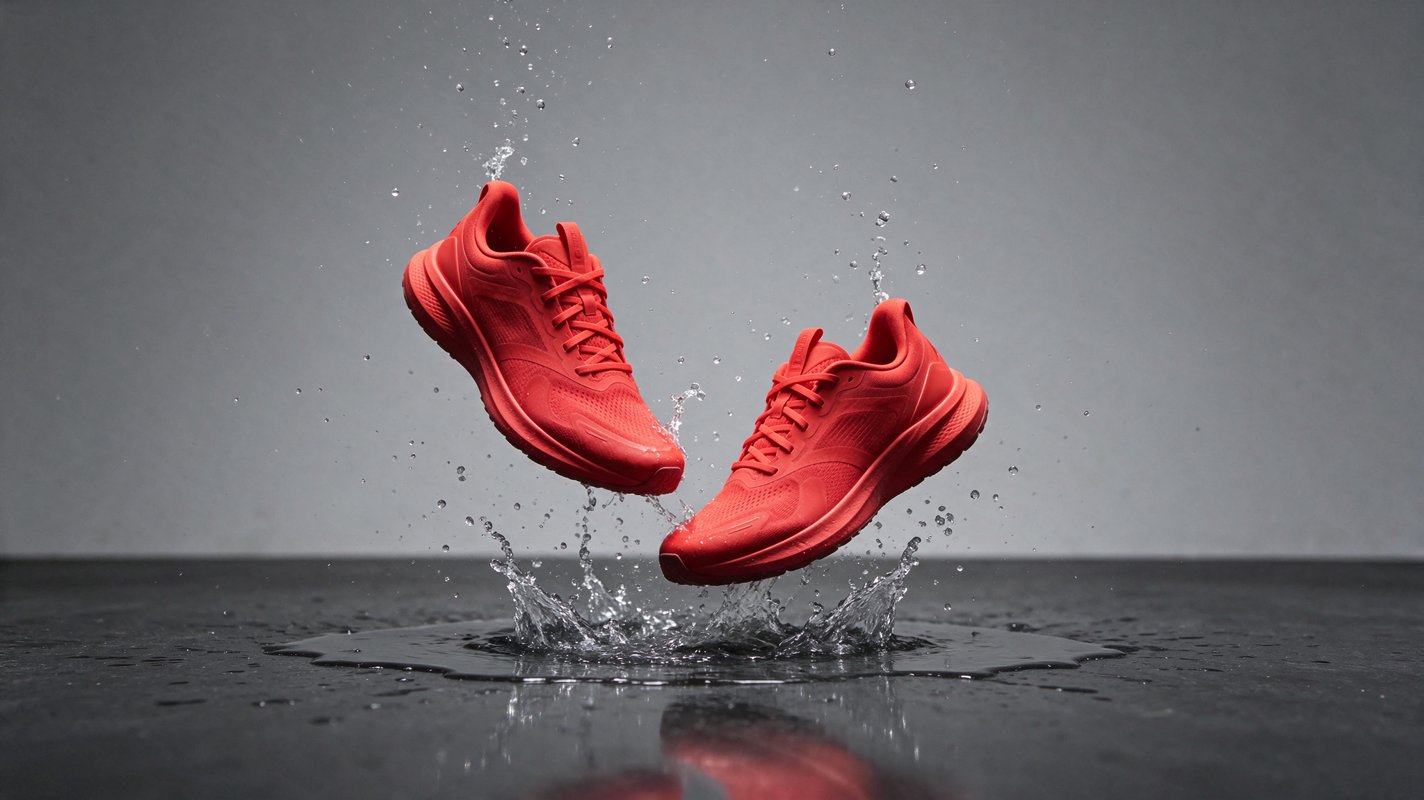
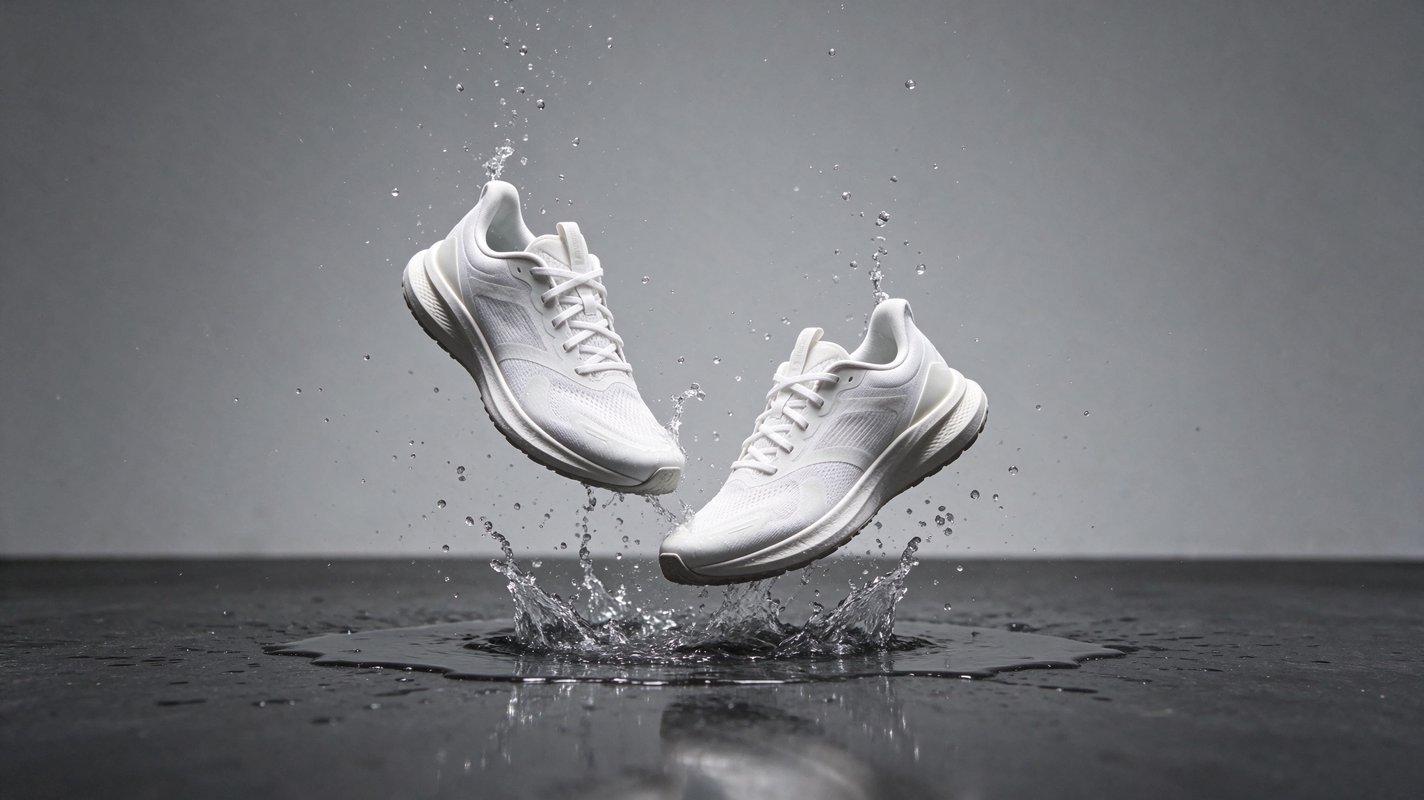
A pair of white running sneakers frozen mid-air above a puddle, water splash suspended around them, clean studio lighting, grey seamless backdrop, commercial product photo
1Pick a mode
Text to Image for a new picture, Image to Image to edit or combine one to ten uploads.
2Describe it
Name the subject and any exact words. For edits, say what changes and what stays.
3Choose size and run
1K or 1.5K costs 3 credits, 2K costs 5. Pick PNG and Transparent for a cut-out.
Your generations will show up here.
Seedream 5.5 is the November 2026 image model from ByteDance's Seed team. It writes clean text into pictures, outputs transparent PNGs, and changes only the part of an image you describe. On Buble you can prompt a new picture or edit up to ten reference images at 1K, 1.5K or 2K.
Every image below is an unedited result from Buble, shown with the prompt that produced it. The poster and both cut-outs were made at 2K; the others at 1K. The model also adds things nobody asked for: the night market gained a neon sign with an invented word, and the poster picked up small slogan lines in its corners. Check every result before you use it.
Prompt
A neon-lit night market noodle stall in the rain, a handwritten sign reading "Open Late", steam rising, cinematic wide shot
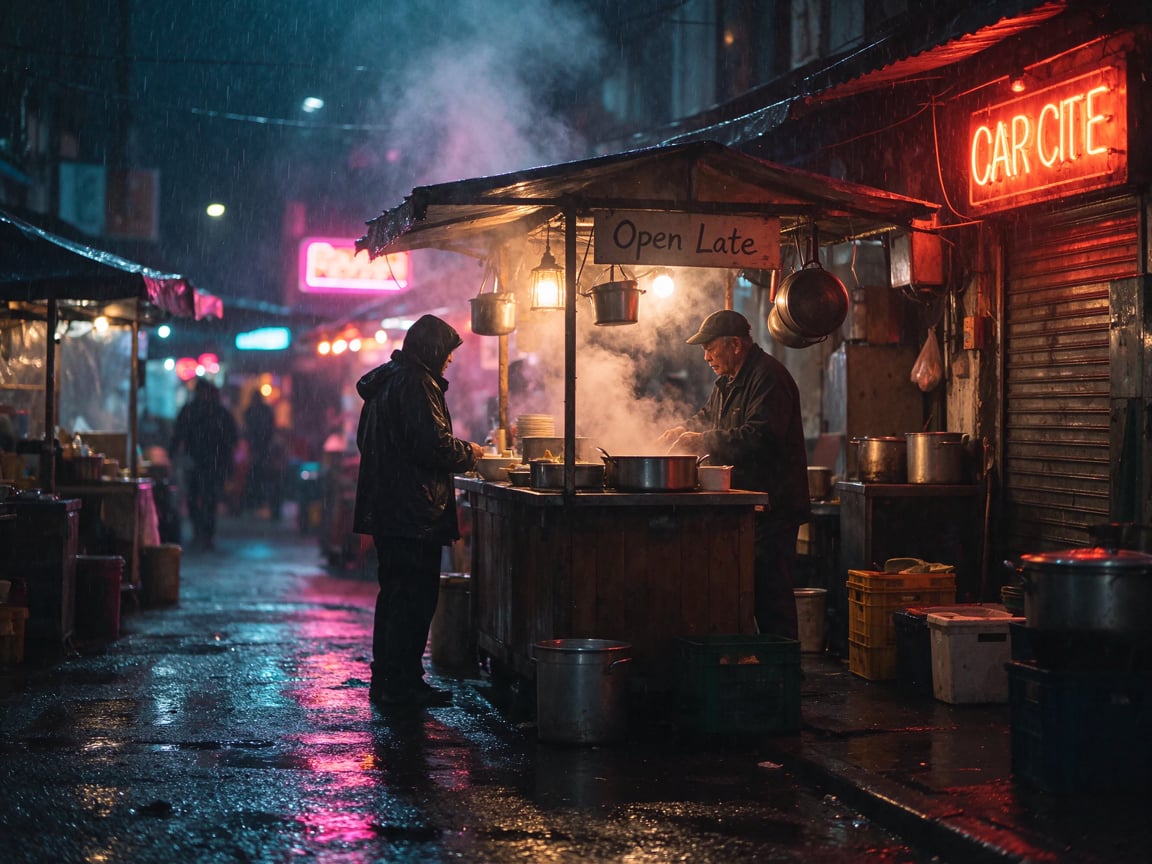
Each edit sends a showcase image back as the only reference and asks for one change. Drag across a card to compare. In the poster, only the subtitle line moved: under one percent of the pixels changed noticeably, and the headline, saxophone and corner text are the same as in the source. Edits were run at 1K, so the poster came back smaller than its 2K source.
Edit instruction
Change only the sky to a warm sunset; keep everything else exactly the same
What it does
Two modes share the same controls, so an image you generate can go straight back in as the reference for the next edit.
Write a prompt of up to 5,000 characters and get one finished image per run, in one of eight fixed aspect ratios from 21:9 to 9:16.
Upload one to ten JPG, PNG or WEBP files, up to 10 MB each, and describe a change. Areas the instruction does not mention are kept as they were.
Set Format to PNG and Background to Transparent to get an image with a real alpha channel, ready for logos, stickers and product cut-outs without a separate remover.
Quoted headlines, dates, prices and signs come back as written in the examples here, including a three-line menu with prices.
1K, 1.5K and 2K. The first two cost the same on Buble, so 1.5K is a free step up for drafts; 2K gives the sharpest detail.
In Image to Image you can leave the ratio on auto and let the model keep the shape of your reference, or set a new one.
Prompting
The model follows plain, specific instructions. These habits made the examples on this page.
Put headlines, prices and sign text in quotation marks. Words you do not quote may still appear, so say "no other text" when the layout must stay clean.
Start an edit with the one thing that should change, then list what must stay: the splash, the lighting, the layout. All three edits here were briefed that way.
Choose Transparent in the Background control and write "no background" in the prompt. Transparency only works with PNG output.
Text to Image needs a fixed ratio. Choose 3:4 for posters, 16:9 for banners and 1:1 for logos so you do not crop the subject later.
Iterate at 1.5K for 3 credits, then rerun the winning prompt at 2K for 5 credits when you need print or retina detail.
When you upload several images, say which one supplies the subject and which the style, in upload order.
Use cases
These are the jobs the examples above were chosen to show.
Shoot one hero image, then make each color variant with a one-line edit instead of a new render.
Generate a poster with real headline text, then correct a date or venue without redrawing the design.
Export transparent PNGs that drop straight onto slides, packaging mockups and web pages.
Create menu boards, price cards and shop signs where the words have to be legible.
Swap a sky, time of day or weather while the street, people and props stay in place.
Apply reviewer feedback one change at a time and keep the approved parts of the image untouched.
Compare
Prices are Buble credits per image as configured today. Quality is a matter of taste, so try the same prompt on two models before you commit.
| Detail | Seedream 5.5 | Seedream 5.0 Pro | MiniMax H3 Image | Nano Banana 2 |
|---|---|---|---|---|
| Price per image | 3 credits at 1K / 1.5K, 5 at 2K | 7 credits at 1K / 2K | 2 credits at 1K / 2K, 4 at 4K | 4 / 5 / 8 credits at 1K / 2K / 4K |
| Most reference images | 10 | 10 | 16 | 14 |
| Extra charge for references | First included, then 1 credit each | None | From the 5th, 0.25 credit each | None |
| Transparent PNG output | Yes | No | No | No |
Workflow
Generate, review, then fix details with edits instead of starting over.
Step 01
Run two or three prompt variations at 1.5K and keep the best composition.
Step 02
Send the keeper back as the reference and change a single element: a color, a word, the sky.
Step 03
Each edit starts from the last result, so earlier fixes stay in place while you work through the list.
Step 04
Rerun the final prompt or edit at 2K when the image is going to print or a large screen.
Step 05
Save the result from your Buble library; keep PNG when you need transparency.
FAQ
Answers about modes, limits and credits.
Create
Start with a prompt at 1.5K for 3 credits, or upload an image and describe the one change you need.