
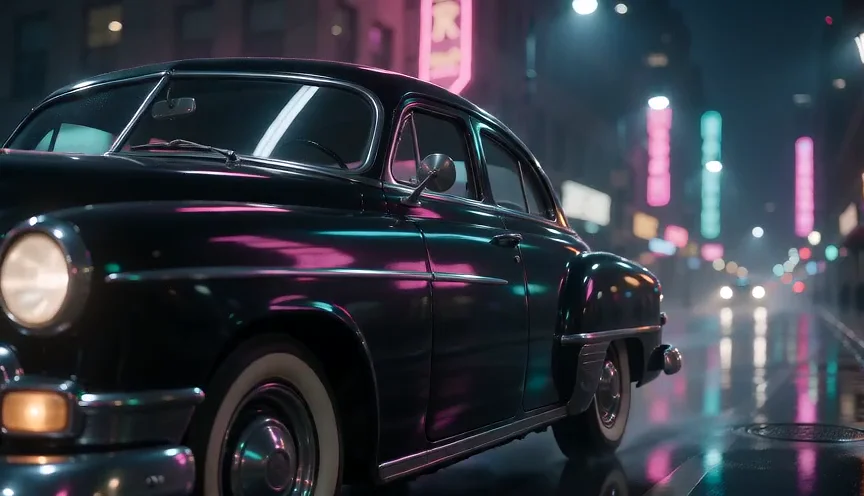
Run on Buble, not copied
We write each prompt ourselves and run it on the model it is listed under. The video on the card is that run, not a hand-picked clip from somewhere else.
Prompt library
Every guide here collects AI video prompts we ran ourselves on Buble. Each prompt comes with the model, the settings and the clip it produced, so you can judge a prompt by its result instead of by its promise, then copy it into the generator in one click.
Our method
A list of prompts is only useful if you can see what they do. These rules apply to every guide in the library.
We write each prompt ourselves and run it on the model it is listed under. The video on the card is that run, not a hand-picked clip from somewhere else.
Resolution, length, aspect ratio and audio are listed with the prompt, because the same words behave differently at other settings.
Most examples run at 480p and five seconds. When a higher tier changes the outcome, the guide shows the same prompt on that model too.
Characters in these AI video prompts are invented, and products have no logos, so every example is safe to adapt.
Anatomy
Different models have their own habits, but good AI video prompts share the same skeleton. Each model guide then adds that model's specific wording.
Step 01
Two or three visible details instead of a category: a red vintage tram, a fox made of orange clay.
Step 02
A five-second clip carries one clear action. Longer clips or numbered shots carry more.
Step 03
Setting and light source decide color and mood more than any style adjective.
Step 04
Shot size, angle and a single move, written in plain film terms.
Step 05
Two or three concrete sounds, or a short spoken line in quotes.
Make it yours
The fastest way to a good clip is to start from a prompt that already works and change it in small steps. This keeps what made the example succeed and lets you see what each change does.
Step 01
Match the shot type first, not the topic. A product orbit prompt adapts to any object; a talking-head prompt adapts to any speaker.
Step 02
Replace the subject sentence and keep the rest. Describe your subject with the same level of detail as the original.
Step 03
Run it once with the card's resolution, length and aspect ratio, so any difference comes from your words.
Step 04
Adjust the camera, then the light, then the sound. One change at a time shows you what works.
Step 05
When the draft is right, rerun it at a higher resolution or on a stronger model for the final version.
By input
What the prompt needs to say depends on what you give the model besides text. The guides label every example with the mode it used.
The prompt carries everything: subject, action, place, camera, light and sound. These AI video prompts are the longest and the most detailed.
Your image is the opening shot, so the prompt only describes the motion and the camera. Describing the scene again can fight the picture.
Several uploads supply a face, an outfit or a place. Refer to them by their order, such as Image 1 and Image 2, and say what to keep from each.
A source clip gives the motion. The prompt says what changes, such as the person or the style, and what must stay the same.
Wording
A few kinds of words do most of the work in a video prompt. Learning them is quicker than collecting long lists of adjectives.
Golden hour, neon signs, soft window light, a single desk lamp. A named source gives the model direction, color and shadows at once.
Slow motion, a slow push-in, a quick whip pan. Pace words control how much happens in the few seconds you have.
Claymation, watercolor, 16mm film grain, glossy product render. One clear style beats a stack of competing ones.
Short notes such as no text, no logos or exactly two people help when a model keeps adding things you did not ask for.
Who uses them
The examples are chosen to cover the clips people make most often, so there is usually one close to what you need.
Vertical clips with sound, quick reveals and talking characters for Reels, TikTok and Shorts.
Product orbits, clean studio light and short ad scenes without logos you would need to clear.
Multi-shot sequences, consistent characters and camera language for previsualization and short films.
Side-by-side examples of a vague and a structured prompt show faster than any tutorial why AI video prompts need specific choices.
Using the library
Part of each guide is open to everyone. Sign in to Buble, which is free, and every prompt in every guide becomes readable and copyable.
Take the exact text into your own workflow or another tool.
Open the model with the prompt and its settings filled in, change a detail and generate.
Cards marked with a photo or video icon need your upload; the card explains what to add.
FAQ
Access, cost, models and reuse.
Start
Open a guide, pick the closest example and make it yours.