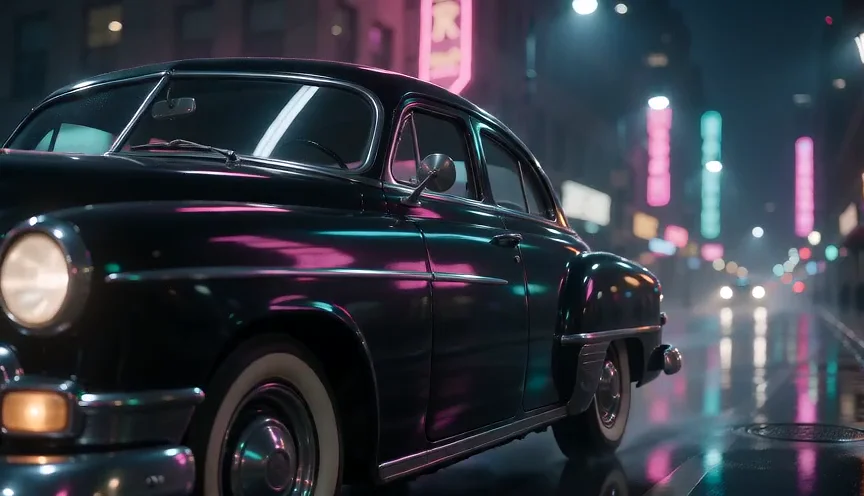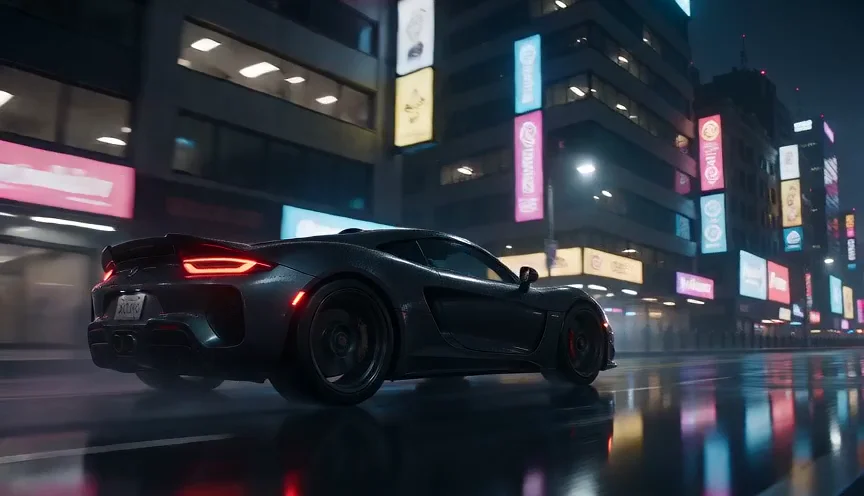
The vague version: "a car in the city at night"
Nine words and no decisions. The model picks a generic sports car and a stock neon street; compare it with the next card.
A car driving in the city at night.
Prompt guide
How to write a Seedance prompt that the model follows, with 15 prompts we ran on Buble. Every card shows the exact text, the model, the settings and the video it made, so you can see what each line of a Seedance prompt changes before you spend credits on your own.
15 tested prompts · Seedance 2.0 Mini, Seedance 2.0 · Tested on Buble, updated 2026-11-22
The formula
Seedance 2.0 reads a prompt like a short shot description. Write it in this order and keep each part to one clear sentence. A Seedance prompt of 40 to 90 words is usually enough; longer text tends to add conflicting details rather than control.
Step 01
Who or what is on screen, with two or three visible details: "a matte black vintage sedan", not "a car". Name one main subject per shot.
Step 02
One clear action with a beginning and an end that fits the clip length: "climbs a steep street", "lands the kickflip". Five seconds holds one action well, not three.
Step 03
Where and when: place, weather and time of day. "A rain-soaked avenue at night" gives the model light, color and texture in five words.
Step 04
Shot size, angle and one movement: "low tracking shot from the roadside". Seedance follows camera language closely, so say exactly one move.
Step 05
Light source and mood, or a visual style such as claymation. Lighting does more for quality than piling up words like cinematic or 8K.
Step 06
With audio on, describe what we hear: ambience, effects, or a short spoken line in quotes. Without a sound line the model invents one.
Each card is one Seedance prompt exactly as we ran it, the model and settings used, and the video it produced. The free prompts are open to everyone; sign in to read and copy the rest for free. "Use this prompt" opens the model with the prompt and settings filled in.
Nine words and no decisions. The model picks a generic sports car and a stock neon street; compare it with the next card.
A car driving in the city at night.
Subject, setting, camera, light and sound each get one sentence, and the video follows every one of them. Turn the sound on to hear the tires.
A matte black vintage sedan cruises slowly down a rain-soaked city avenue at night. Pink and teal neon signs reflect on the wet asphalt and on the car's glossy hood. Low tracking shot from the roadside, the camera moving at the same speed as the car, shallow depth of field. Moody cinematic lighting with soft haze around the street lamps. Quiet sound of tires on the wet road and distant traffic.
One subject, one move and one light source: the wet street and shop lights give the shot its depth.
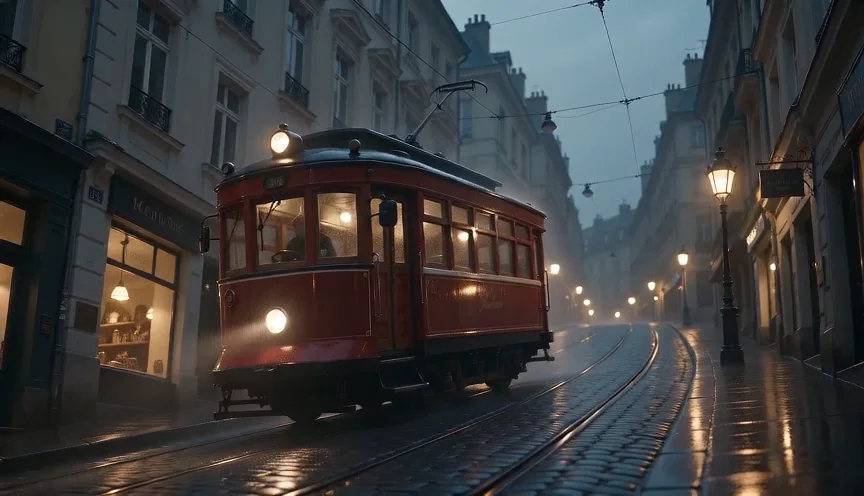
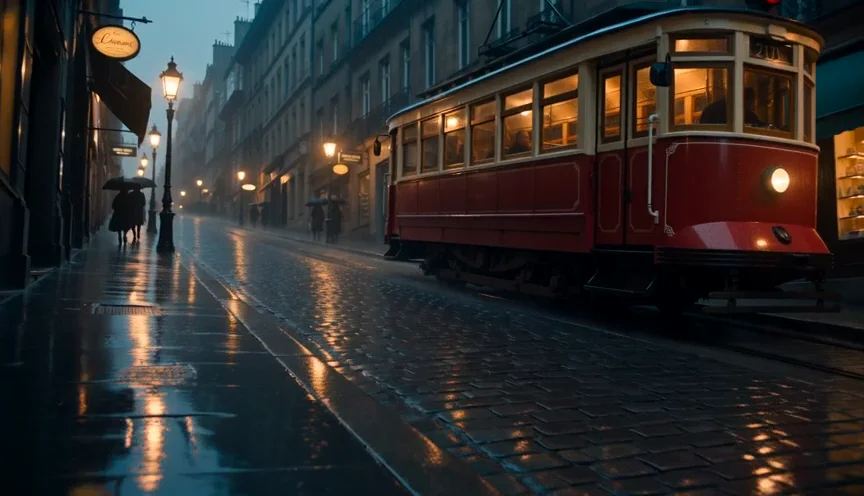
A red vintage tram climbing a steep rainy street at dusk, warm shop lights reflecting on wet cobblestones, slow cinematic tracking shot
Word for word the prompt from the Mini card above. The full model gives finer cobblestones and steadier motion at about six times the price per second.
Numbered shots become hard cuts: a wide establishing shot, a medium shot on the stairs and a close-up. The last sentence keeps the keeper and the light the same.
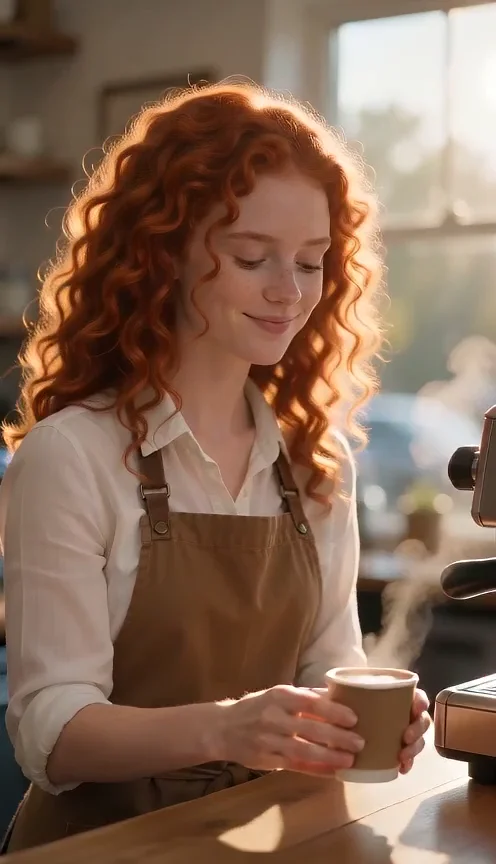
Dialogue in quotes, kept to one short sentence, with the face in a medium close-up. Turn the sound on to hear the line and the cafe.
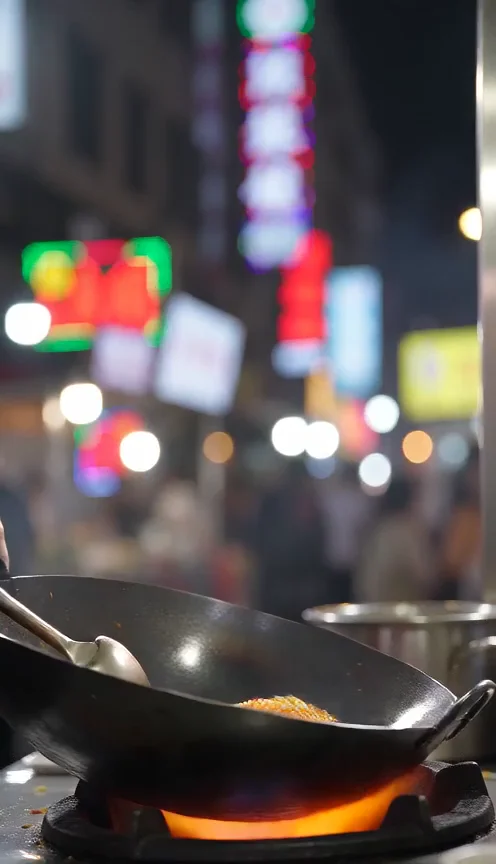
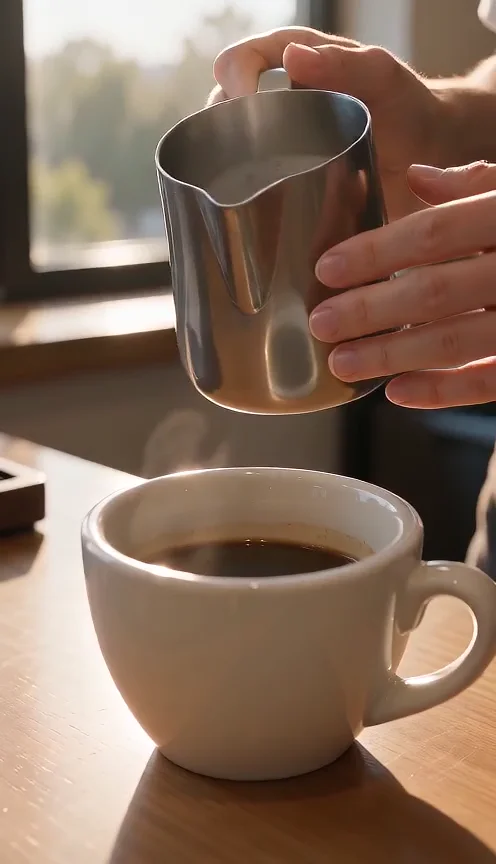
A vertical close-up built for social feeds. The last sentence lists three sounds, and the audio track has all of them.
Describing the sound in the prompt lets the model generate matching audio in the same pass.
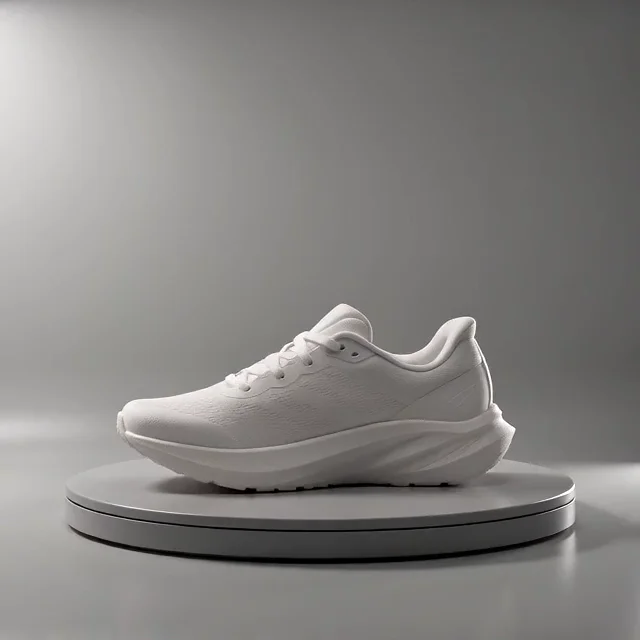
A product shot that adapts to any object: swap the sneaker sentence and keep the turntable, the orbit and the studio light.
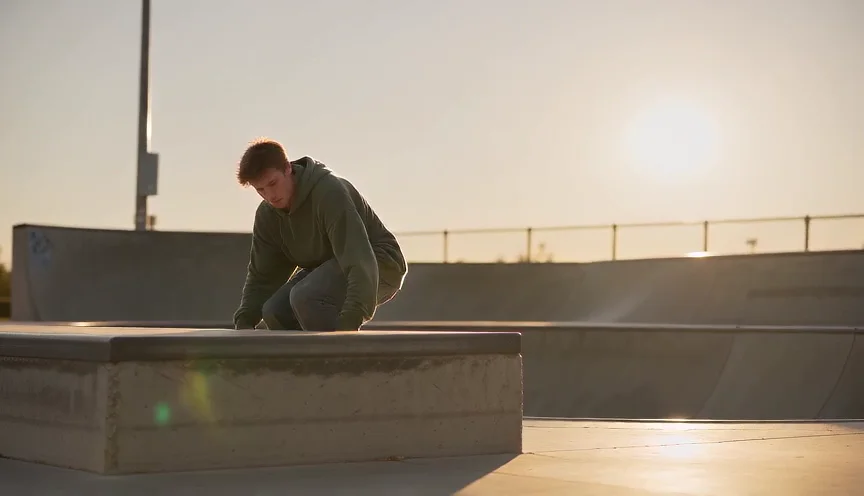
One action with a clear start and end, slowed down and shot from a low angle so the board stays readable.
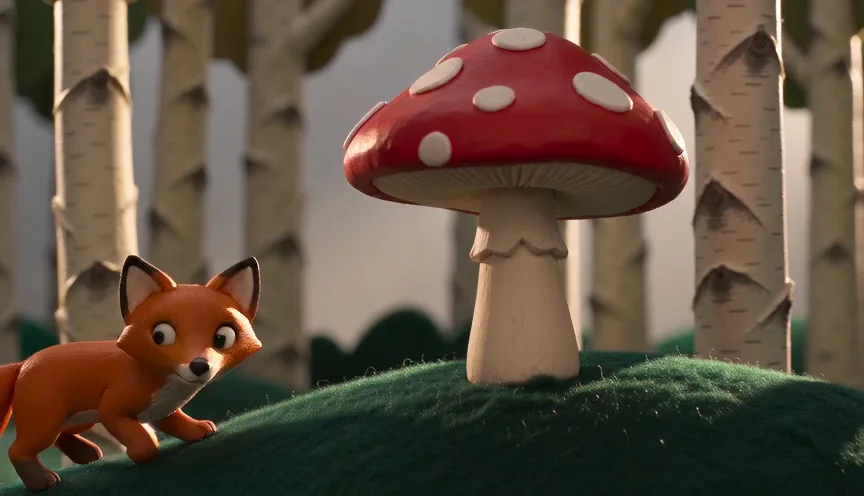
A style named in the first words, a fixed camera and simple actions. Stylized shots look best when the camera stays still.
A close-up of a slow, continuous action keeps the motion clean in a short vertical clip.
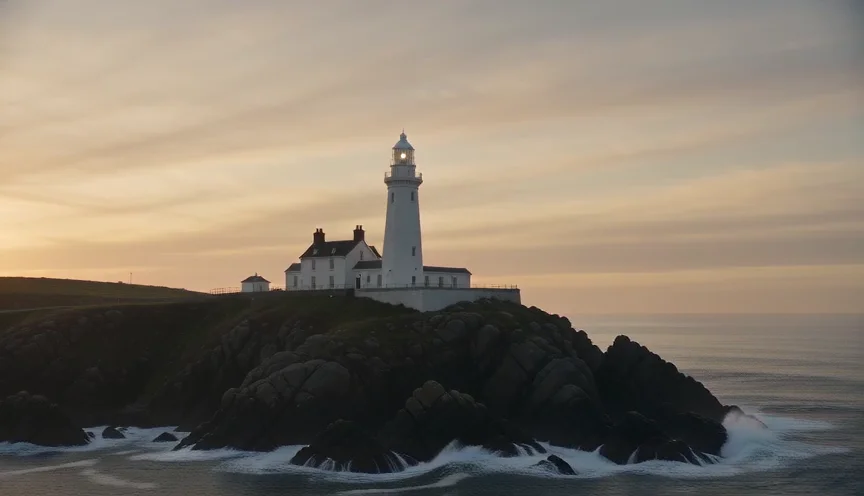
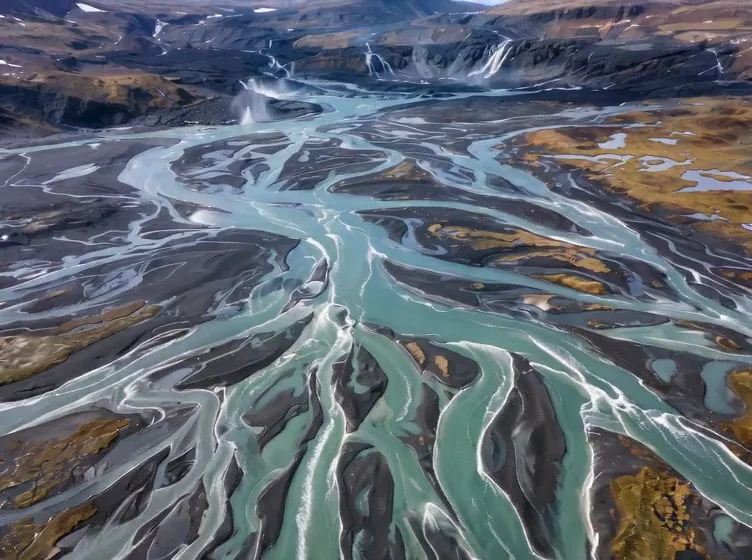
With a start frame, the photo is the opening shot, so the prompt only describes the camera and the motion.
Upload one landscape photo as the start frame.
Reference mode keeps the face and outfit from your photo while the prompt sets a new place, light and action.
Upload one clear photo of a person.
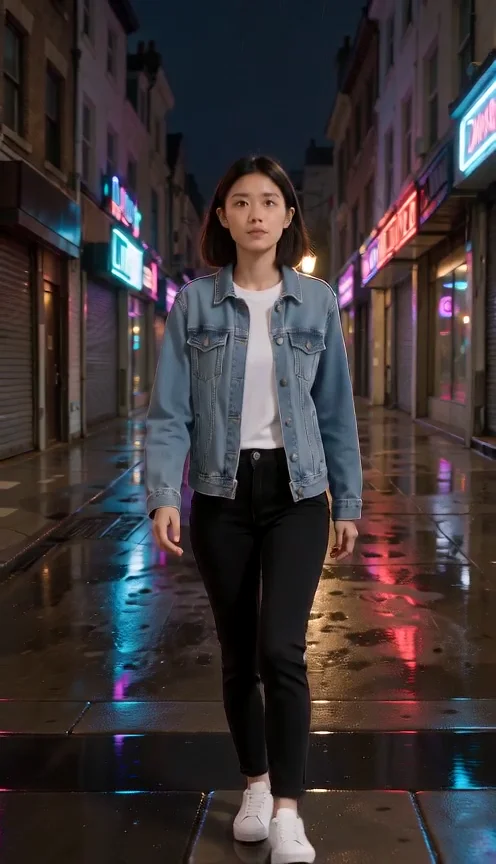
Two uploads, each named by its order, with what to keep from each. The model combines the face and outfit with the neon street.
Upload a photo of a person as Image 1 and a photo of a place as Image 2.
Why structure matters
The first two cards above share one idea: a car in the city at night. The vague version leaves every decision to the model; the structured version makes those decisions in about 70 words. Compare the two videos and you can see each part of the formula at work.
"A car driving in the city at night" gives no car, no street, no camera and no light. The model picks generic choices, and every run looks different, so you cannot improve it step by step.
It names the car and its finish, the wet avenue and neon colors, a low tracking shot at the car's speed, haze around the lamps and the sound of tires. Each choice is something you can keep or change in the next run.
Change one part at a time. If the framing is wrong, rewrite only the camera sentence; if the mood is off, change the light. Changing everything at once hides what worked.
Camera wording
Plain film terms work better than adjectives. Pick one movement per shot and say where the camera is, because a Seedance prompt with two competing moves often produces a drifting, undecided shot.
The camera travels beside or behind a moving subject at its speed. Good for cars, trams and walking characters.
A slow move toward or away from the subject that adds tension or reveals the setting.
The camera circles the subject, ideal for products. Say the height: "at product height".
Shot size and angle shape the feel: a low angle makes action bigger, a close-up keeps a small action readable.
Write "fixed camera" or "the camera stays still" when only the subject should move, for example in stylized or dance shots.
A slight sway feels personal and documentary, which suits a character talking to the camera.
Sound and dialogue
Seedance 2.0 can generate the audio track together with the picture. Turn Audio on in the settings, then add one sound sentence at the end of the Seedance prompt.
List two or three sounds that belong to the scene: sizzling, a clanging spatula, a busy crowd. In a Seedance prompt, concrete sources beat words like "epic soundtrack".
Put the exact words in quotes and keep them to one short sentence for a five-second clip. Long lines drift out of sync with the lips.
Lip movement reads best in a medium close-up with the face toward the camera. Say who speaks and how: "she says clearly".
Shots and references
Two features set Seedance 2.0 apart: several shots in one generation, and images or videos you upload as references. Both need clear labels in the Seedance prompt.
Start the Seedance prompt with "a three-shot sequence with hard cuts", then write Shot 1, Shot 2, Shot 3, one sentence each. Use 8 seconds or more so every shot has time.
End with what carries across shots: "keep the same keeper and the same golden light". Without it, faces and colors may change at each cut.
In reference mode, refer to uploads by their order: "the woman from Image 1", "the street from Image 2". Say what to keep from each image.
With a start frame, the first image is the opening shot. The prompt then only needs the motion and the camera, not a new description of the scene.
Which Seedance
All three read the same Seedance prompt grammar, so a prompt you write for one works on the others. They differ in resolution, speed and price. Most cards above use Mini because it is the cheapest way to test wording; one card runs the same prompt on Seedance 2.0 so you can compare.
| What you need | Seedance 2.0 Mini | Seedance 2.0 Fast | Seedance 2.0 |
|---|---|---|---|
| Testing prompt wording | Best: lowest cost per second | Good | Costly for drafts |
| Highest resolution | 720p | 720p | Up to 4K |
| Final, detailed shots | Fine for social clips | Good | Best detail and motion |
| Audio and spoken lines | Yes | Yes | Yes |
| Reference images and videos | Yes | Yes | Yes |
Common mistakes
Most weak results come from a few habits that are easy to fix.
Three actions in a five-second Seedance prompt come out rushed or skipped. Cut to one, or use a multi-shot prompt with more time.
"Cinematic, epic, 8K, masterpiece" adds nothing the model can act on. Replace them with a light source and a camera move.
"Orbit while zooming in from above" asks for three moves. Pick one.
Readable signs, brand logos and captions are unreliable in video. Leave text out and add it in editing.
Prompts about real celebrities or trademarks may be refused. Describe fictional people and generic products, as the examples here do.
With two or more images, a prompt that never says Image 1 or Image 2 leaves the model guessing which picture is the person and which is the place.
FAQ
Length, language, free access, models and how to reuse these prompts.
Try it
Pick a card, press "Use this prompt" and change one detail to make it yours. Testing on Mini at 480p keeps each try cheap.